A Quick Tour of the Web Interface
This covers what you can do on each page.
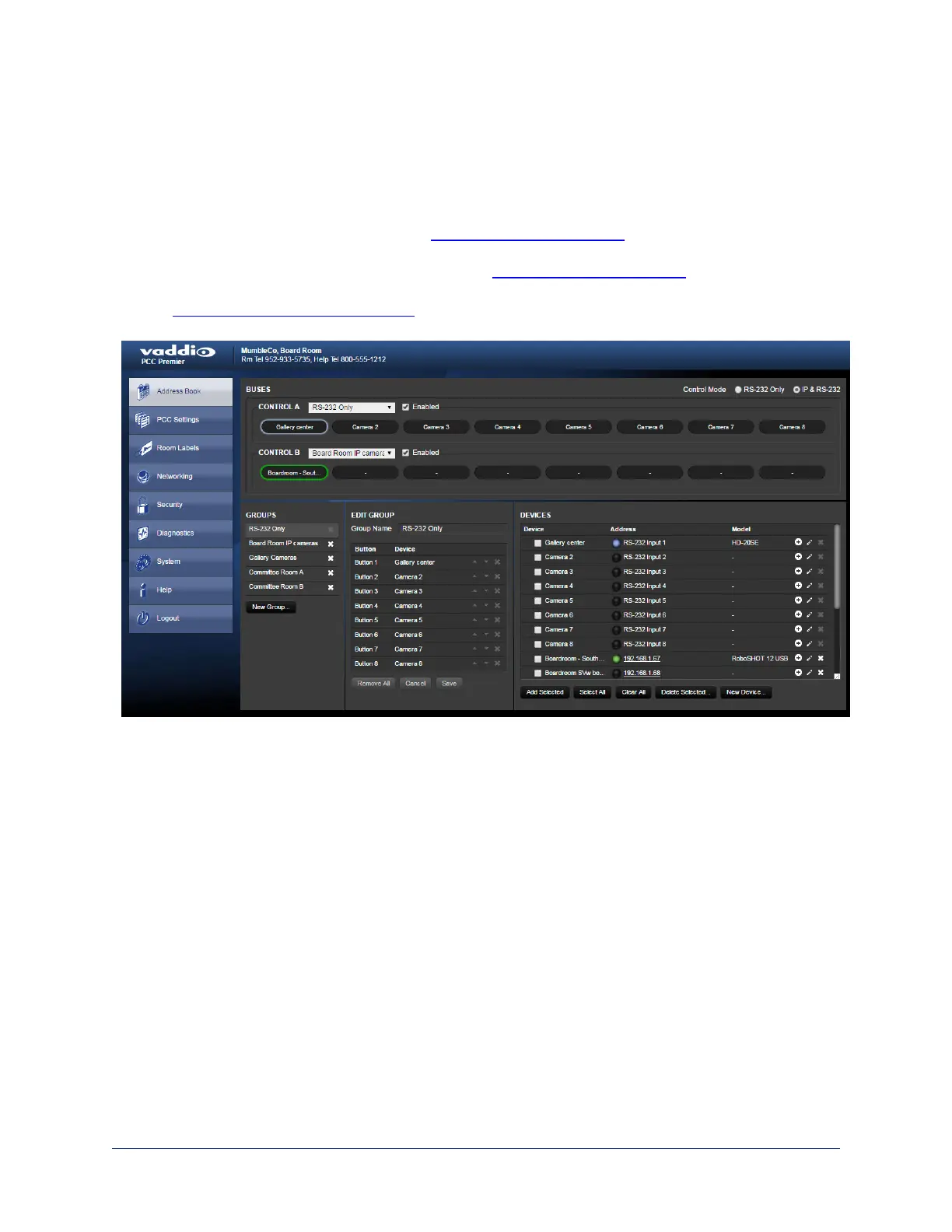
Address Book
Things you can do on this page:
n Add or delete IP-connected cameras – see Setting Up the Address Book
n Rename cameras
n Create, edit, rename, or delete camera groups – see Setting Up the Address Book
n Select the camera groups to map to the Control A and Control B buttons –
see Selecting Camera Groups to Control
n Rename camera presets and CCU scene labels
15
Integrator's Complete Guide to PCC Premier Precision Camera Controller



 To Next Page