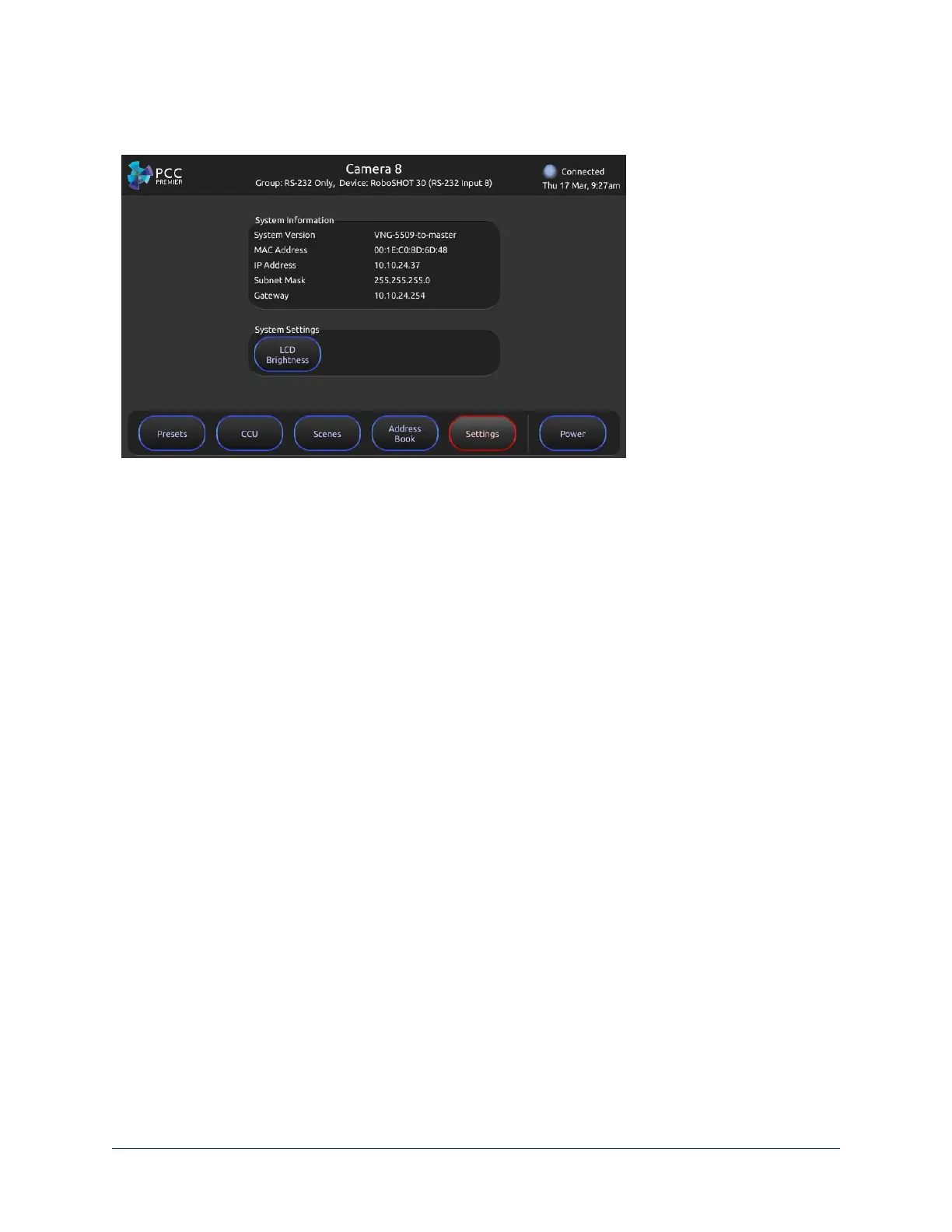
Settings screen – View firmware and network information for the camera controller, and set the brightness
for the touch-panel display.
Web Interface
The camera controller provides a web interface to allow configuration via the IP network connection, using
a browser. The web interface allows you to:
n Manage network settings
n Set up the camera controller's address book
n Specify how the joystick behaves
n Add identifying information to the camera controller's web interface
n Set the password and idle session behavior for the camera controller
n Back up, reboot, reset, or update the camera controller
n View information about the camera controller
If a DHCP server is available, the controller will get its IP address, gateway and routing information
automatically.
Compatible Web Browsers
Supported web browsers:
n Chrome®
n Firefox®
n Microsoft® Internet Explorer®
n Safari®
n Microsoft® Edge
Other browsers may also work.
13
Integrator's Complete Guide to PCC Premier Precision Camera Controller



 To Next Page