Mute Settings
This specifies how the HDMI output behaves when a non-streaming camera is selected, or when no
camera is selected. If you select a streaming camera that is muted, the HDMI output is that camera's mute
pattern. For example, the stream from a Vaddio camera in the RoboSHOT series is a blue screen.
Select color bars or black.
Video Output Port and Picture Mode
If necessary, change the resolution and color space to suit the capabilities of the display connected to the
HDMI output port.
Note
The H.264 decoder provides a 1080P30 signal. The UI output setting is to configure for your monitor's
abilities.
You can also adjust the display's brightness and contrast as needed.
Joystick Settings
Select Normal or Inverted for joystick pan and tilt axes.
Powering Down and Returning from Standby
You can do this from the touch-panel display or from the web interface.
Note
Depending on the standby settings configured in the web interface, the cameras currently mapped to the
Control Aand Control B buttons may also go to standby mode with the camera controller. Cameras in other
groups remain in their normal operating states. See Setting Camera Controller Behavior for more
information.
From the touch-panel display:
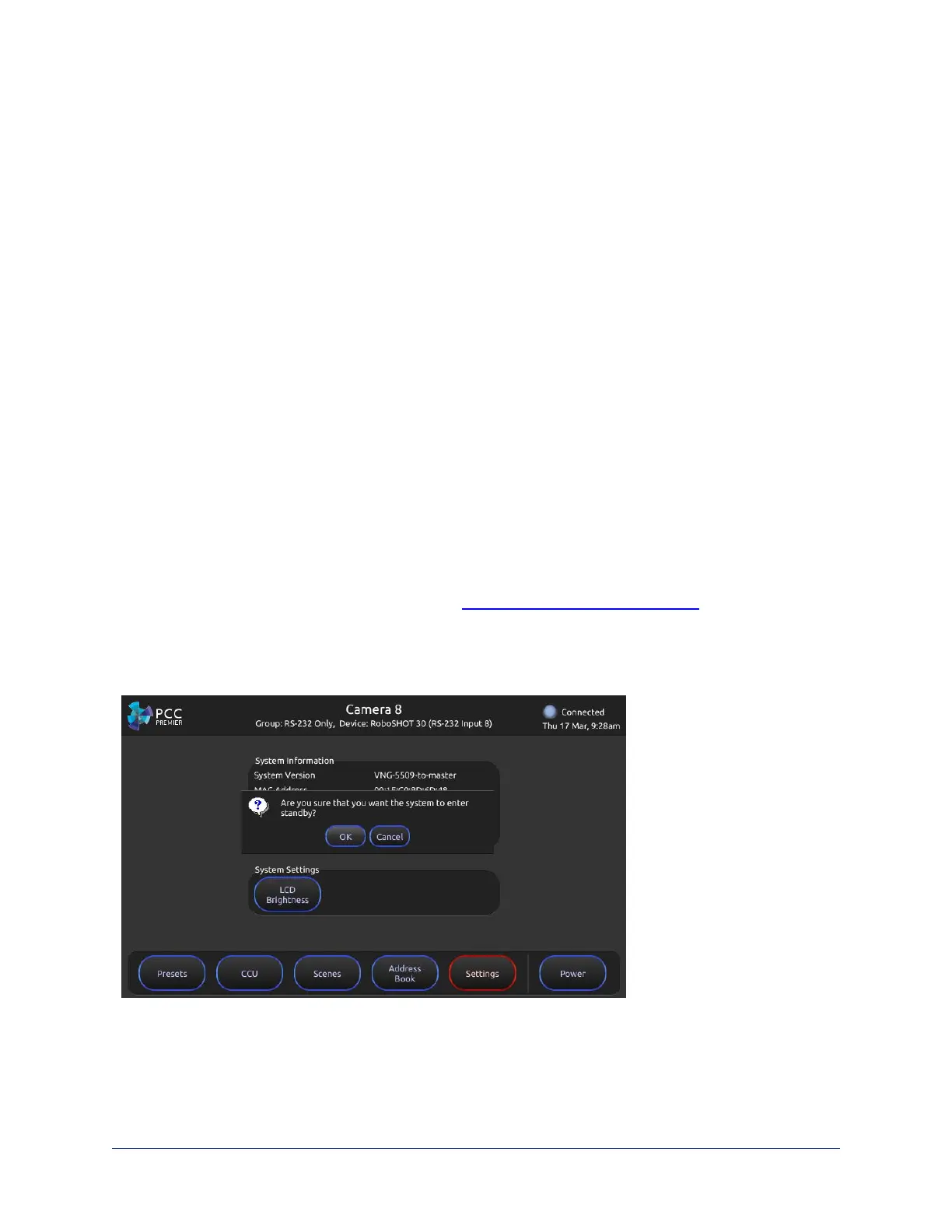
Tap Power to enter standby mode. You'll get a confirmation prompt.
30
Integrator's Complete Guide to PCC Premier Precision Camera Controller



 To Next Page