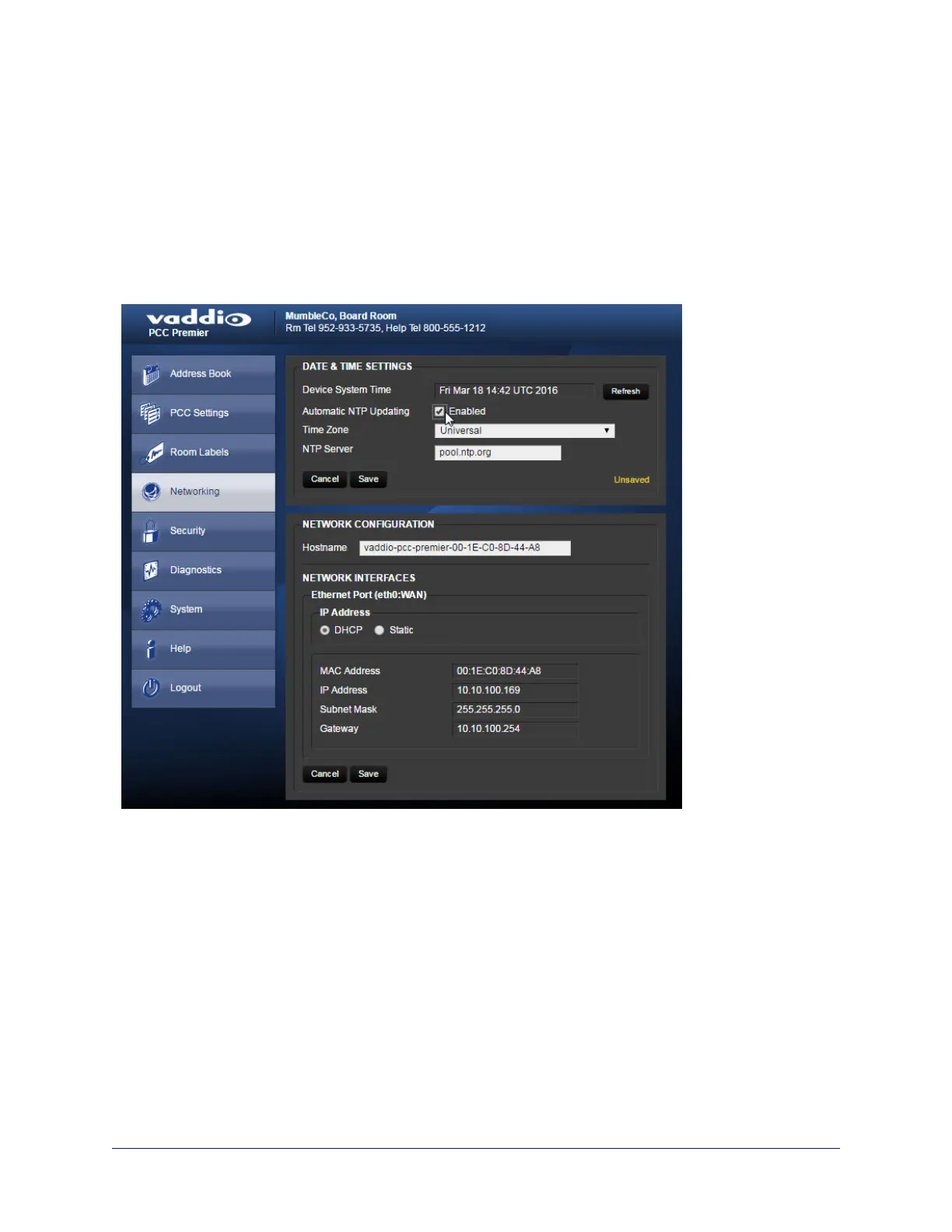
Setting Date and Time
Web interface, Networking page
1. To set the camera controller to get date and time from a time server:
2. Check the box to enable Automatic NTP Updating.
3. Select your time zone from the list.
4. Leave the default NTP server information, or change it to the server you want to use.
After you save changes, it may take a few seconds for the system time display to update. Click the
Refresh button if you're impatient.
37
Integrator's Complete Guide to PCC Premier Precision Camera Controller



 To Next Page