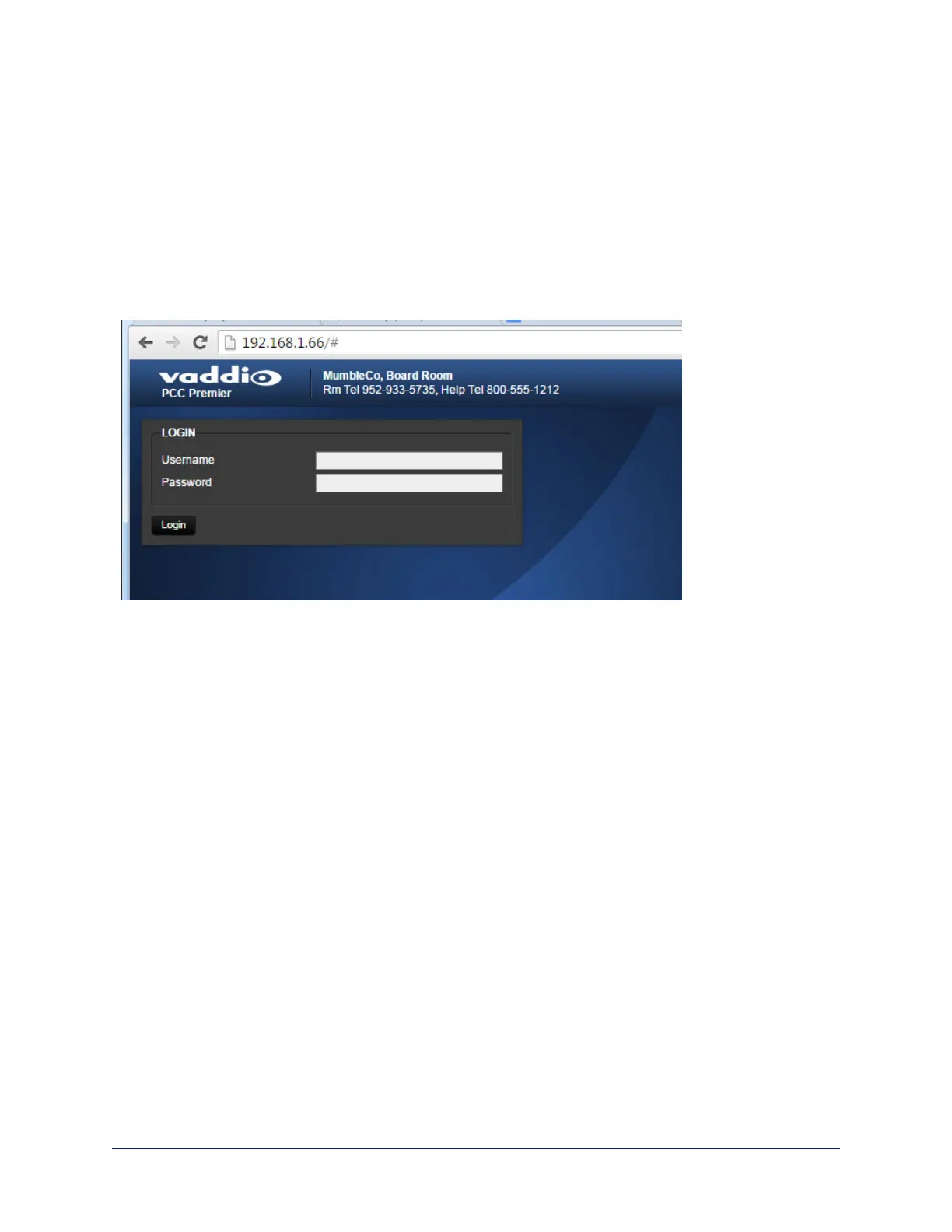
Opening the web interface
1. Locate the camera controller's IP address on the touch-panel display. This information is on the
Settings screen.
If you know the camera controller's hostname, you can use that instead.
2. Enter the camera controller's IP address or hostname in your browser's address bar.
If you use the hostname, you may need to enter http:// as a prefix to keep the browser from treating
it as a search query.
3. Log in for access to the administrative controls. The username is admin and the default password is
password.
14
Integrator's Complete Guide to PCC Premier Precision Camera Controller



 To Next Page