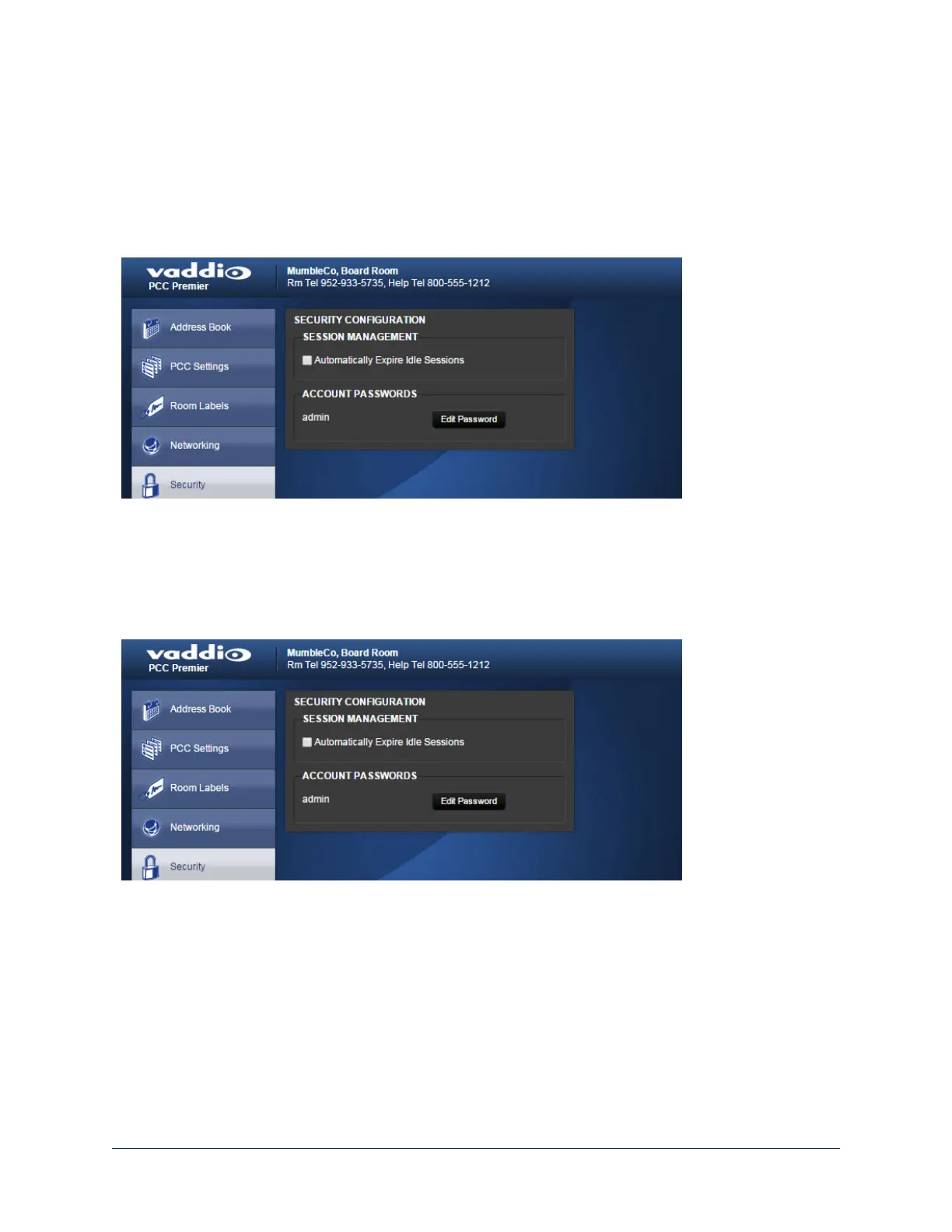
Changing the Admin Password
Web interface, Security page
The default password for the admin account is password.
1. To change this, click Edit Password.
2. In the Edit Password dialog, enter the new password in the two password boxes. A prompt appears
while you type If you don't type it exactly the same way both times.
Managing Web Interface Sessions
Web interface, Security page
For security, users are logged out of the web interface after 30 minutes of inactivity.
To keep inactive sessions from expiring, clear the checkbox labeled Automatically Expire Idle Sessions.
Once you are logged in, your session remains open until you log out or restart your computer.
38
Integrator's Complete Guide to PCC Premier Precision Camera Controller



 To Next Page