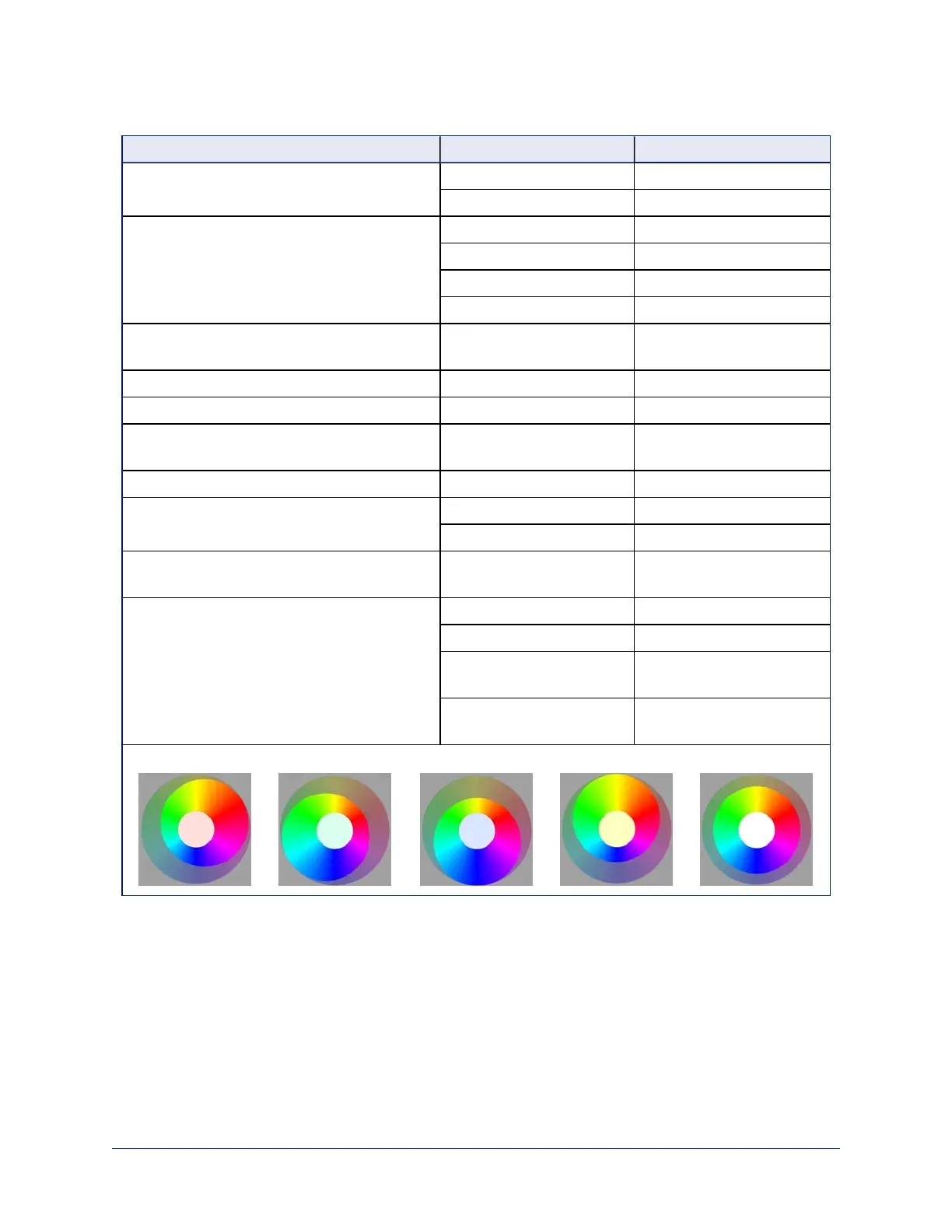
If you are not experienced in this area, here are some tips.
What do you need to correct? Change this: How:
The image is too dark Iris Increase
Iris Gain Increase
The image looks washed out or faded Iris Decrease
Iris Gain Decrease
Chroma Increase
Gamma Decrease
The subject is silhouetted against a bright
background
Backlight Compensation On
Colors look less vivid than they should Chroma Increase
Colors look too vivid Chroma Decrease
Highlights and shadows look right, but mid-
tones are too dark.
Gamma Increase
The mid-tones are too light. Gamma Decrease
The image looks grainy Detail Decrease
Iris Gain Decrease
"Soft focus" effect; the image looks
unrealistically smooth
Detail Increase
Colors look wrong; white objects do not appear
white
Auto On
One Push (tap)
Red Gain (less red/less
green)
Dial down/up
Blue gain (less blue/less
yellow)
Dial down/up
Too much red Not enough red Too much blue Not enough blue Balanced
If you are adjusting for lighting conditions that are likely to recur, you can save your adjustments as a
custom scene.
26
Integrator's Complete Guide to PCC Premier Precision Camera Controller



 To Next Page