3.8.20.3 Setting the driving start automatics
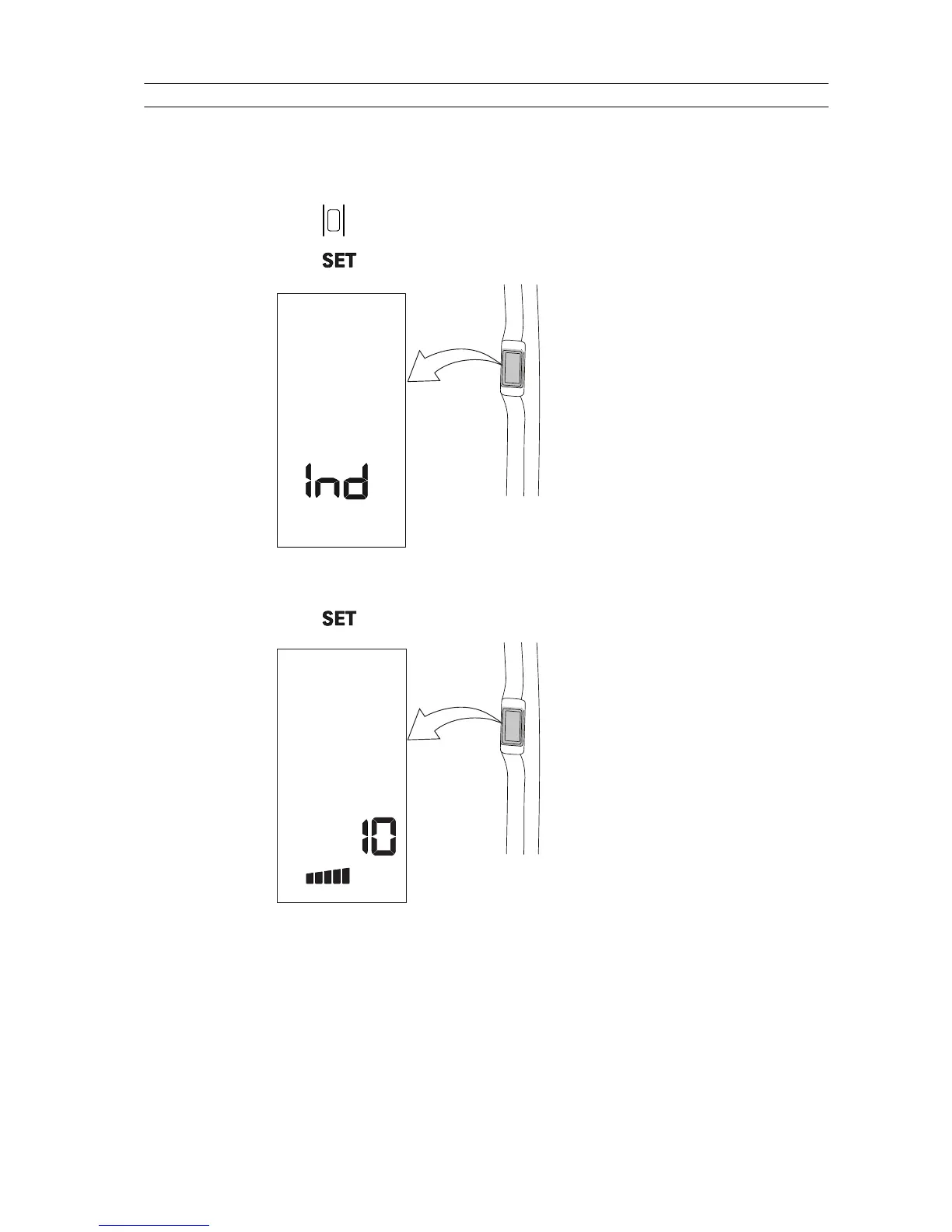
The driving start automatics is set through the A-pillar display settings.
The index determines the time for how long (seconds) the four-wheel drive
remains engaged when starting to drive.
1. Press
to activate the A-pillar display.
2. Press to enter the settings menu.
GUID-2408E592-046C-4CA8-AC4B-6E1939C132A7
Text “Ind” is shown.
3. Press
to enter the index list.
GUID-1340B5F2-C8F2-4B6C-B4DB-11B3D20C66E9
The first half of the bottom bar is lit to indicate that the index number is
displayed.
4. Press the up arrow or the down arrow to select the parameter to be changed.
The parameter number for setting the driving start automatics is 10.
3. Operation
- 137 -



 To Next Page