3.10.2.1 Working time view
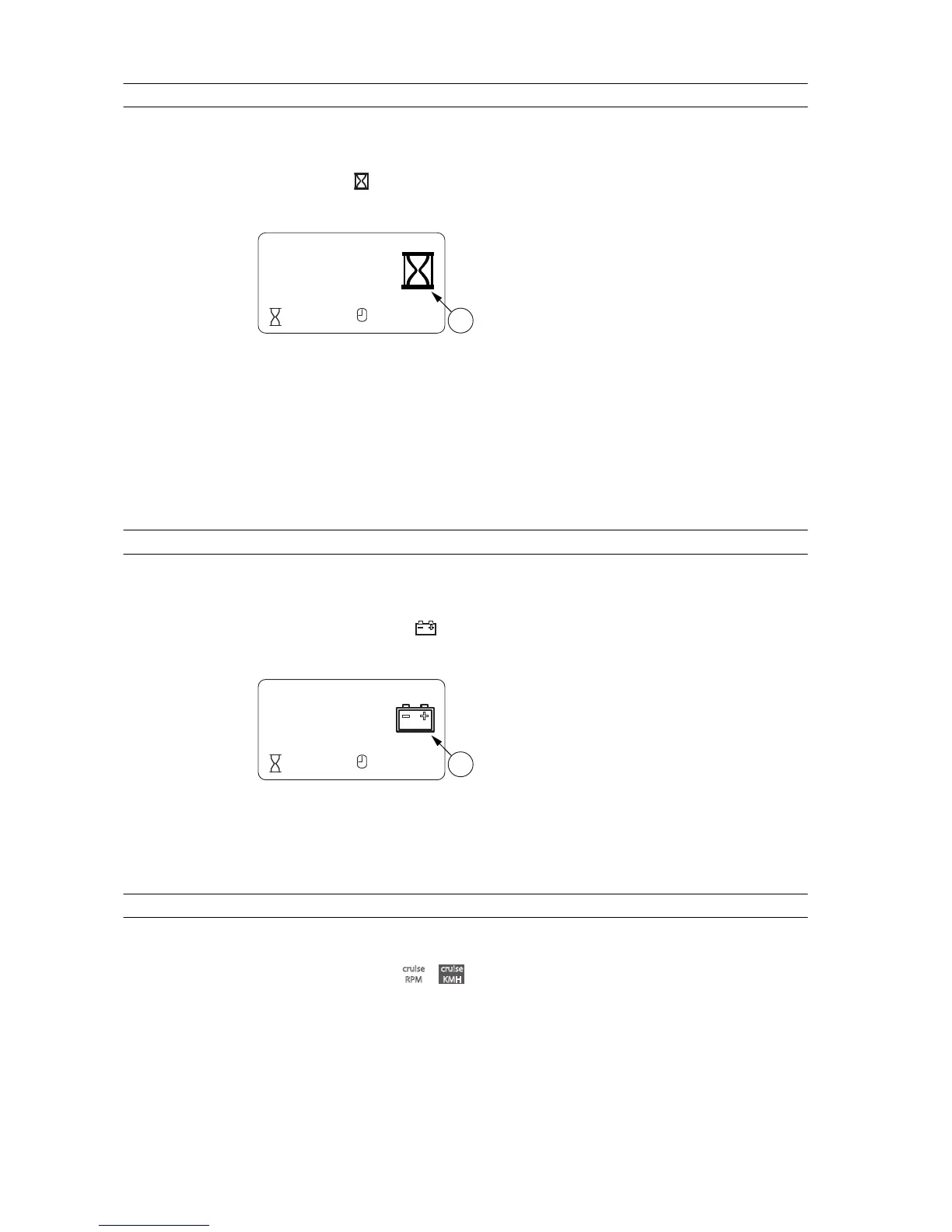
The working time view shows how much time the tractor has spent on a specific
task.
The working time
appears on the top or middle row of the display.
GUID-F0301602-962E-4A4A-B5B6-12B9B6F9940A
1. Working time
Working time can, for example, show the time spent on ploughing a certain area.
The working time is stored in the memory when the power is turned off.
You can reset the working time counter.
3.10.2.2 Battery voltage view
The battery voltage is shown in volts (V).
The battery voltage view shows the voltage of the battery. The voltage is shown
beside the battery symbol
in accuracy of one decimal place.
GUID-60F7EA9F-5D0D-4AA0-9956-670BF9B0EF7C
1. Battery voltage
3.10.2.3 Cruise control view
The cruise control controls the engine speed of the tractor.
The cruise control types




 To Next Page