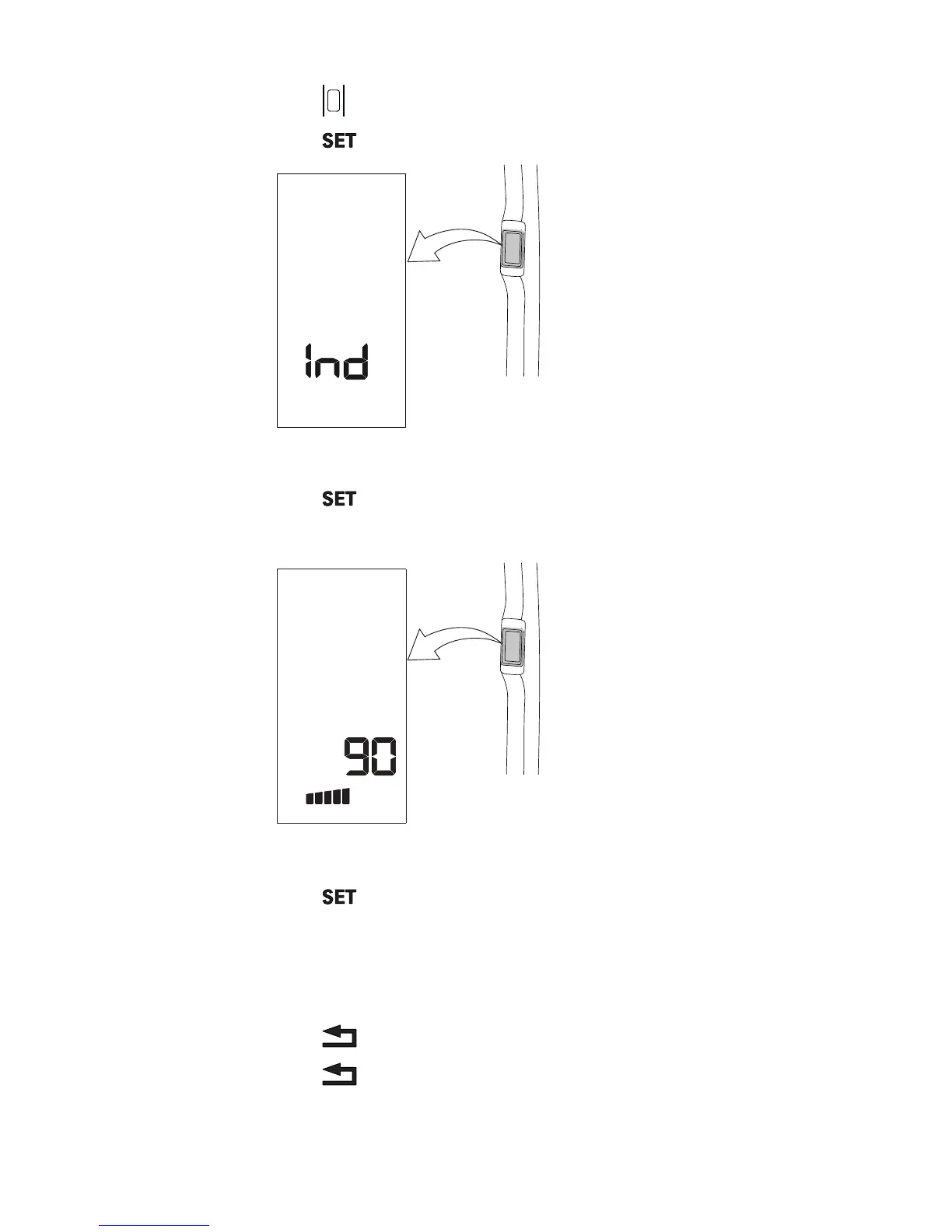
1. Press to activate the A-pillar display.
2. Press
to enter the settings menu.
GUID-2408E592-046C-4CA8-AC4B-6E1939C132A7
The text “Ind” appears.
3. Press to enter the index list.
4. Scroll to the parameter to be changed with the up arrow or the down arrow.
GUID-4A865C66-727A-4F6C-8676-1C2B7F32140A
The parameter number for the rear PTO engagement is 90.
5. Press
.
6. Press the up arrow or the down arrow to change the parameter value.
The value range is between 0–5, where:
• 0 is for light or normal implements (factory setting).
• 5 is for heavy implements.
7. Press
to save the value.
8. Press to leave the settings menu and save all changes.
3. Operation
- 217 -



 To Next Page