OTDR Series e-Manual, D07-00-076P-RevC00 Page 22 of 107
5.5.3 FX150 Screen Navigation
O
T
D
R
S
c
r
e
e
n
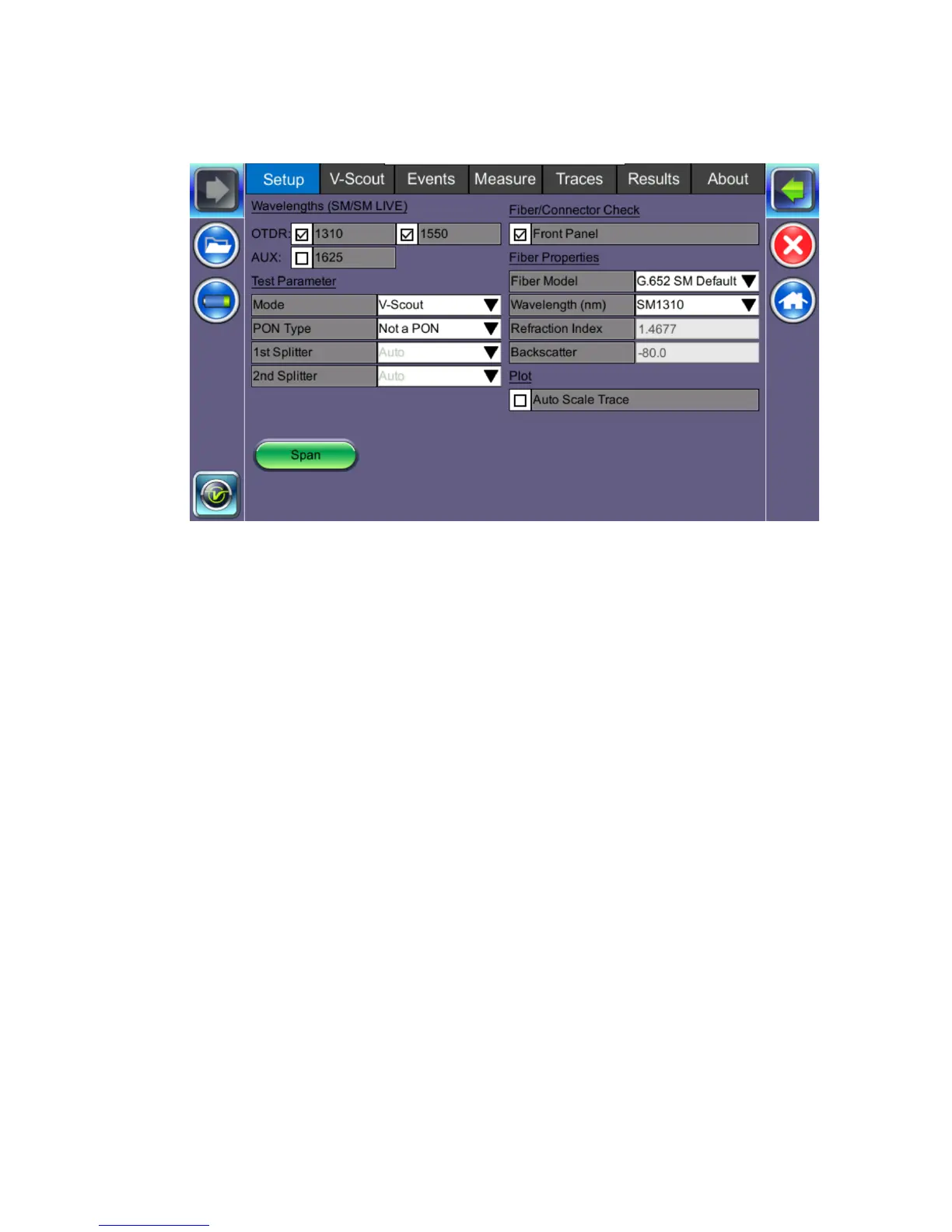
Use the top tabs of the FX150 screen to access test measurement controls and view results.
On the bottom bar, you can see:
• IP address, when connected
• Remote control connection status
• Date and time
• Bluetooth and WiFi connection indicators



 To Next Page