OTDR Series e-Manual, D07-00-076P-RevC00 Page 80 of 107
7.2.5 Cloud Credentials
The user can register for a Cloud account: https://cloud.fiberizer.com.
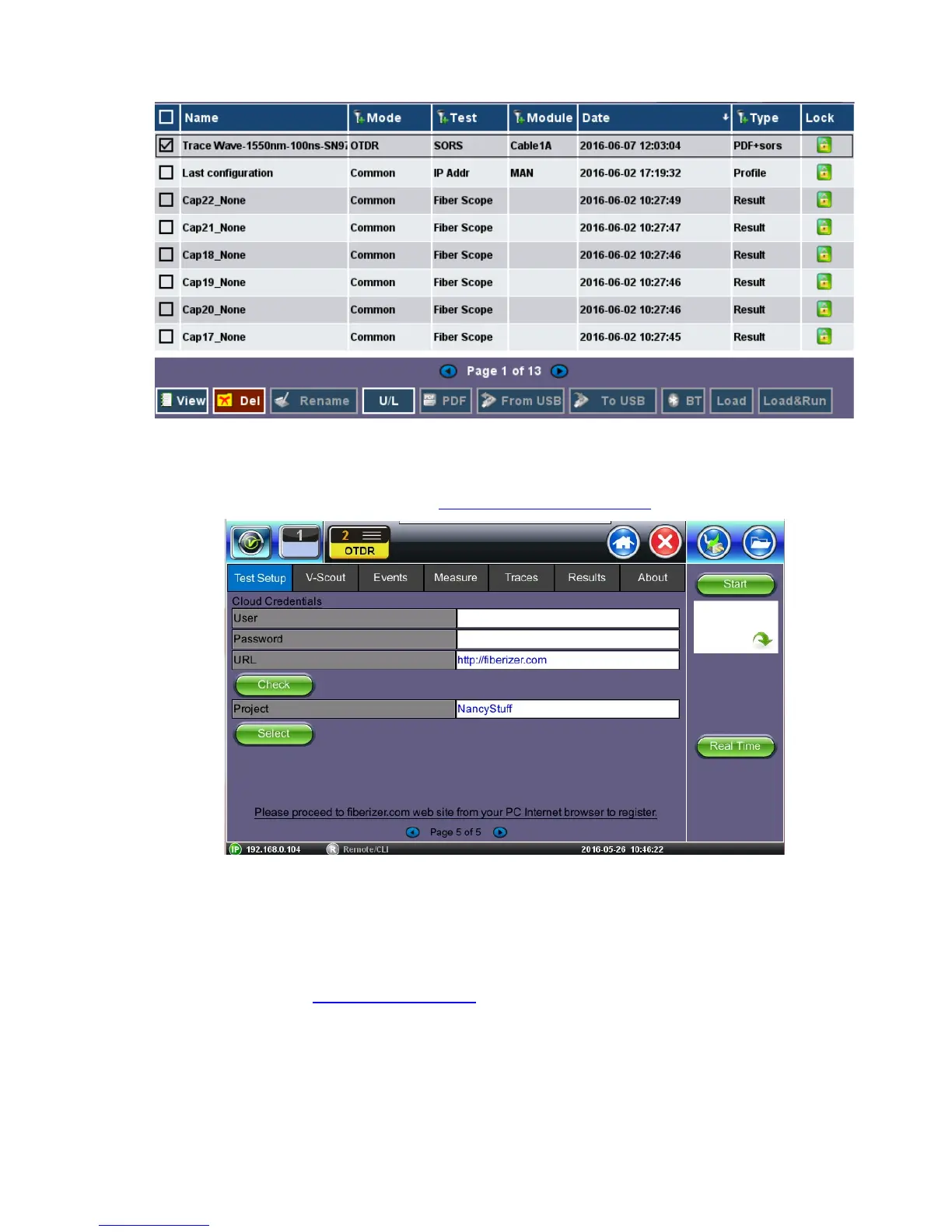
After creating a Cloud Account, the user can then login and push test results into their account
(Page 5 of Test Setup tab):
• User - Enter the email address that was used to create the Cloud account
• Password - Enter the Password that was created with the Cloud account
• URL - The default is https://fiberizer.com. Consult factory if customer wishes to use their
own account.
• Check: Select the green Check button to verify login credentials are valid
• Project - Select a specific Project folder. This will default to the folder you created at
registration. Project folders can be shared by approved team members.



 To Next Page