OTDR Series e-Manual, D07-00-076P-RevC00 Page 90 of 107
7.6 Traces
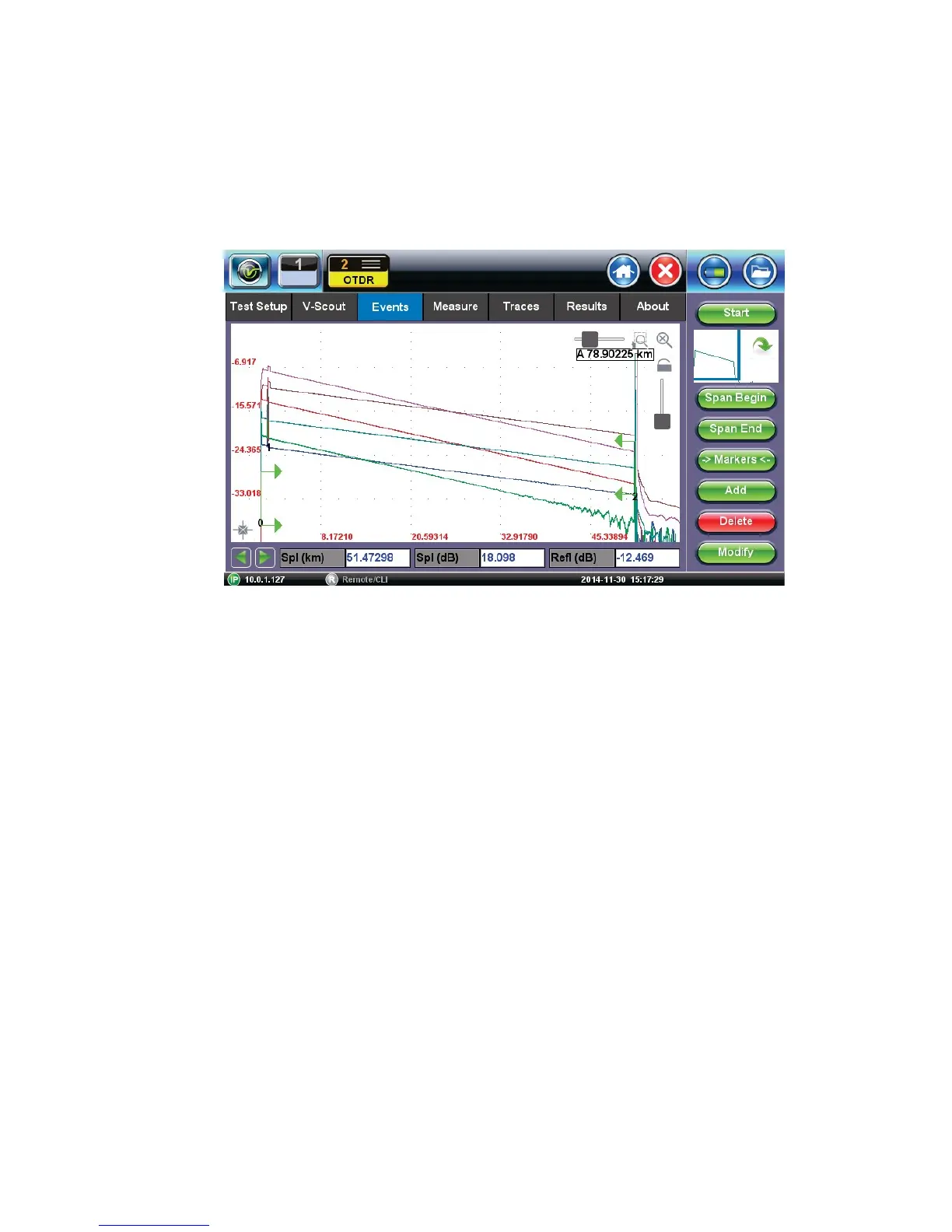
Select the Traces tab to view the active or measured OTDR traces. The color-coded blocks
represent the corresponding trace viewed in the OTDR display.
The OTDR can display up to ten traces simultaneously i.e. an active trace and nine additional
traces.
To view the trace, select the necessary file using the check box. The trace will be activated
automatically and displayed on screen. Traces are displayed along with the following
parameters;
• Name - File name as saved
• Dir – AB or BA
• LMax (km) - Distance range (km) used for the test
• Tp (ns) - Pulse width used for the test
• Time (m:s) - Acquisition time used for the test



 To Next Page