OTDR Series e-Manual, D07-00-076P-RevC00 Page 64 of 107
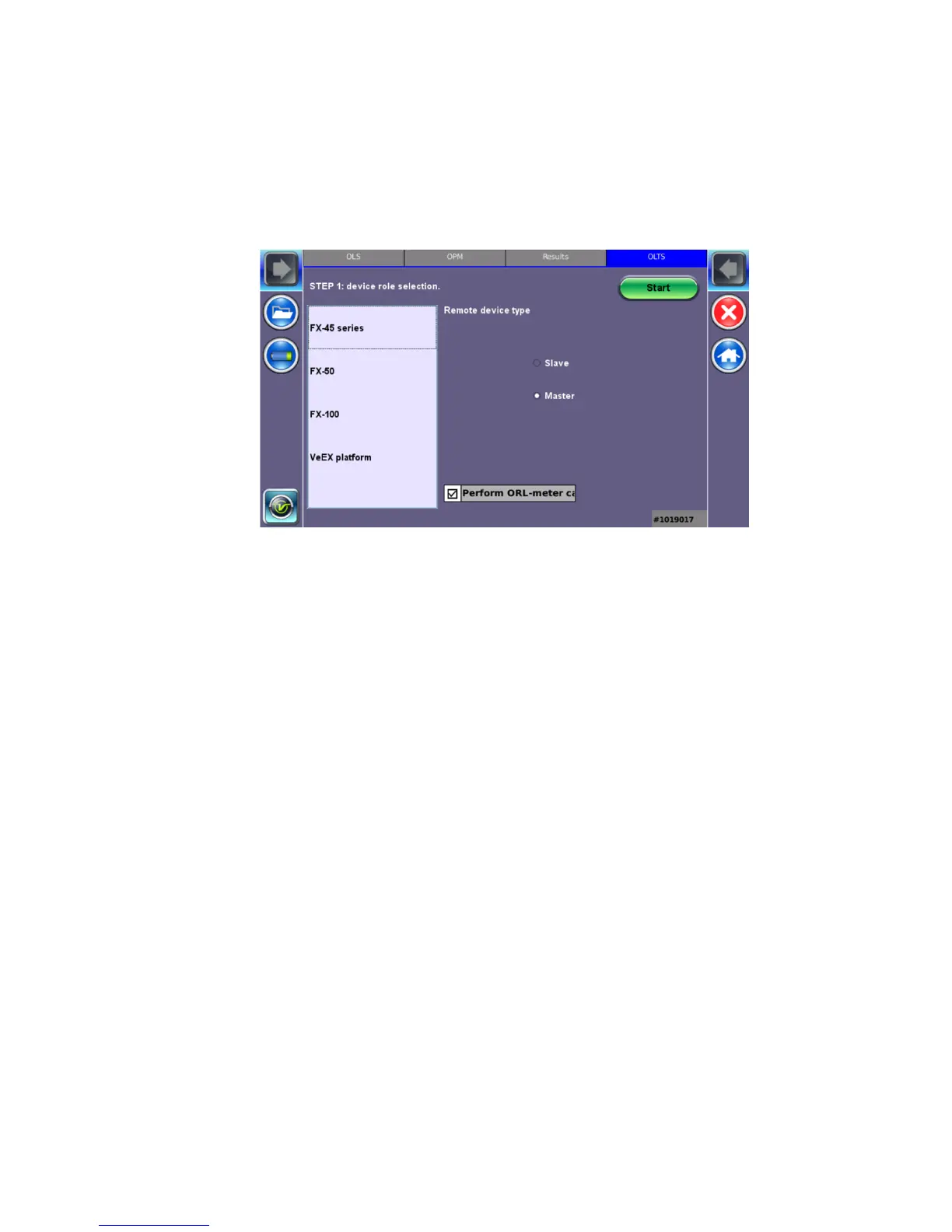
6.12 Optical Loss Test Set (OLTS) (not currently supported)
The unit’s OLTS option is used for end-to-end loss testing. It works by measuring a stable
(reference) fiber first. The subsequent OLS test measurements are compared against the
reference baseline to determine the end-to-end return losses.
6.13 Results
To view and save results using the FX150 meter:
1. On your device, select the results you wish to save, and then press Back.
2. To save locally, press Save.
--OR—
To push the results to Fiberizer Cloud, ensure connection to the network via Ethernet or
WiFi, and then press Modify>Settings to sync with Fiberizer Cloud. Then, press Push to
sync saved files to the cloud.
To delete records, select the record(s), and then press Remove.
• Table: To view results in a table format.
• New: To create a new folder.
• Save: Saves results.
• Modify: Renames or removes (deletes) files.
• Pull: Downloads files from a Collection folder.
• Save continuously: To autosave results at a specified interval (1 to 60 seconds). Use
this option to check power drift.



 To Next Page