OTDR Series e-Manual, D07-00-076P-RevC00 Page 58 of 107
6.10.2 Using the Optical Light Source
To use the OLS:
1. Connect a patchcord between the OLS and OPM test ports.
2. Select Optical Light Source from the main menu. The OLS screen appears.
3. Tap Turn ON to power on the OLS.
4. If WaveID is available, tap Loop mode, to auto cycle through all available wavelengths on
the test port. The laser will change every three seconds.
5. When testing is complete, tap Turn OFF to power off the OLS, and then disconnect the
cable and replace the port covers.
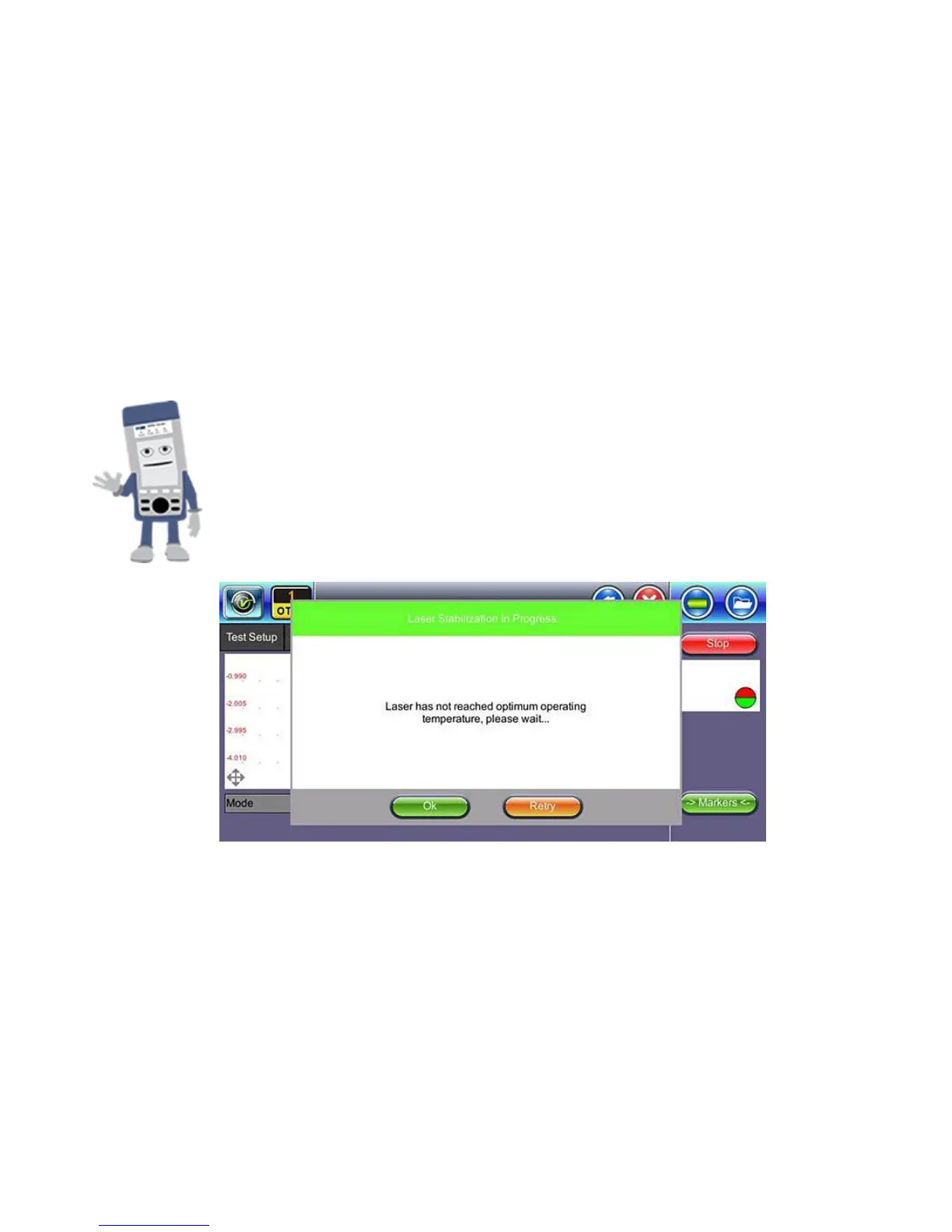
RXT-4111DWDM OTDR Laser Stabilization
The RXT-4111 DWDM OTDR test module offers advanced TEC laser
stabilization for hot and color weather operating conditions. If the
optimal temperature for usage has not been reached, a Laser
Stabilization message appears.
L
a
s
e
r
S
t
a
b
i
l
i
z
a
t
i
o
n
m
e
s
s
a
g
e



 To Next Page