OTDR Series e-Manual, D07-00-076P-RevC00 Page 95 of 107
7.6.5 Adding Camera Image OTDR file (MTTplus only)
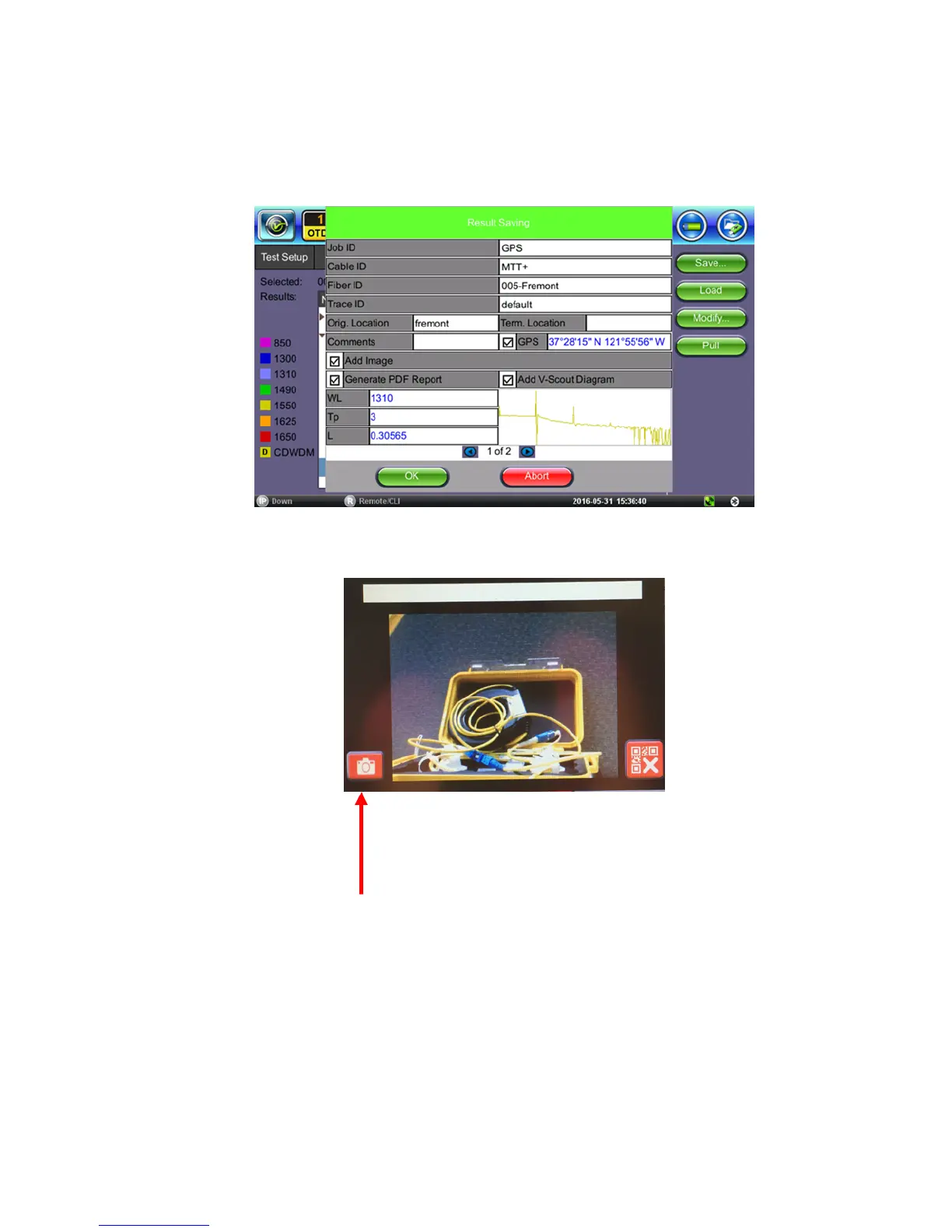
A Camera image can be added using the Manual Save only mode (AutoSave disabled) mode
to display the Result AutoSaving pop up window. Enter all AutoSave field entries and select
Generate PDF Report and/or select Add V-Scout Diagram.
1. Select the Add Image to pop up the camera image.
2. Select red Camera button to capture results.
or select red X button to exit Camera capture mode.
3. Click the green OK button to finalize the save process.



 To Next Page