OTDR Series e-Manual, D07-00-076P-RevC00 Page 26 of 107
5.6 Customizing Your Tester
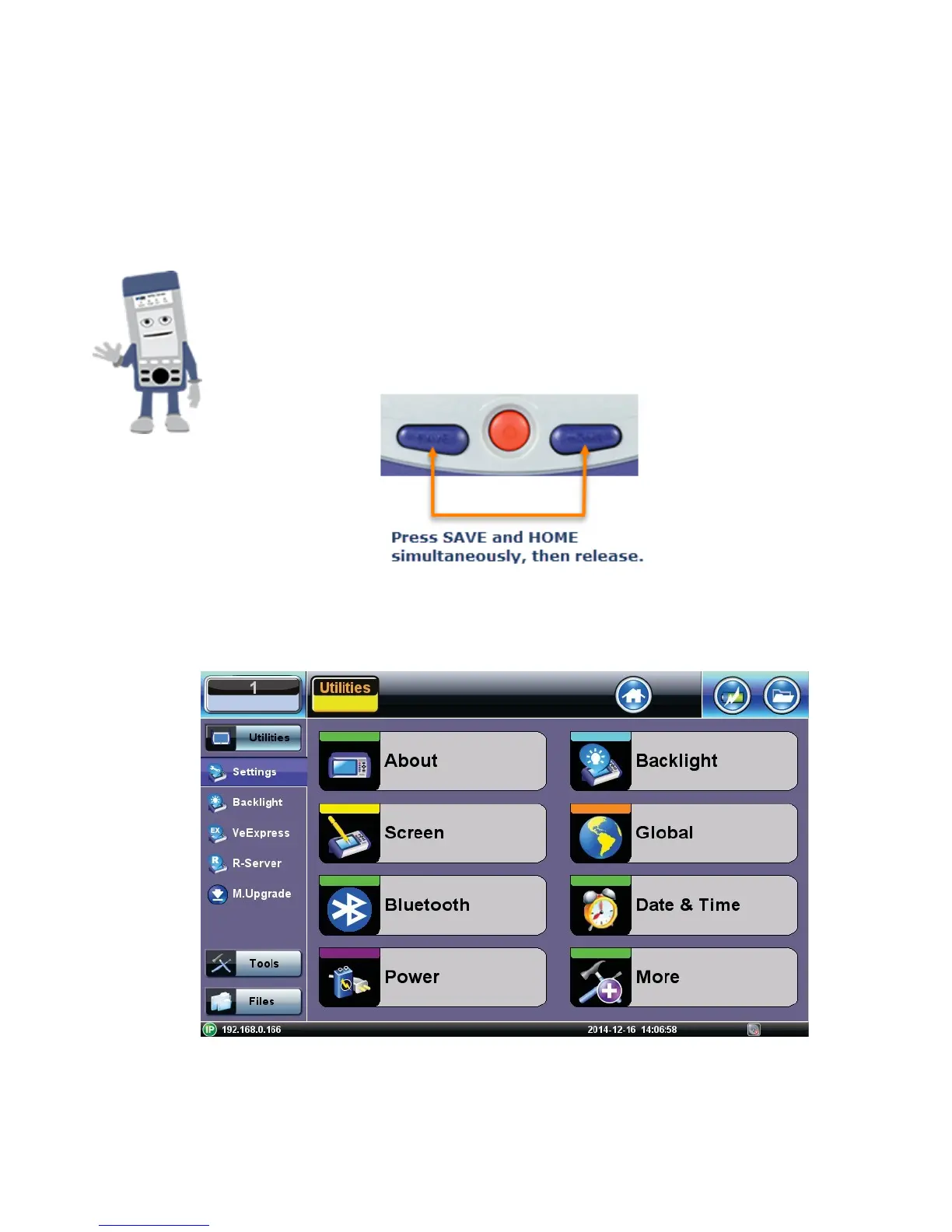
You can customize the settings on your OTDR device in the Utilities>Settings menu:
• About: Displays serial #, MAC address, software version, software options installed and
related product information
• Screen: Displays calibration menu.
Activating Touchscreen Calibration Mode
You can activate the Touchscreen Calibration Mode using the
keypad by pressing SAVE + HOME keys simultaneously, then
releasing. Press SAVE + HOME again to start a new calibration.
• Backlight: User defined settings when unit is used on Battery or AC power including
Brightness settings



 To Next Page