OTDR Series e-Manual, D07-00-076P-RevC00 Page 9 of 107
3.0 Safety Information
Safety precautions should be observed during all phases of operation of this instrument. The
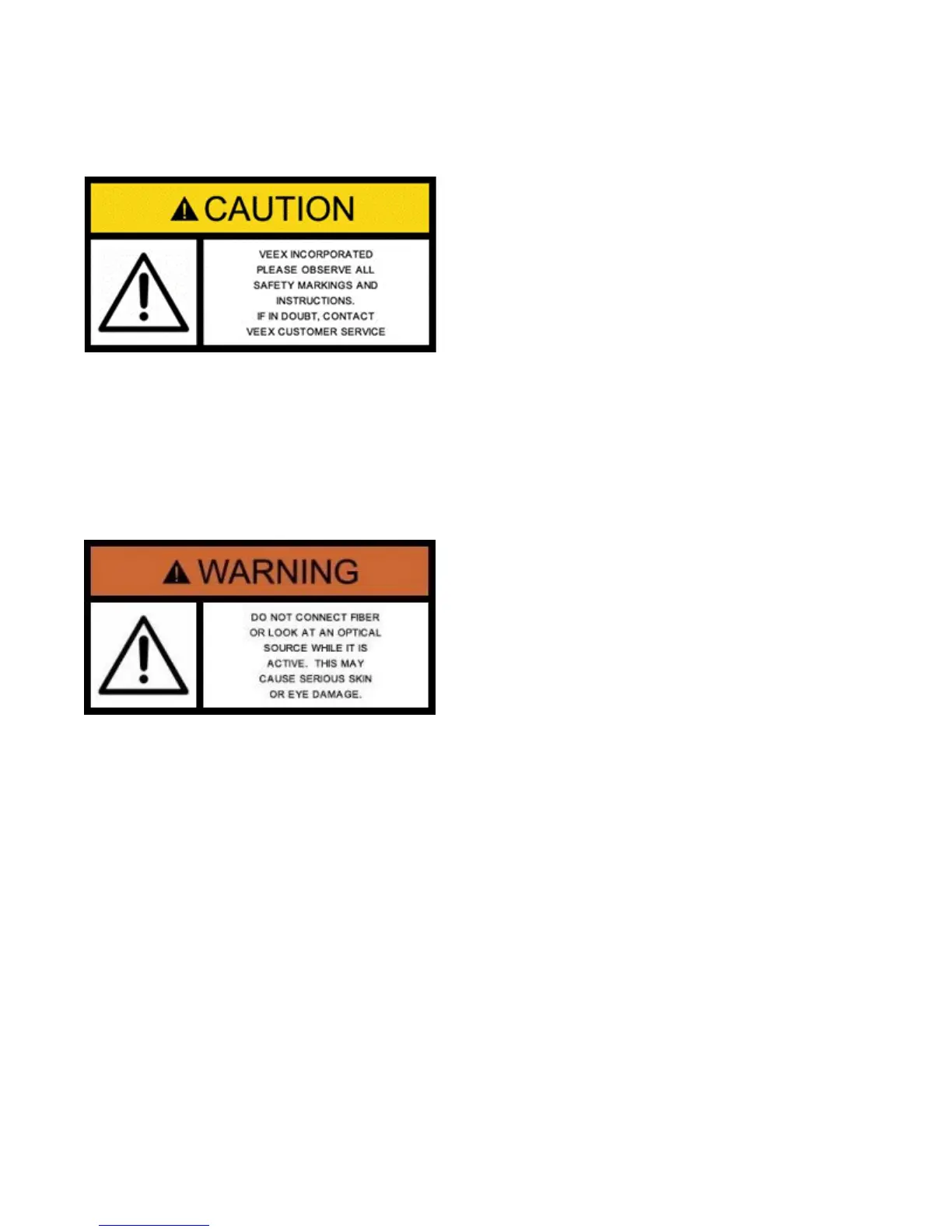
instrument has been designed to ensure safe operation however please observe all safety
markings and instructions. Do not operate the instrument in the presence of flammable gases
or fumes or any other combustible environment. VeEX Inc. assumes no liability for the
customer's failure to comply with safety precautions and requirements.
Optical Connectors
The test platform displays a laser warning icon when the laser source is active to alert the user
about a potentially dangerous situation. Make sure that optical sources are inactive before
connecting fiber to the test set to avoid skin or eye damage, or damage to the unit. It is
recommended to:
• Deactivate the laser before connecting or disconnecting optical cables or patchcords.
• Never look directly into an optical patchcord or an optical interface (e.g. CFP, CFP2,
CFP4, QSFP+, SFP+, SFP, OTDR, LS, VFL) while the laser is enabled. Even though
optical transceivers are typically fitted with Class 1 lasers, which are considered eye
safe, optical radiation for an extended period can cause irreparable damage to the eyes.
• Never use a fiber microscope to check the optical connectors when the laser source is
active.
Electrical Connectors
Telephone lines may carry dangerous voltages. Always connect the electrical test ports to
known test interfaces which carry low level signals.



 To Next Page