5.0 Operations
8 1210 QuickStep Programming User Manual, Ver 5.0 Ver-Mac - May 2011
5 - Operations
5.1 Accessing Main Menu
[ ] Enter
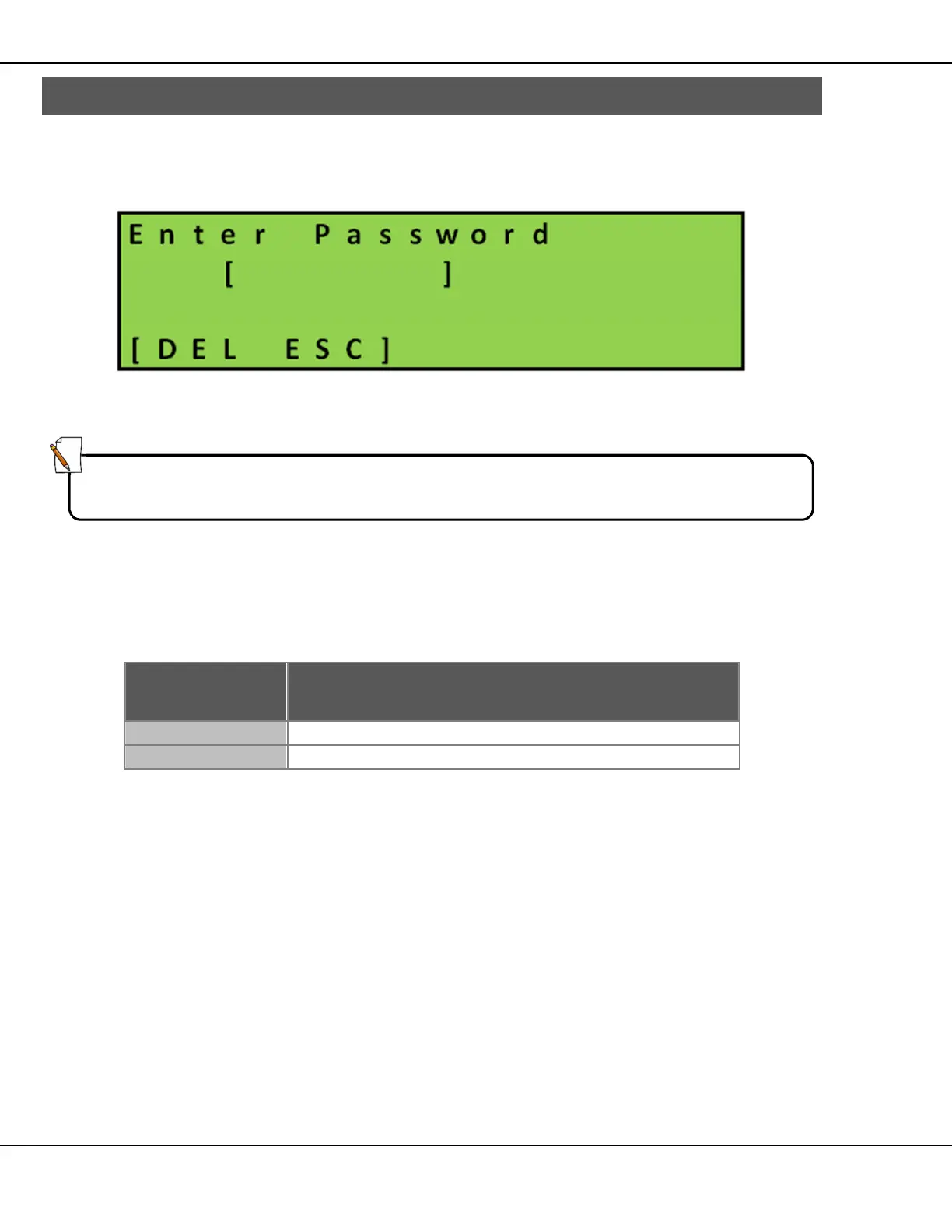
Figure 5 – Password Login Screen
Press [ ] Enter
As prompted, enter your password to access the Main menu.
After a successful login, the screen progresses automatically to the Main
menu.
Key Function
Returns you to the Status screen.
Clears the password field.
Table 5 – Main Menu Keys
Note:
Password must contain six (6) characters.
Default factory-set password is: [111111]



 To Next Page