6.0 Utilities
Ver-Mac - May 2011 1210 QuickStep Programming User Manual, Ver 5.0 27
6 - Utilities
[ ] Enter > Main Menu > [F4] Utilities
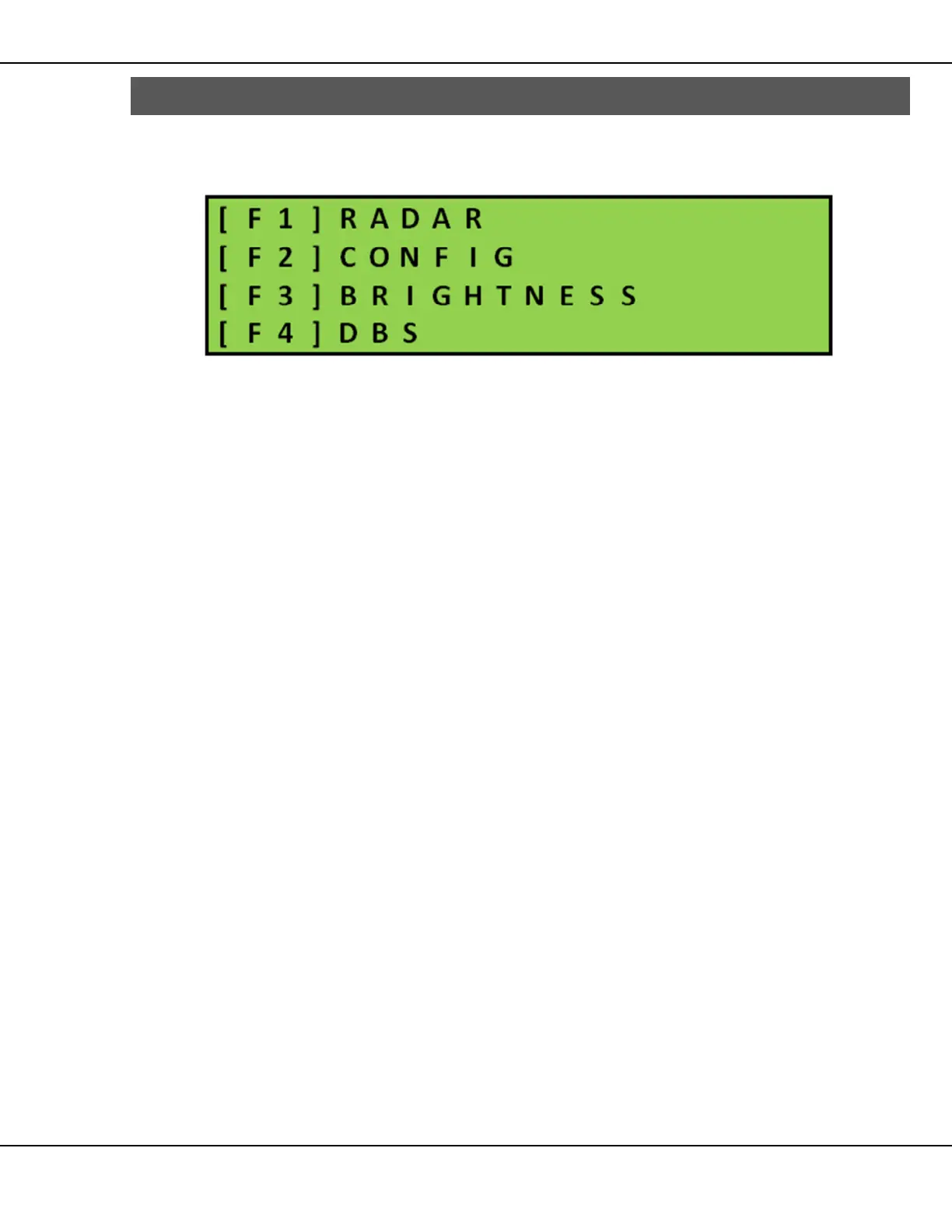
The Utilities menu contains the different menus for the various system settings.
Figure 28 – Utilities Menu
• [F1] RADAR–contains the settings for displaying a radar activated
message on the PCMS
• [F2] CONFIG (configuration)–contains all the set-up choices specific to the
PCMS unit
• [F3] BRIGHTNESS–contains message board brightness settings (manual)
and access to test of message board display capabilities
• [F4] DBS–If you receive an error, you should contact Ver-Mac Support as
soon as possible



 To Next Page