5.0 Operations
Ver-Mac - May 2011 1210 QuickStep Programming User Manual, Ver 5.0 9
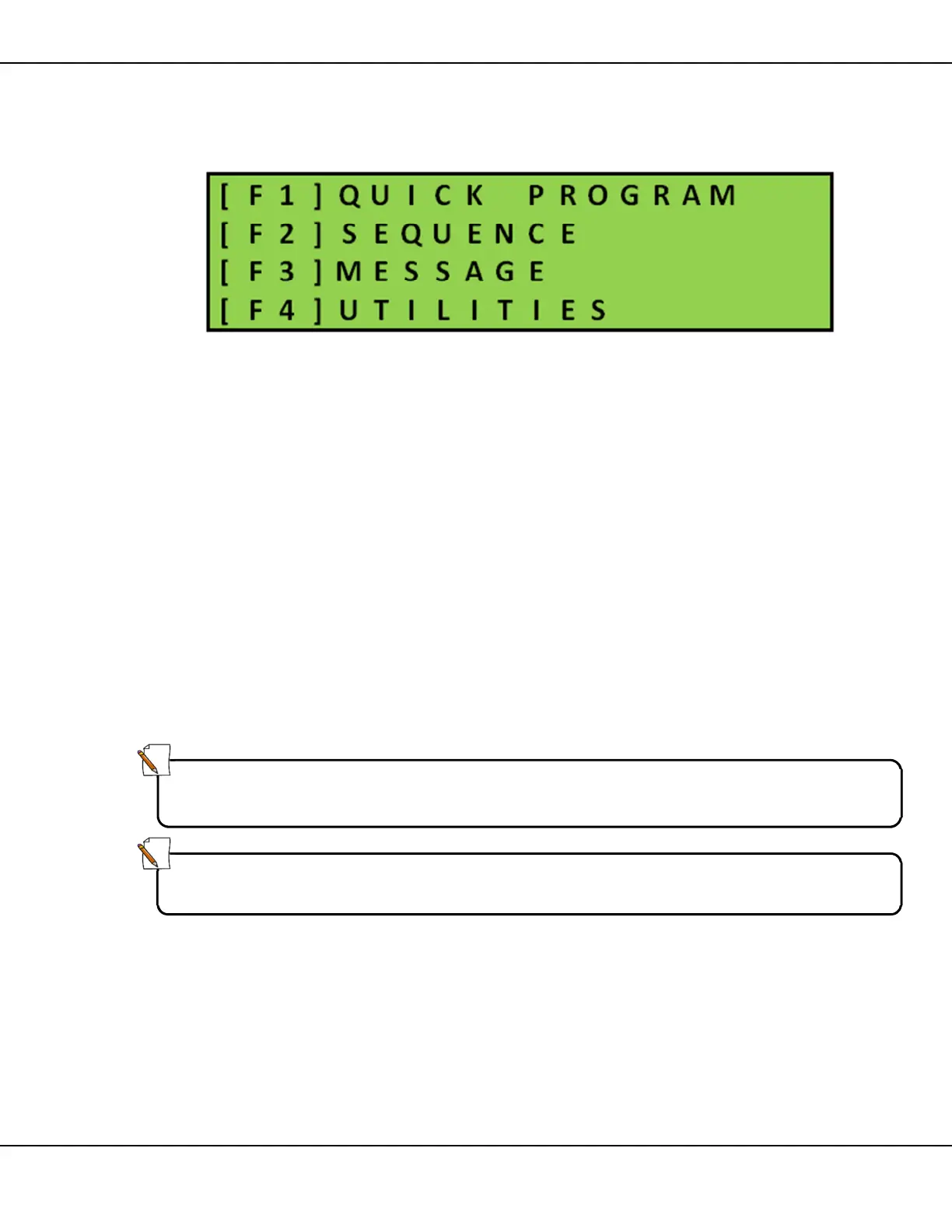
5.2 Main Menu
[ ] Enter
Figure 6 – Main Menu
5.3 Quick Program
The Quick Program function enables you to quickly and efficiently create a
sequence of up to six (6) message pages, and then run that new sequence
on the sign.
Using Quick Program you can:
• create /modify page(s) of messages
• include page(s) containing standard graphics (arrows, and caution
signals) in the message sequence
• control the page display timing for text messages
When you access Quick Program the handheld displays on screen the last
sequence that was created using Quick Program. You can edit this last
sequence or erase it completely and build a new sequence.
Note:
You cannot select existing messages to insert in a sequence created using
Quick Program.
Note:
You cannot save a sequence that you create using Quick Program.



 To Next Page