4.0 Information Screens
4 1210 QuickStep Programming User Manual, Ver 5.0 Ver-Mac - May 2011
4 - Information Screens
4.1 Status Screen
When the PCMS starts up, the handheld controller displays Starting. The
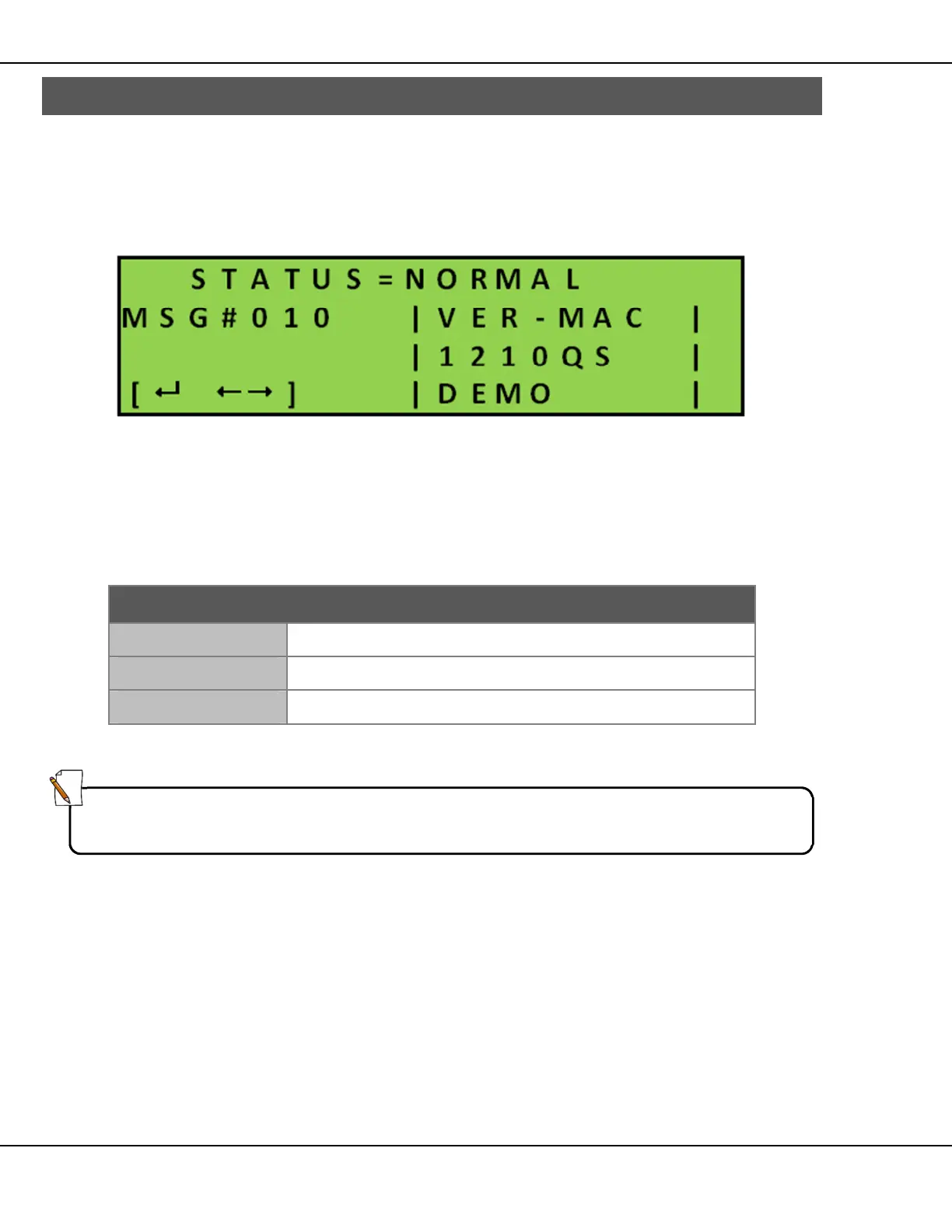
Screen then changes and briefly displays information about the current unit
software, followed immediately by the unit Status screen.
Figure 2 – Unit Status Screen
The unit Status screen shows the current status of the message board, the
message number (MSG#) and a preview of the message currently displayed
on the sign. The bottom left corner indicates keys to enable access to the
system information, current software version and unit identification.
[ ]
Displays Main Menu.
[]
Displays read-only information about System.
[]
Displays read-only information about Unit and Software.
Table 2 – Main Screen Keys
Note:
If no key is pressed for 2 minutes, the handheld LCD display darkens and
automatically returns to the Status screen.



 To Next Page