6.0 Utilities
32 1210 QuickStep Programming User Manual, Ver 5.0 Ver-Mac - May 2011
6.2.1 Change Password
[ ] Enter > Main Menu > [F4] Utilities > [F2] Config > [] Next Page > [F1] Password
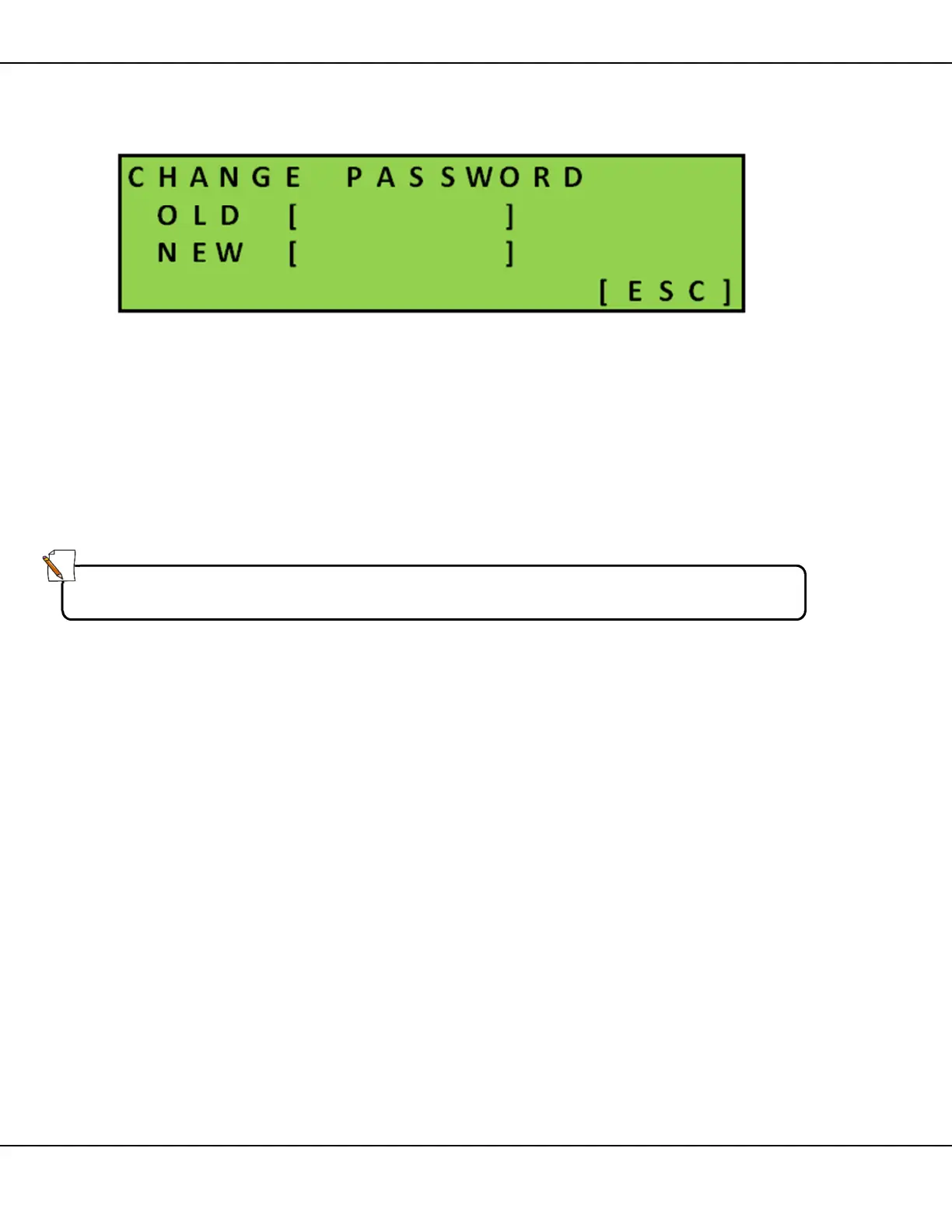
Figure 35 – Change Password Screen
This screen allows you to personalize the QuickStep password. Password
can be a combination of letters and numbers but must be 6 digits long.
• Type in your current password
• Type in the new password
• Press [ ] Enter to confirm
or
• Press [ESC] to return to previous screen without saving
Note:
Factory-set default password is [111111].



 To Next Page