6.0 Utilities
34 1210 QuickStep Programming User Manual, Ver 5.0 Ver-Mac - May 2011
6.3 Brightness
[ ] Enter > Main Menu > [F4] Utilities > [F3] Brightness
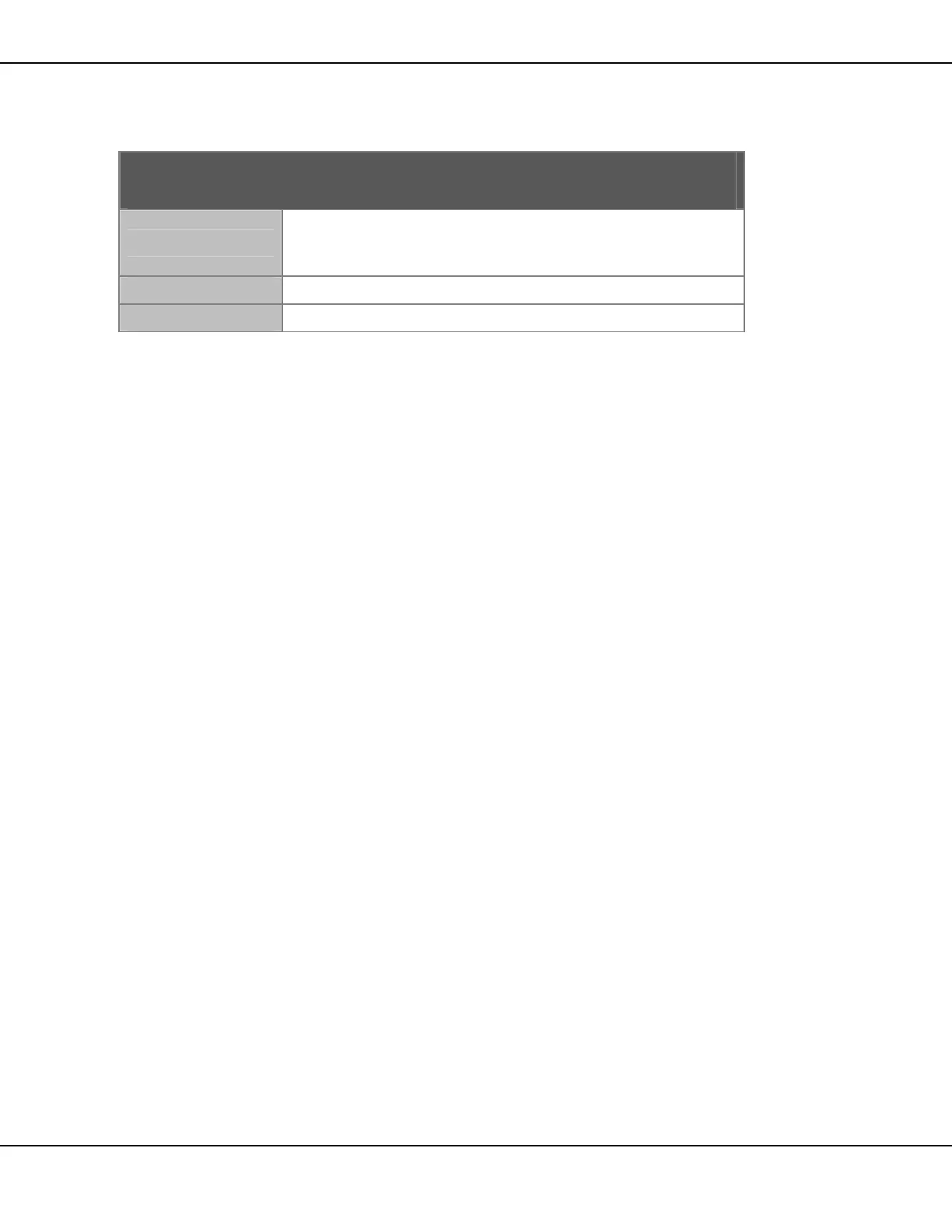
Brightness
Actual
Current brightness of the sign.
Photocells detect ambient light levels and automatically
adjust the brightness level of the display accordingly.
Minimum
Setting for the minimum brightness of the display.
Maximum
Setting for the maximum brightness of the display.
Table 15 – Brightness Values
• Press [ ] Enter to adjust minimum and maximum % brightness
settings
o Type in your minimum brightness level value as a three (3) digit
number. Example: enter 10% as 010
o Type your maximum brightness level as a three (3) digit number
[F5] This activates the test mode to enable you to verify that all display
cards and pixels are functional. The display cards are illuminated and
cleared sequentially.


 To Next Page