5.0 Operations
Ver-Mac - May 2011 1210 QuickStep Programming User Manual, Ver 5.0 11
5.3.2 Creating a Sequence of Message Pages with Quick Program
[ ] Enter > Main Menu > [F1] Quick Program
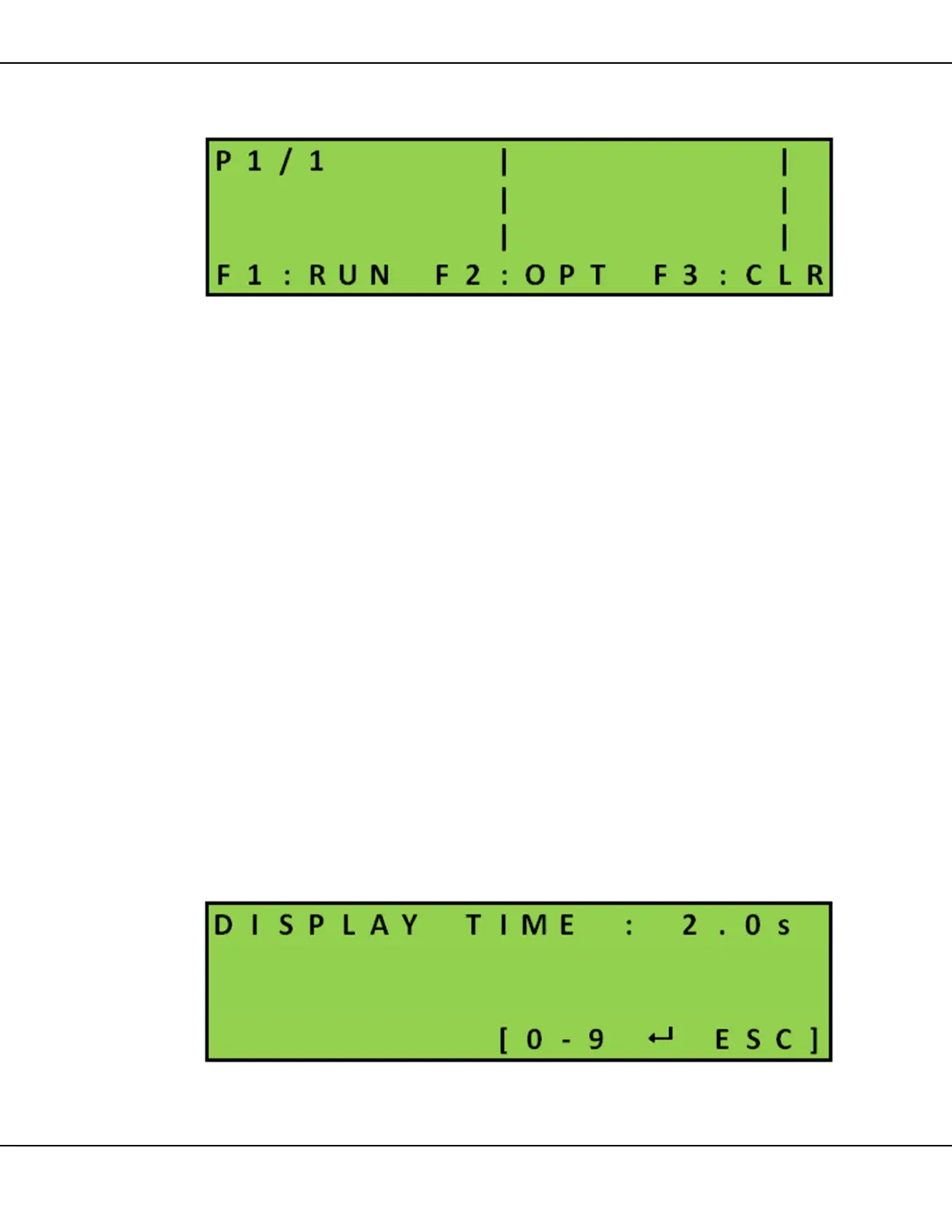
Figure 8 – Quick Program
1. Create line by line each page(s) of the text message(s) for your
sequence
Use keypad to write message text (max. 8 characters per line)
Use arrow keys []
• to position the cursor
and/or
• to move to and from pages
2. To modify the text on a message page in the Quick Program
sequence you can:
• overwrite text
or
• press [SPACE] to erase characters and rewrite
or
• press [F3] CLR erase entire page. Then write in the new text
3. As you complete each new page, press [F2] OPT > [F1] TIMING
and set the timing of the page if required. Default timing is 2.0
seconds
Figure 9 – Display Time
4. Repeat Steps 2 and 3 for the rest of the pages in the sequence



 To Next Page