5.0 Operations
22 1210 QuickStep Programming User Manual, Ver 5.0 Ver-Mac - May 2011
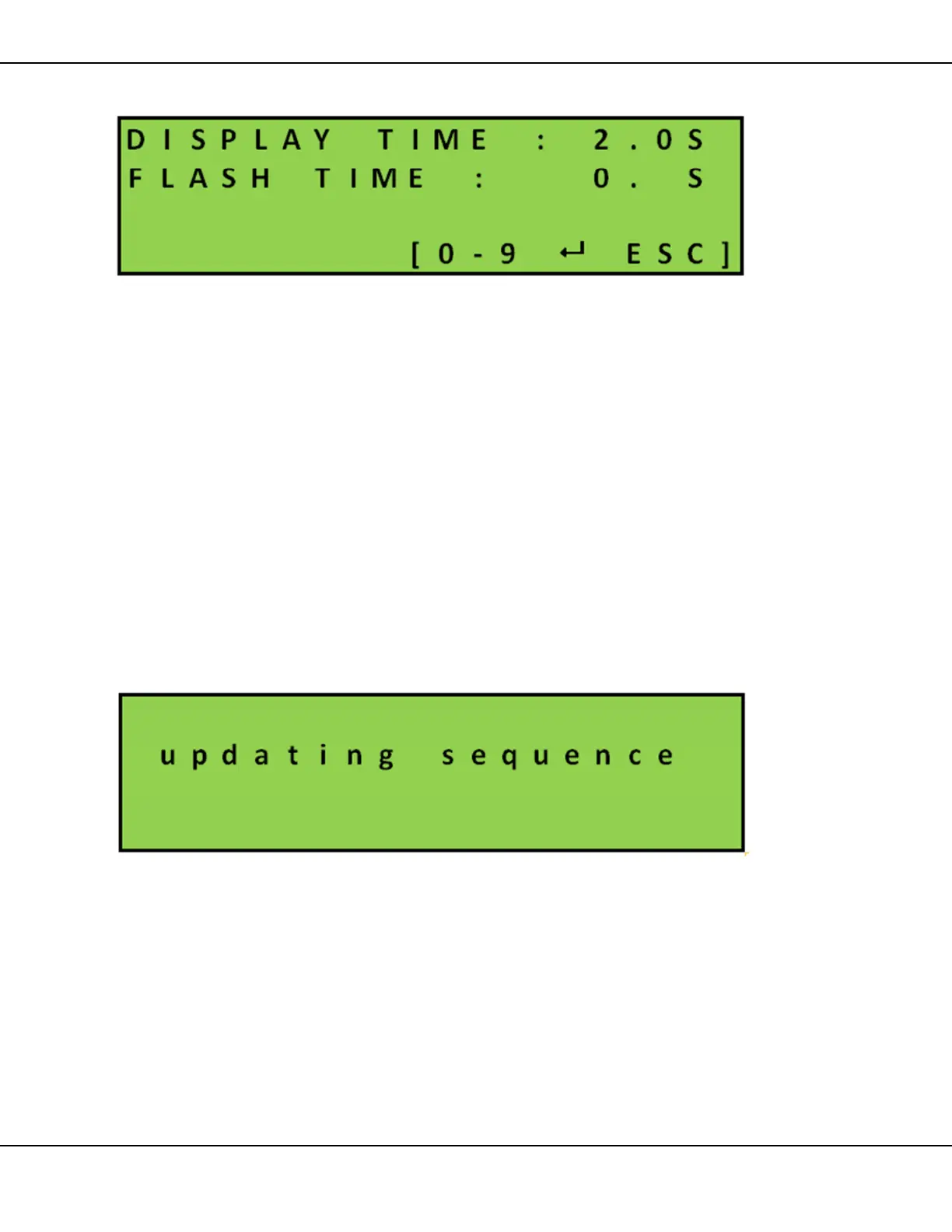
5. To change default page timings press [F1] TIME
Figure 21 – Page Flash Time
To alter page timings, overwrite Display time or press [ ] Enter
to move cursor
• Set the page display time in seconds. Default display time is
2.0 seconds
• Set the line flash time
Press [ ] OK to save and then [ESC] to return to Sequence page
#1
6. Use the [] arrow key to move to sequence page 2
• Repeat Steps 3 – 6 for any additional pages
7. When all is complete press [ESC] until you return to Sequence
page #1 screen. Press [ESC] one more time to update and run
the altered sequence
Figure 22 – Indicating Sequence is Being Updated



 To Next Page