5.0 Operations
26 1210 QuickStep Programming User Manual, Ver 5.0 Ver-Mac - May 2011
5.6 Arrows, Lines and Chevrons
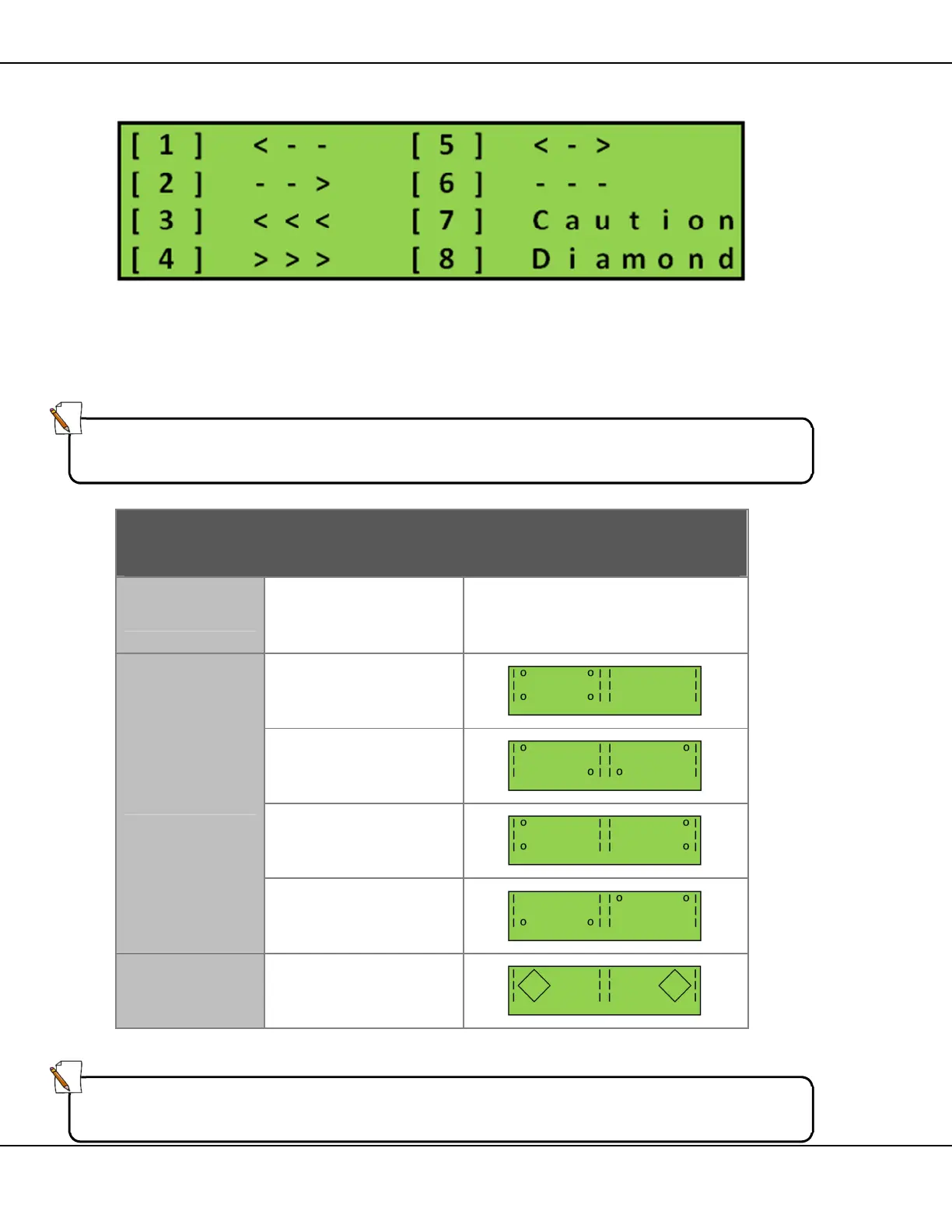
Figure 27 – Arrow Selection Screen
The Quick Step system contains all the standard arrows and warning
signals. These signals are pre-programmed and cannot be changed in
any way.
Signal Display Options
ARROWS
[1] Solid
[2] Flashing
[3] Sequential
CAUTION
[1] FULL
[2] ALT CORN
[3] SIDES
[4] UP/DOWN
DIAMONDS
Table 8 – Arrow Display Option Keys
Note:
The software assigns a message number for pages with graphics
automatically. It commences with X instead of 0. Example: X06
Note:
Arrows have a display time of 2 seconds and flashing arrows have an ON/OFF
time of 0.5 seconds.



 To Next Page