5.0 Operations
Ver-Mac - May 2011 1210 QuickStep Programming User Manual, Ver 5.0 15
You can now:
• press [INS] to insert a new page into the sequence before the
currently selected message page
or
• press [DEL] to delete the current message page
4. Press [F2] OPT > [F1] TIMING to set page display time for the
currently selected text page
5. Press [F1] RUN to update and display sequence automatically
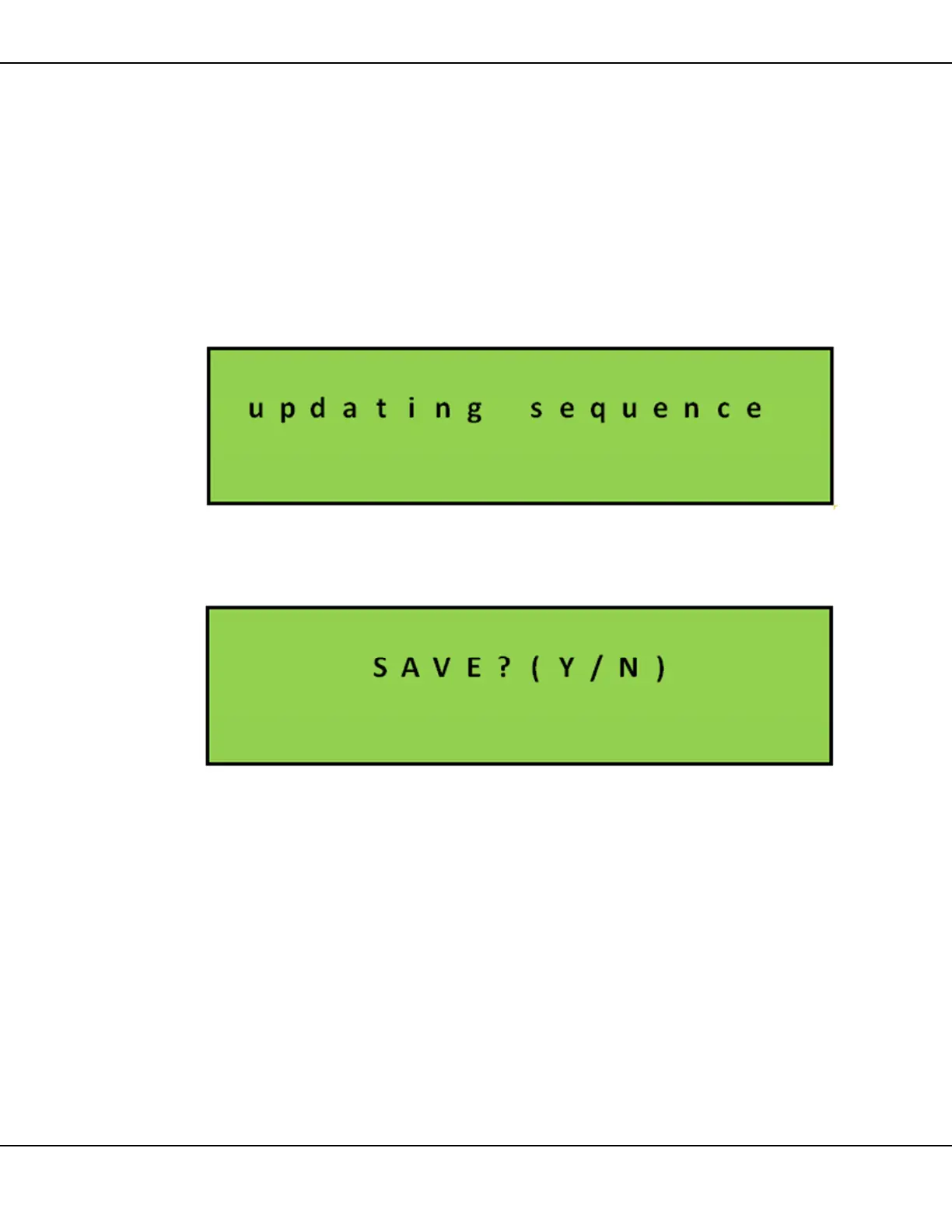
Figure 13 – Updating Sequence Status Screen
Alternatively, when you press [ESC] you are prompted to save [Y],
or [N].
Figure 14 – Saving Sequence Status Screen
If Yes, Sequence updates and displays to reflect the change(s).
If No, the software discards all the change(s).



 To Next Page