5.0 Operations
24 1210 QuickStep Programming User Manual, Ver 5.0 Ver-Mac - May 2011
5.5.3 Modifying an Existing Sequence
[ ] Enter > Main Menu > [F2] Sequence
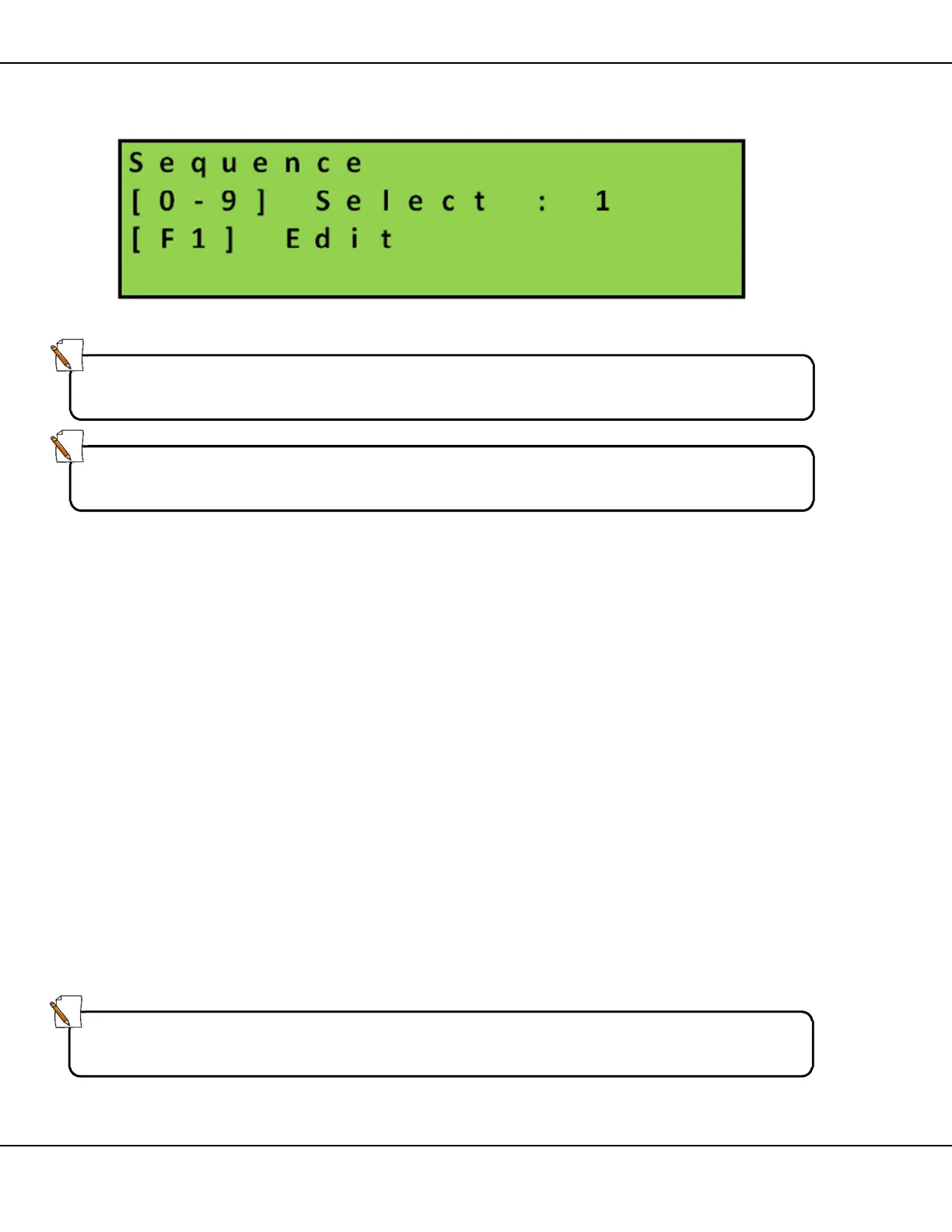
Figure 25 – Sequence Number Selection Screen
1. Use the keypad to enter a sequence number (from 1 – 8 inclusive)
2. Press [F1] Edit to modify the selected sequence.
3. Use [] arrow keys to locate the message page to be modified in
the sequence
4. Press [ ] Enter to erase the message number
5. According to the modification you want to make:
• Enter the three digit message number of the replacement text
message, and then press [F1] TIME to set any new timings for
the replacement text message page
or
• Press the [X] key to access the Arrow selection screen. Select
the image and then the signal display option
or
• Enter 000 to create a sequence cutoff page
Note:
Select Sequence 0 and stop the currently running sequence before editing a
message or sequence.
Note:
You cannot erase a sequence. You can only vary the number of message
pages in a selected sequence and their contents.
Note:
When you enter 000 and create a cutoff page you cancel all remaining
message pages in the original sequence.



 To Next Page