5.0 Operations
14 1210 QuickStep Programming User Manual, Ver 5.0 Ver-Mac - May 2011
5.3.4 Editing a Quick Program Sequence
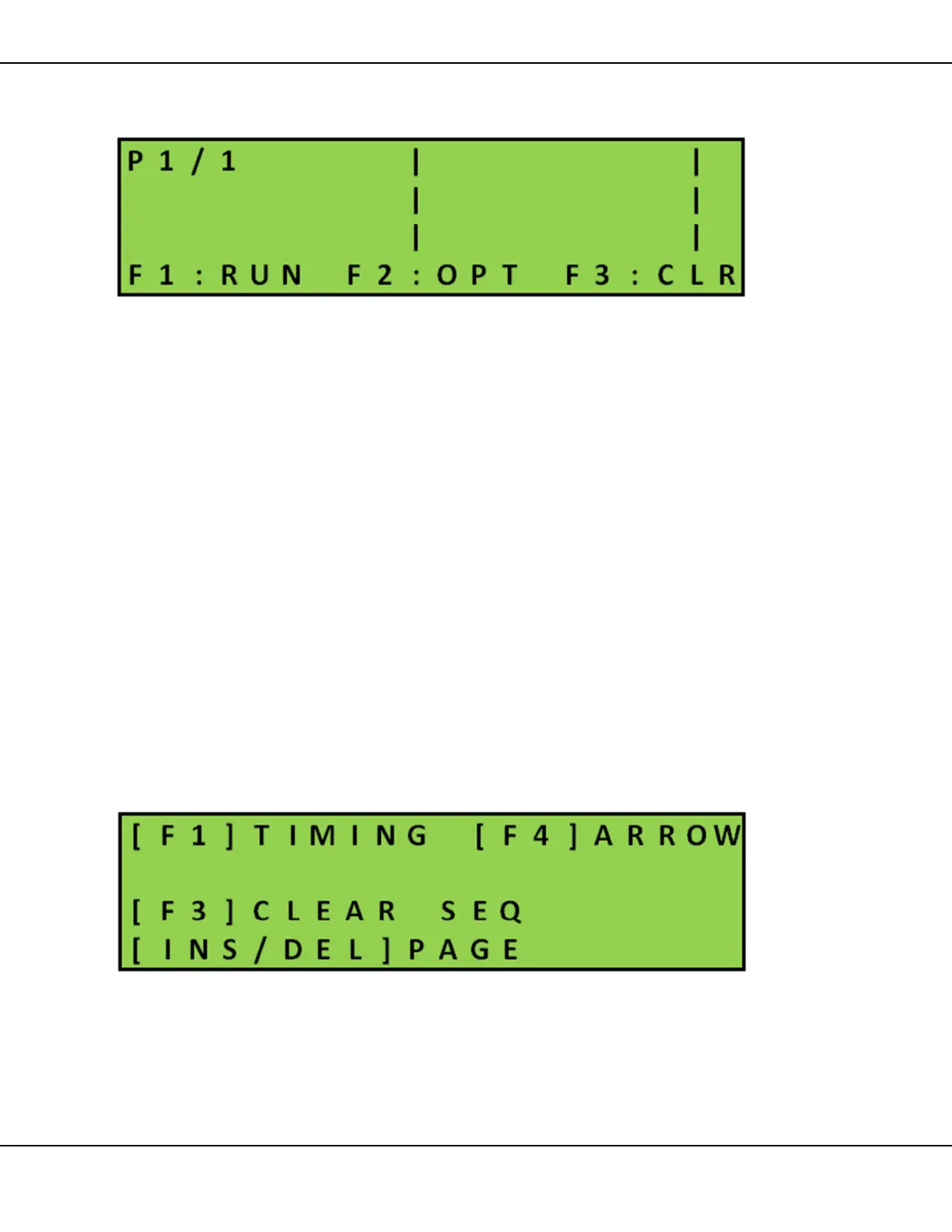
[ ] Enter > Main Menu > [F1] Quick Program
Figure 11 – Quick Program
1. To correct/modify the text on a message page in the Quick Program
sequence you can:
• overwrite text
or
• press [SPACE] to erase characters and rewrite
or
• press [F3] CLR erase entire page. Then write in the new text
Use arrow keys []
• to position the cursor
and/or
• to move to and from pages
2. To change a message page that is an arrow signal, press [F4]
Arrow and select another arrow and signal display option
3. To insert or delete a page in the sequence press [F2] OPT
Figure 12 – Quick Program Options Menu



 To Next Page