5.0 Operations
16 1210 QuickStep Programming User Manual, Ver 5.0 Ver-Mac - May 2011
5.4 Message
Using QuickStep and the handheld controller, you can create and save up to
99 message pages.
Each message consists of a single page containing:
a) 3 lines of text, (max. 8 characters per line)
or
b) a single graphic image (arrow, chevron, line, caution, diamond)
When you create a new message you assign a 3 digit identifying number to
the message. These ID numbers range from 001–099 (MSG #001).
5.4.1 Message Menu Explained
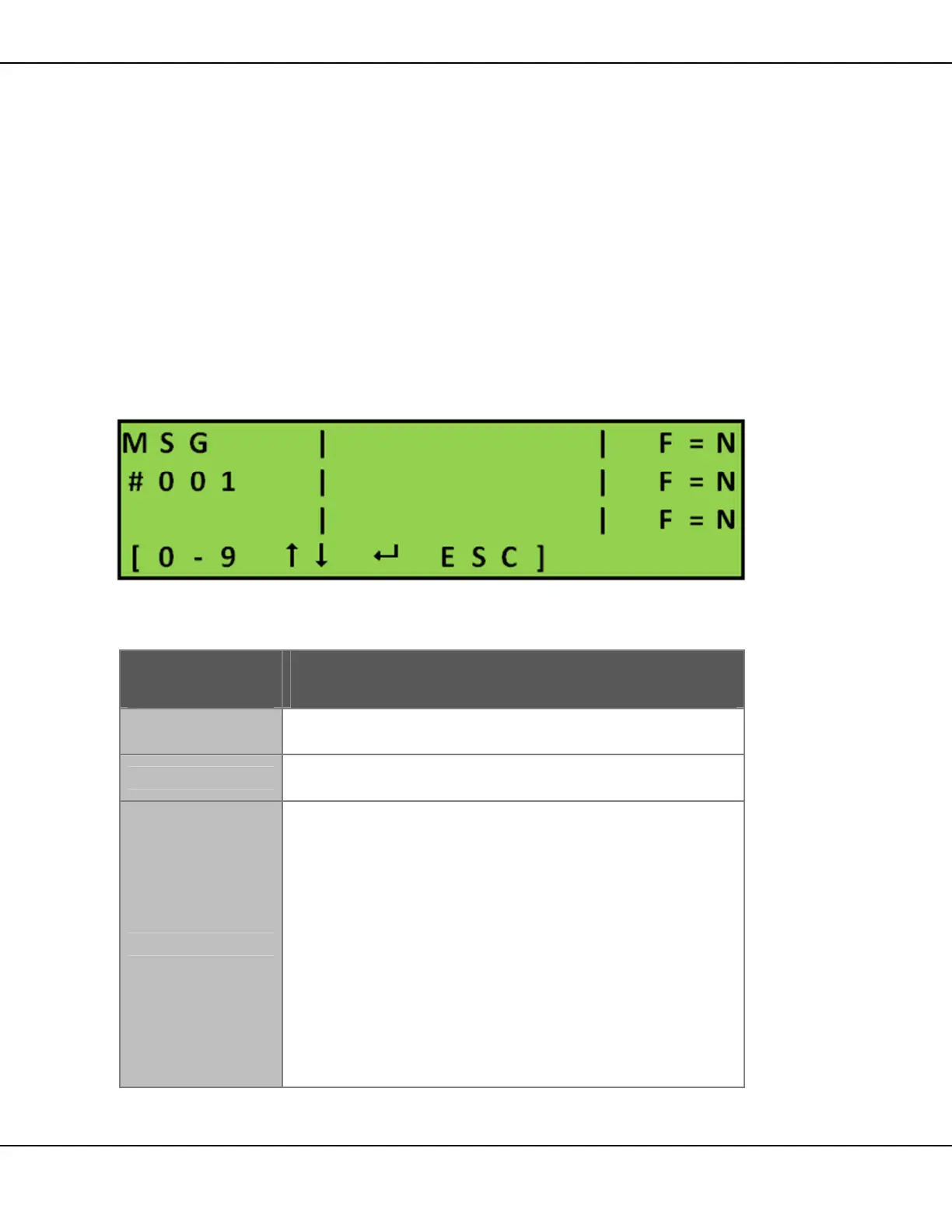
[ ] Enter > Main Menu > [F3] Message
Figure 15 – Message Main Screen
The following function keys are active in this screen:
Key Function
[0 - 9]
Use the number pad to type the required message
number.
[]
Use the up and down arrows to scroll through the
message numbers.
[ ] Enter
Use Enter key to select the current message and
proceed to edit mode.
In edit mode:
o [] - moves the cursor around the message in
the message area
o [F1] - toggles flashing on for the selected line
o [DEL] - erases entire message page
o [ ] Enter - saves changes made to the currently
selected message
o [ESC] –discards changes made to the message
Table 7 – Message Menu Keys



 To Next Page