5.0 Operations
Ver-Mac - May 2011 1210 QuickStep Programming User Manual, Ver 5.0 21
5.5.1 Creating a New Sequence
[ ] Enter > Main Menu > [F2] Sequence
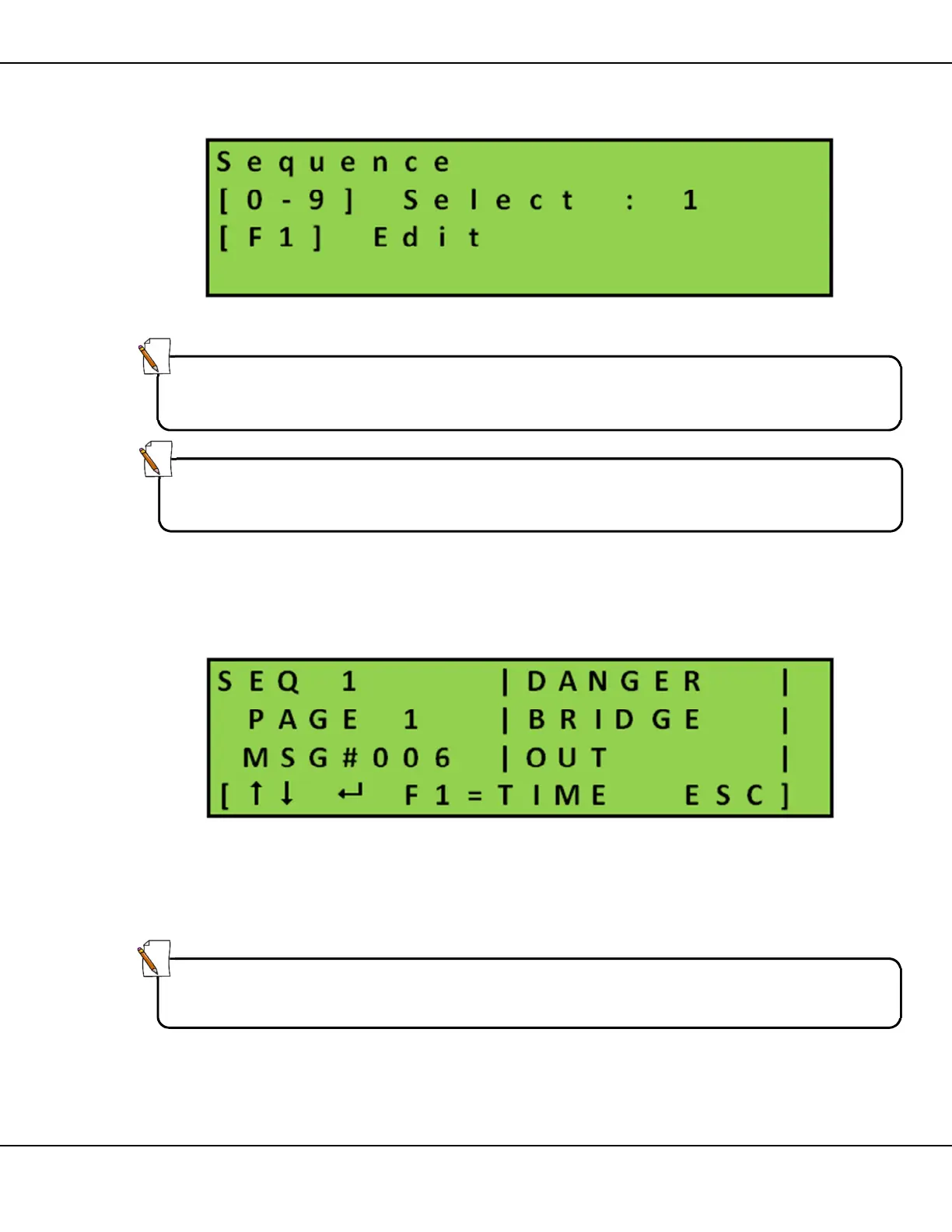
Figure 19 – Sequence Main Screen
1. Use the keypad to enter a number (from 1 – 8 inclusive) for the
new sequence
2. Press [F1] Edit to open the selected sequence in edit mode
Figure 20 – Sequence Edit Screen
3. Press [ ] Enter and use the keypad to enter the 3 digit number
of the message to form page #1 of your sequence. Example:
Enter 006 (message #006) on sequence 1 page 1
4. Press [ ] Enter to confirm the page change
Note:
Select Sequence 0 and stop the currently running sequence before editing a
message or sequence.
Note:
Be sure to create and number all the messages you need for the Sequence,
before you start to compile the series of messages that form the Sequence.
Tip:
A preview of the message page contents displays in the area on the right of
the screen.



 To Next Page