24
NM & PG PLUS FID STATIONS
USER MANUAL
Version 1.03.0000
www.vicidbs.com
8. OPERATION - HYDROGEN PART
8.1. LCD DISPLAY
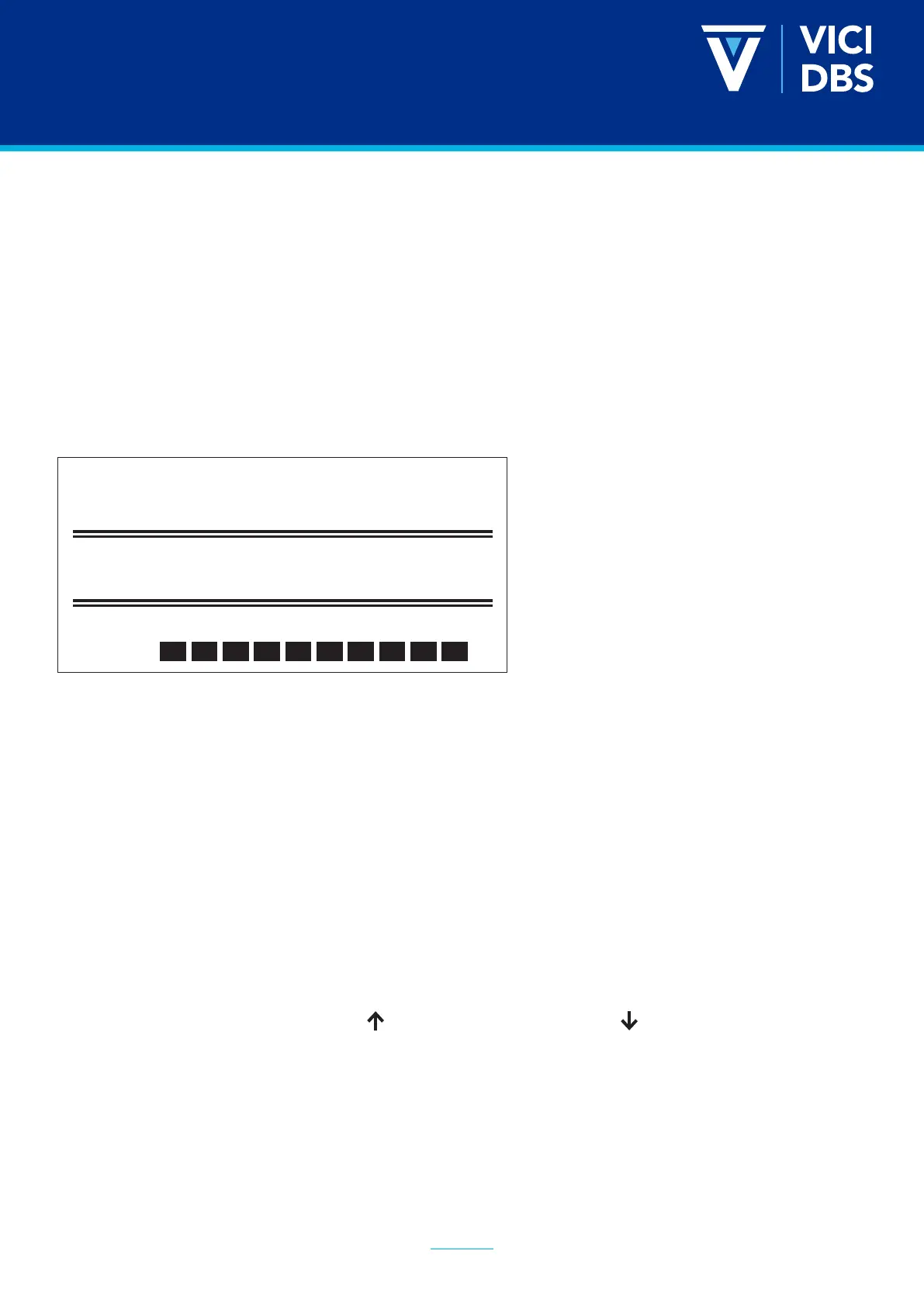
The status of the generator is shown on the main screen of the graphic display. The main screen has three
options at the bottom, corresponding to the three buttons on the unit and the part of touch screen, which
are used to run the various functions and access the conguration and diagnostics of the generator.
8.1.1. Layout of the Display
The LCD display provides the following information.
8.1.2. First Row - Status Information
The rst row shows the current status of the generator.
The information can be divided into 3 groups:
Information: Displays normal operating status
Pre-Alarm: Indicates that a maintenance intervention will soon be required; accompanied by an audible
signal.
Alarms: Indicates that a maintenance intervention is required and that the generator has been shut
down; accompanied by an audible signal.
8.1.3. Second Row - Pressure Information
“Act” is the actual pressure of hydrogen, while “Set” is the set pressure.
The pressure can be increased using the button or decreased using the button.
Normal Flow
Press. Act. 7 bar
Set. 7 bar
Flow
Water


 To Next Page