40
Operation
Setting
Conditioner plate
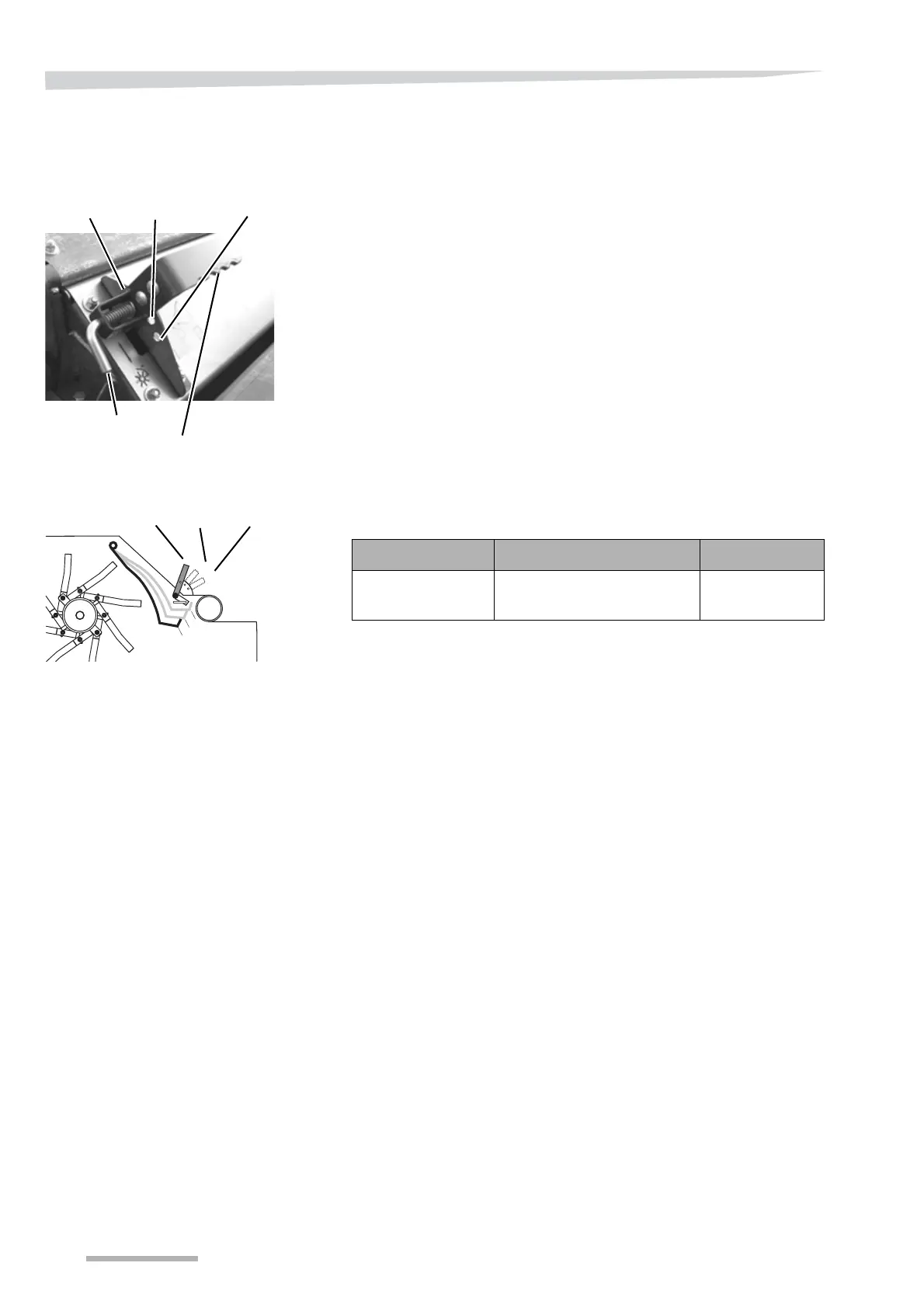
The distance between the conditioner plate and the rotor can be ad-
justed using the handle.
The conditioner plate is adjusted in the following way:
> Pull out the lock.
> Set the handle to the desired position.
> Let go of the lock
> Check that the handle is securely locked.
Settings can be adjusted to the nature of the crop by making use of
the following settings:
Pos. I Pos. II Pos. III
Normal, clean
grass crops
Grass crops containing a
moderate amount of leaves
Lush and leafy
spring crops
Handle
Lock
Pos. III
Pos. I
Pos. II
3
2
1
3
2
1
II
I
III



 To Next Page