Maintenance
83
Universal joint
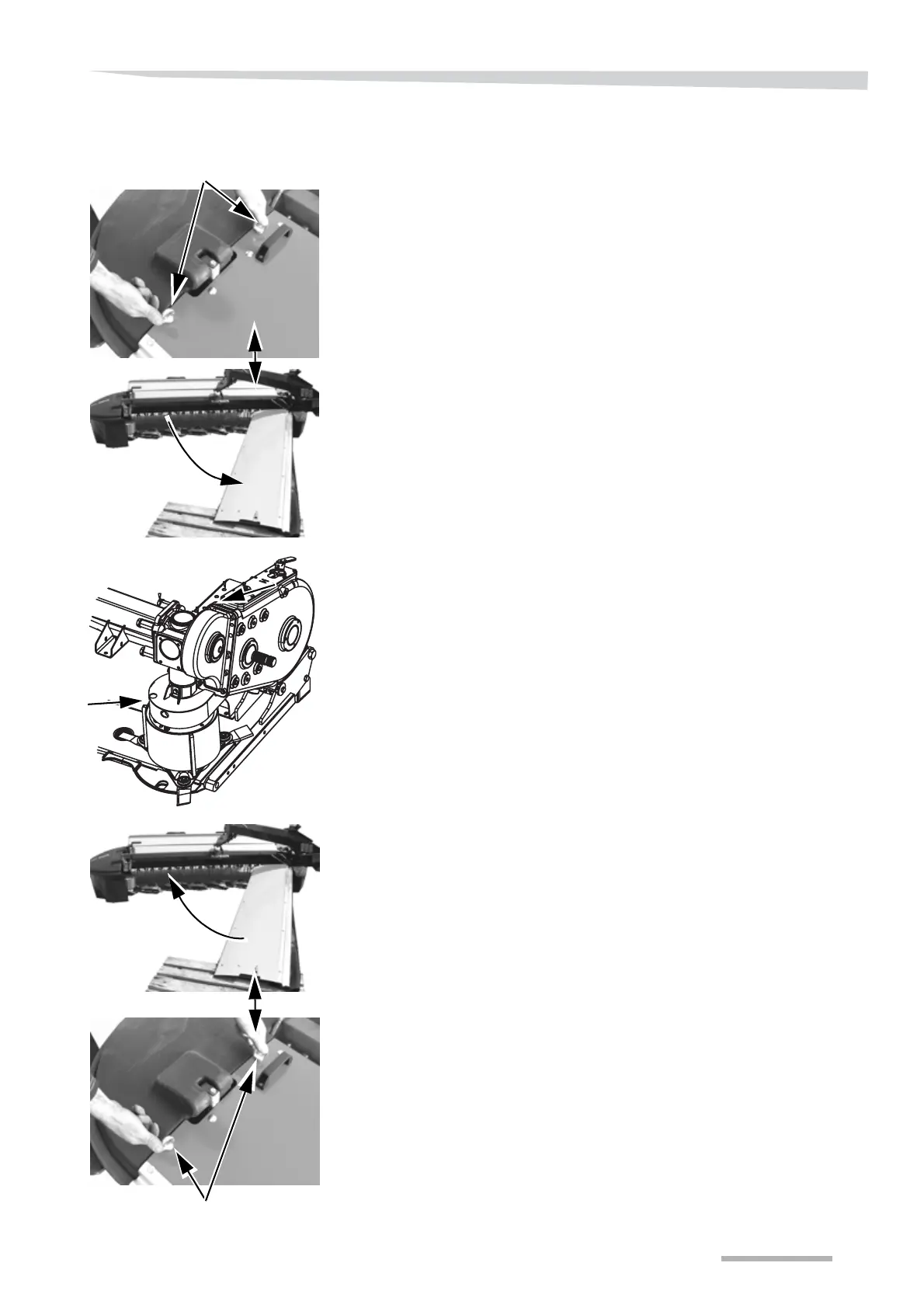
The universal joint is replaced as shown here:
→ »Maintenance intervals« Page 55.
> Remove the ring nut shown.
> Open the machine's first protection.
> Use a suitable wrench and remove the cone cover.
> Remove the bolts and replace the P.T.O. shaft.
> Clean the bolts.
> Apply Loctite 242 to the bolts.
> Mount and tighten up the bolts with a torque wrench.
→ »Torque moment« Page 97.
> Fit the cone cover and fasten it.
> Close the guard around the machine's cutterbar.
> Fit the ring nut and fasten it.
Ring nut
Ring nut



 To Next Page