Document: LT0439 Vigilant MX1-Au Operator Manual
Issue 1.73 23 October 2018 Page 9-13
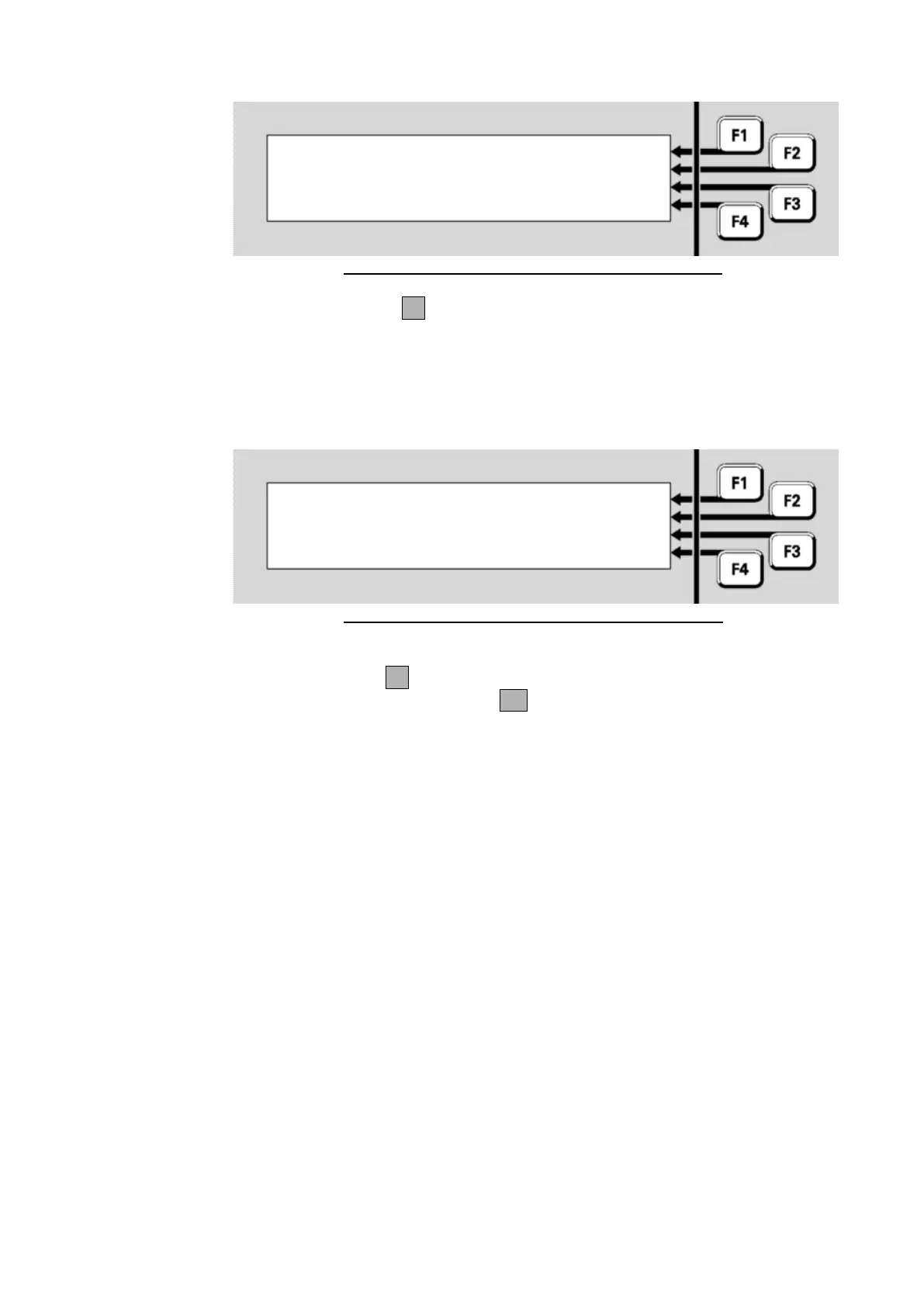
Fig 9-15 – Silenced Alarm Devices Example Display
Press RESOUND F1 to re-activate the alarm devices at the remote
panel.
If the alarm devices at the panel have been disabled Activated Disabled
will be displayed on the fourth line as shown in the example in Figure
9.16.
Fig 9-16 – Disabled Alarm Devices Example Display
Press ENABLE F4 to re-enable the alarm devices. A confirmation
screen will be displayed – press OK to confirm the re-enabling of the
alarm devices.



 To Next Page