Vigilant MX1-Au Operator Manual Document: LT0439
Page 23 October 2018 Issue 1.73
Office
Factory
Shop
Garage
Shed
Z003-Shop 1/3
P1.32-814CH Shop CO
Z001-Office 2/3
P1.1-MIM800 Office Input
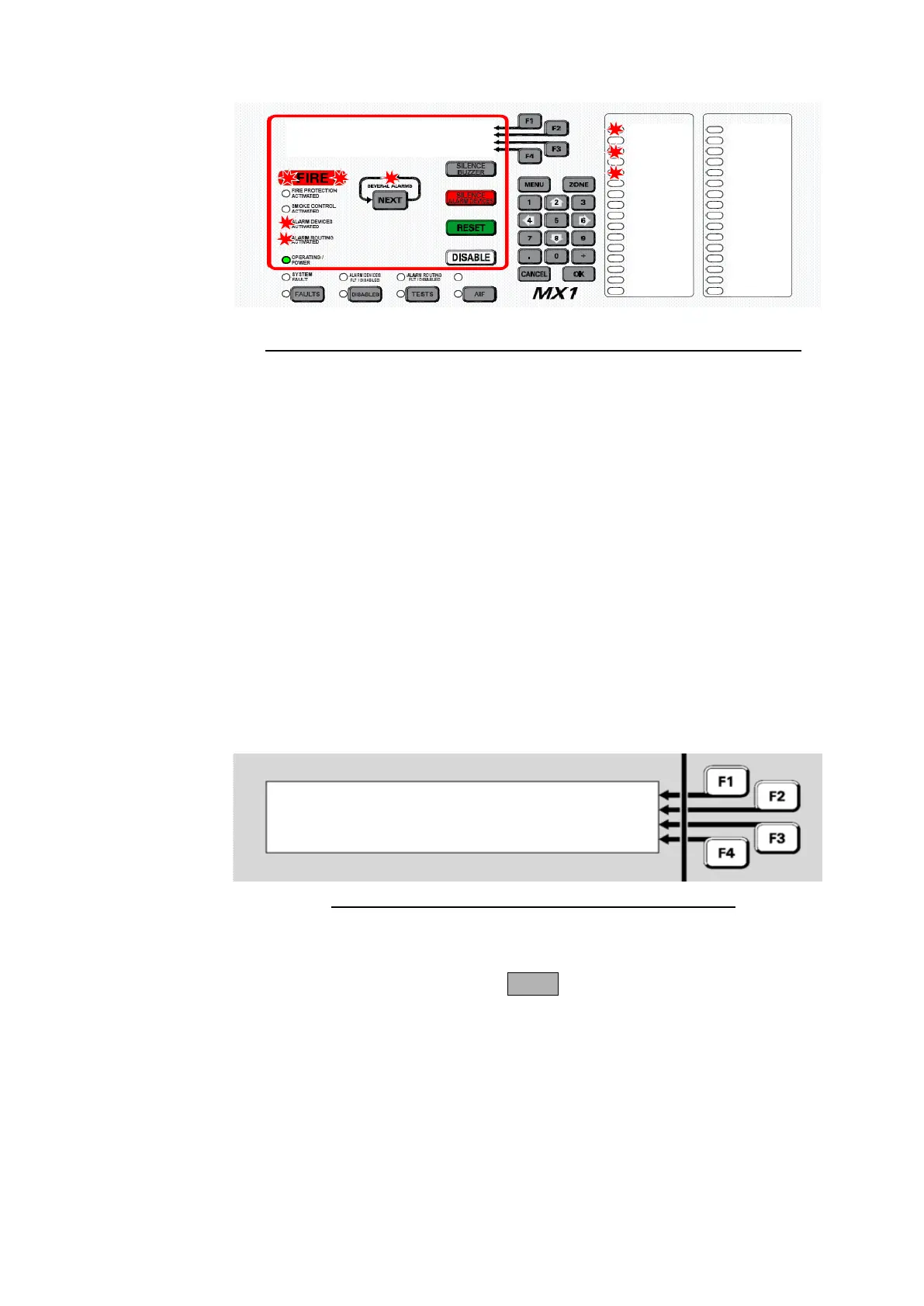
Fig 2-1 – Example of an Alarm Display Showing First and Second Alarms
The first line of each alarm will show:
o the zone number.
o the zone name.
o the alarm number out of the total number of alarms present, for
example, 1/3 is the first alarm out of three.
The second line of each alarm will show:
o the device number (for example, p1.32)
o the point name
o the type of alarm for the point that generated the alarm condition
(for example, CO for carbon monoxide detector).
If the length of the point name plus the type of alarm is too long to
simultaneously show on the screen, these two fields will alternate every
couple of seconds.
Z003-Shop 1/3
P1.32-Shop CO
Z001-Office 2/3
P1.1-Office Input
Fig 2-2 – Alarm Display Showing Alarms 1 & 2 Out Of 3
The SEVERAL ALARMS indicator will be lit if there are more than 2
alarms present, and pressing the NEXT key will scroll the lower two lines
through any subsequent alarms (the alarm list).
The first and second lines will continue to show the first alarm.



 To Next Page