Document: LT0439 Vigilant MX1-Au Operator Manual
Issue 1.73 23 October 2018 Page 2-5
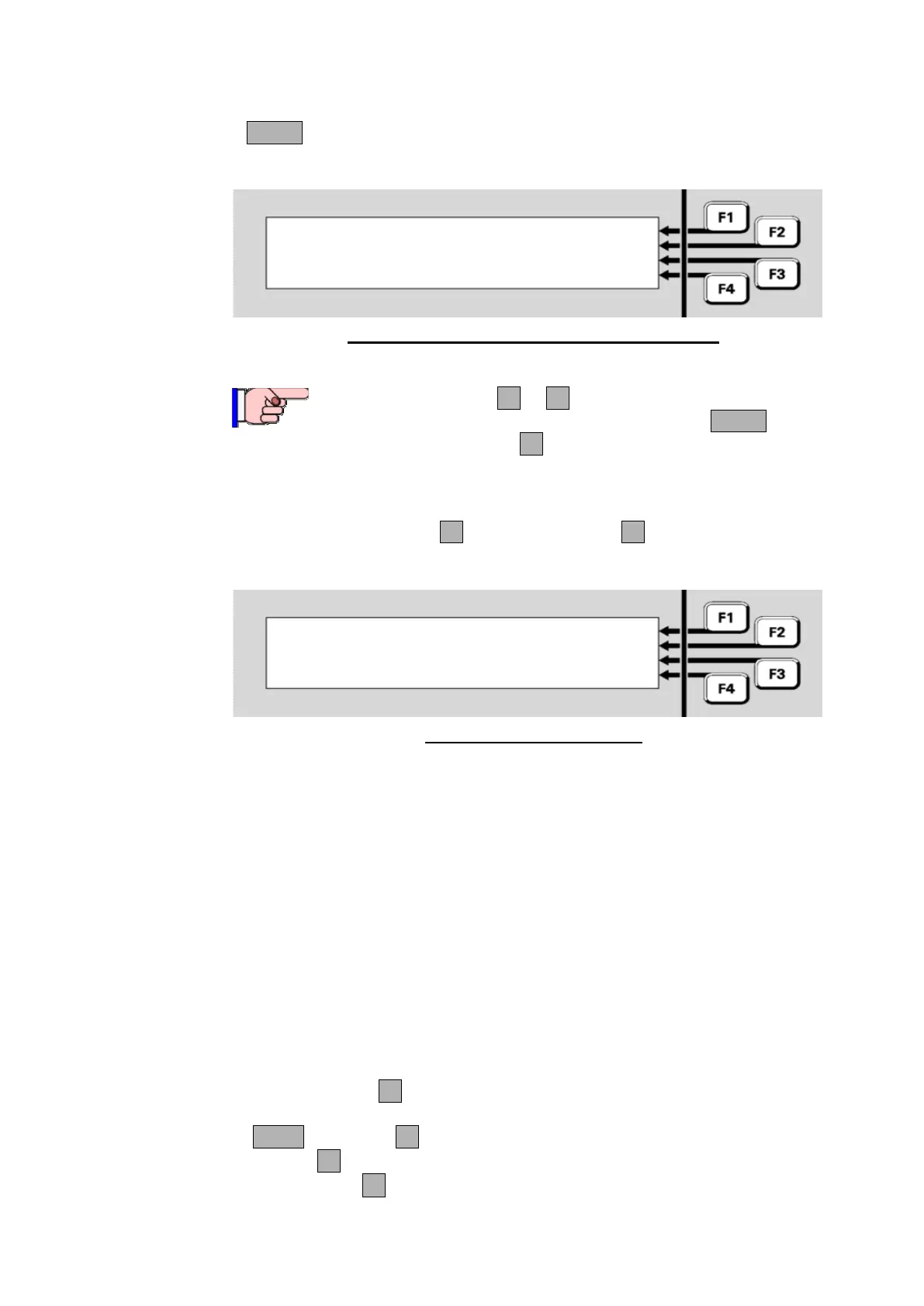
If MENU is pressed when the alarm list is displayed, the following menu
is shown.
Z003-Shop |MOREINFO
P1.32-Shop |PREV ALM
Z001-Office |MOREINFO
P1.1-Office |TECHMENU
Fig 2-3 – Example of Alarm Display Showing Menu
From the alarm list, F1 to F4 may be pressed for the
corresponding functions without first pressing MENU.
Pressing TECHMENUF4 allows access to all the other
menu functions while an alarm is present. Pressing and
holding CANCEL returns to the alarm list.
Pressing MORE INFO F1 or MORE INFO F3 will show the Alarm
Detail display for the particular alarm.
Shop |MOREINFO
Z003 P1.32.1 CO | PREV
Shopwindow | NEXT
CL: 1 ppm Alarm 1 of 3|ALRM LST
Fig 2-4 – Alarm Detail Display
NOTE if the panel sending the alarm is not an MX1 panel then the
information shown depends on the configuration of the sending panel.
For MX1 panels
The first line shows the zone name.
The second line shows the zone number, the point number (device
number and subpoint) and alarm type for the subpoint that caused the
alarm.
The third line shows the point name.
The fourth line shows the current level (CL=”current analogue level”) in
appropriate units for the device type, in this case, parts per million of
carbon monoxide. It also states which alarm of the total number of
alarms this is.
Press
MORE INFO F1 to show pre-programmed action text for the zone
and the date and time of the alarm.
NEXT or NEXTF3 to step to the next (later) zone in alarm.
PREVF2 key to step to the previous (earlier) alarm.
ALRM LSTF4 to return to the Fire Brigade Panel alarm list.



 To Next Page