Document: LT0439 Vigilant MX1-Au Operator Manual
Issue 1.73 23 October 2018 Page 6-19
The readings displayed will depend on the MX point type and include:
CV - Current Value, or RAW - raw value. The unconverted current
value or reading for the sensor or input, but calibrated as required for
the device.
If the raw value from the sensor indicates a fault (e.g., very low value)
then the raw value is the uncalibrated value so the actual fault can be
seen. Also the current level will be 0.
TV - Tracked Value, a long-term smoothed version of CV. For 801F
and 801FEx flame detectors this shows the fault status.
HH and HL - History High and History Low are the highest and lowest
values of CV since the point’s history was last reset (see page 6-3).
For heat sensors that have Rate-of-Rise enabled the current rate-of-
rise (RoR) and the highest rate-of-rise (RoRHH) values are also
shown.
For photoelectric sensors, the contamination level is shown on the
third line.
H% shows the history high as a percentage of the alarm threshold.
For example, H% = 120 means the input went to 120% of the alarm
threshold.
To return to the Point Current-Level Display (physical units of measure)
press CURF1.
Pressing the DAY OPRNF4 key on any point value display will show
the Day algorithm for that point if the point is on an MX1 panel..
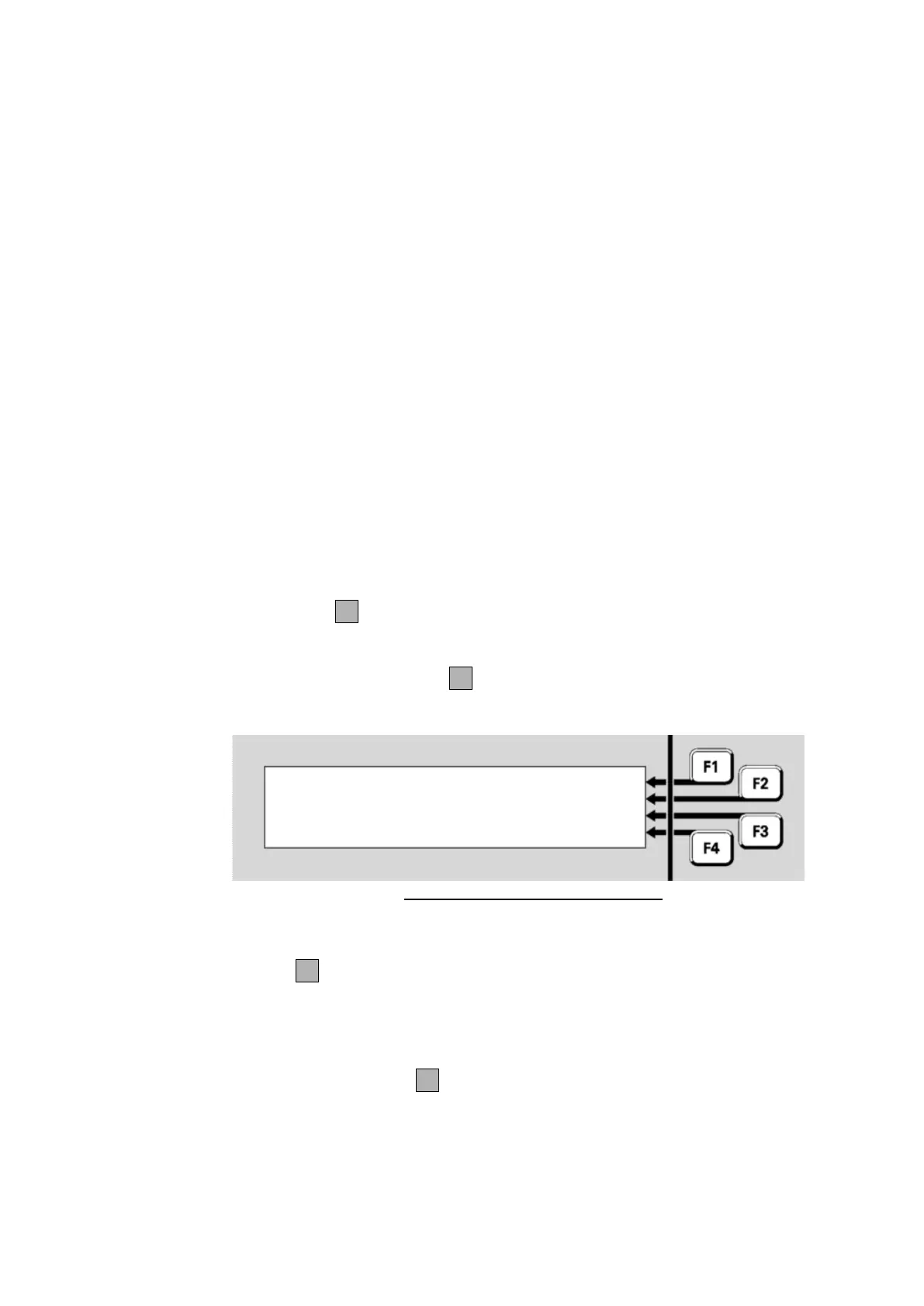
Fig 6-30 – Point Algorithm Settings
On the third line the name of the Day algorithm will be shown – typically
this will describe the detection mode and sensitivity. Then pressing NGT
OPRNF4 will show the name of the Night algorithm (usually this will be
the same as the Day algorithm). The currently used sensitivity settings
are shown in the Point Current Level Display (Fig 6.28).
Pressing the DIRTYF4 key on any point value display will show the
percent dirty values for that point if the point is on an MX4428 panel.



 To Next Page