535-0045-00 Rev 02
Violin 6000 Series Memory Array Installation Guide
3
Document Conventions
Safety Icons
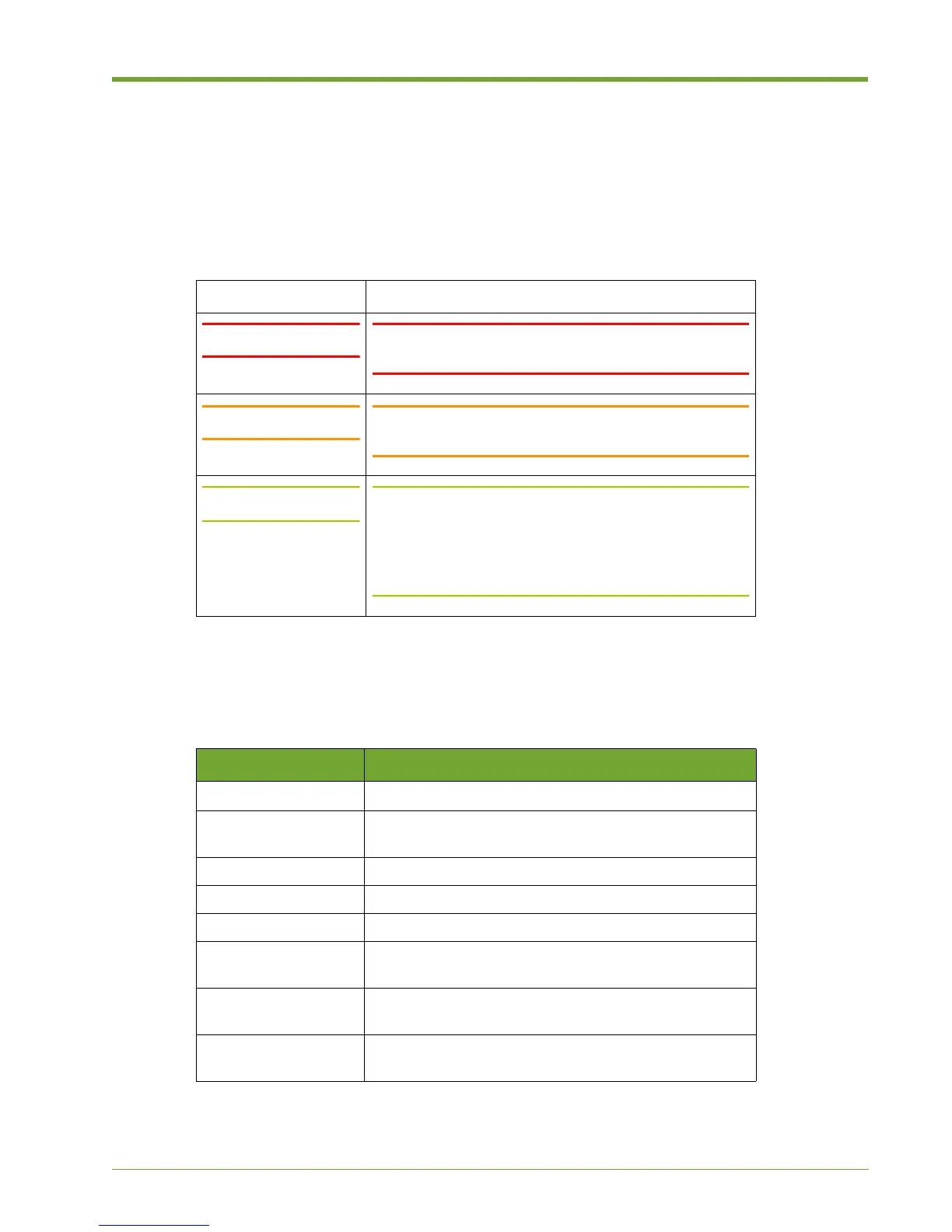
The table below summarizes warning, caution, and note icons used in this document and includes
sample text.
Typographical Conventions
The following typographic conventions are used in this guide:
Safety Icons
Icon Sample Text
WARNING! WARNING! Only authorized, qualified, and trained
personnel should attempt to work on this equipment.
Caution: Caution: Follow the listed safety precautions when
working on the Violin 6000 Series Memory Array.
Note: Note: Read through this entire chapter and plan your
installation according to your location before installing
the equipment. The following procedures and the order
in which they appear are general installation guidelines
only.
Format Meaning
Bold
User Interface text.
Italic
Provides emphasis and identifies variables and
document titles.
Courier Command names, examples, and output.
Courier bold Input you must type exactly as shown.
<Courier italic> Information for which you must supply a value.
[] Optional command parameters are enclosed within
square brackets.
| Separates a set of command choices from which only
one may be chosen.
{} Required command parameters that must be specified
are enclosed within curly brackets.
Typographical Conventions



 To Next Page