Completing the Configuration Wizard
535-0045-00 Rev 02
Violin 6000 Series Memory Array Installation Guide
33
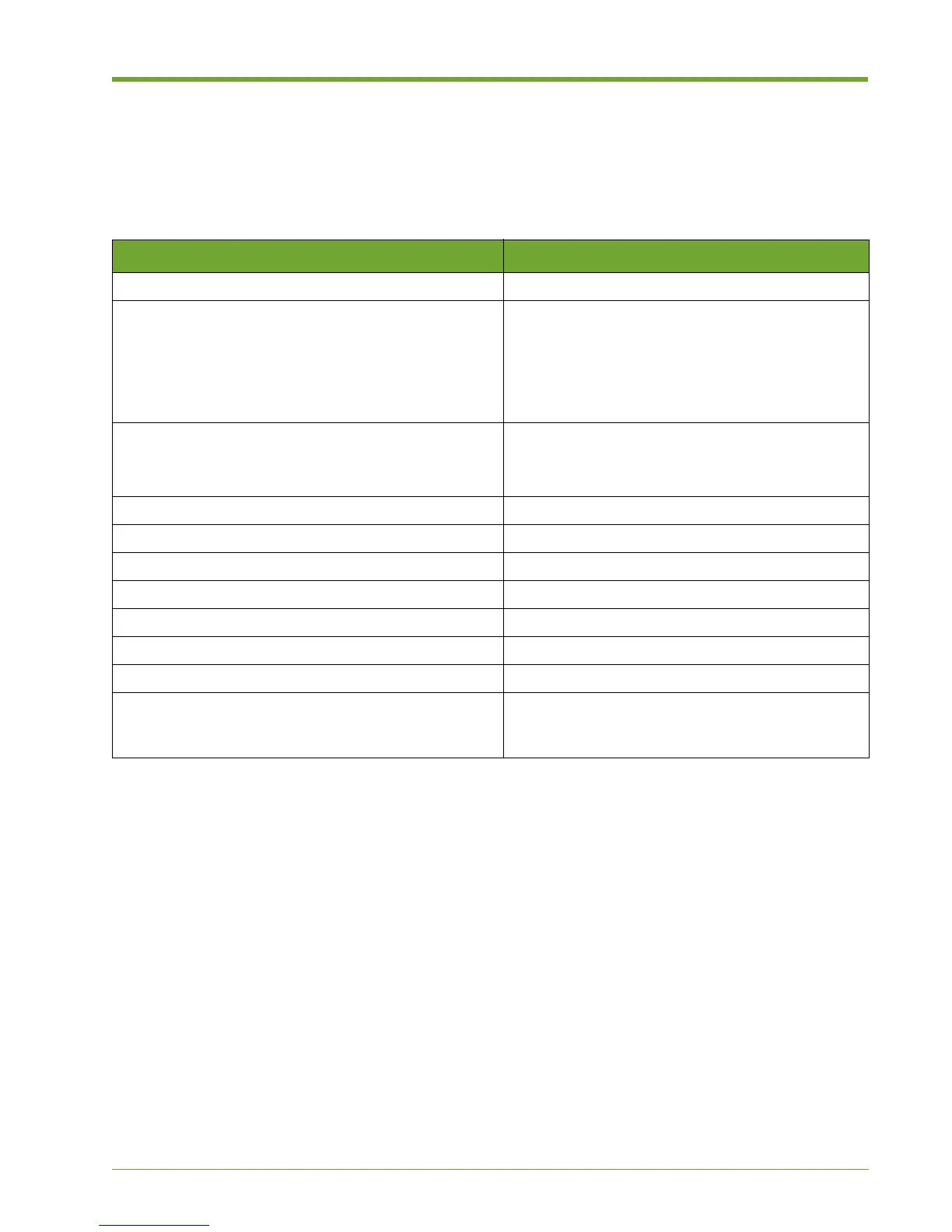
Configuration Checklist
Before you begin configuring the Memory Array and the Memory Gateways, make sure that you
gather the following information from the network administrator. These items must be available to
complete the initial configuration.
Completing the Configuration Wizard for a New
System
This section describes initial (first time) configuration of the Memory Array. Configuration is
completed by connecting a serial console cable to the Memory Array and then using the
Command Line Interface (CLI) to configure the system.
1. Connect a serial cable from your computer to console port A on the back of the Memory Array.
(Port A is the right console port on the back of the chassis.)
2. Start a terminal window, and then use the following console settings:
— Bits per second: 115200
— Data bits: 8
— Parity: None
— Stop bits: 1
3. Log in to the system as “admin”. A password is not required.
Information Notes
A host name to be used for the system
Four host IP addresses within the same subnet:
• Array Controller Module A (acm-a) host IP address
• Array Controller Module B (acm-b) host IP address
• Memory Gateway A (mg-a) host IP address
• Memory Gateway B (mg-b) host IP address
Two management IP addresses:
• ACM management IP address
• Memory Gateway management IP address
ACM management IP Netmask
Memory Gateway management IP Netmask
Netmask
DNS server IP address
Domain name
Default Gateway IP address
NTP server IP address and time zone
E-mail hub and port for auto support feature (if
callhome.vmem.com cannot be reached over TCP port
25 due to corporate firewall restrictions)
Table 2.2 Initial System Configuration Checklist



 To Next Page