Vishay Micro-Measurements System 7000 Programmer’s Reference Manual
Page 130 of 142
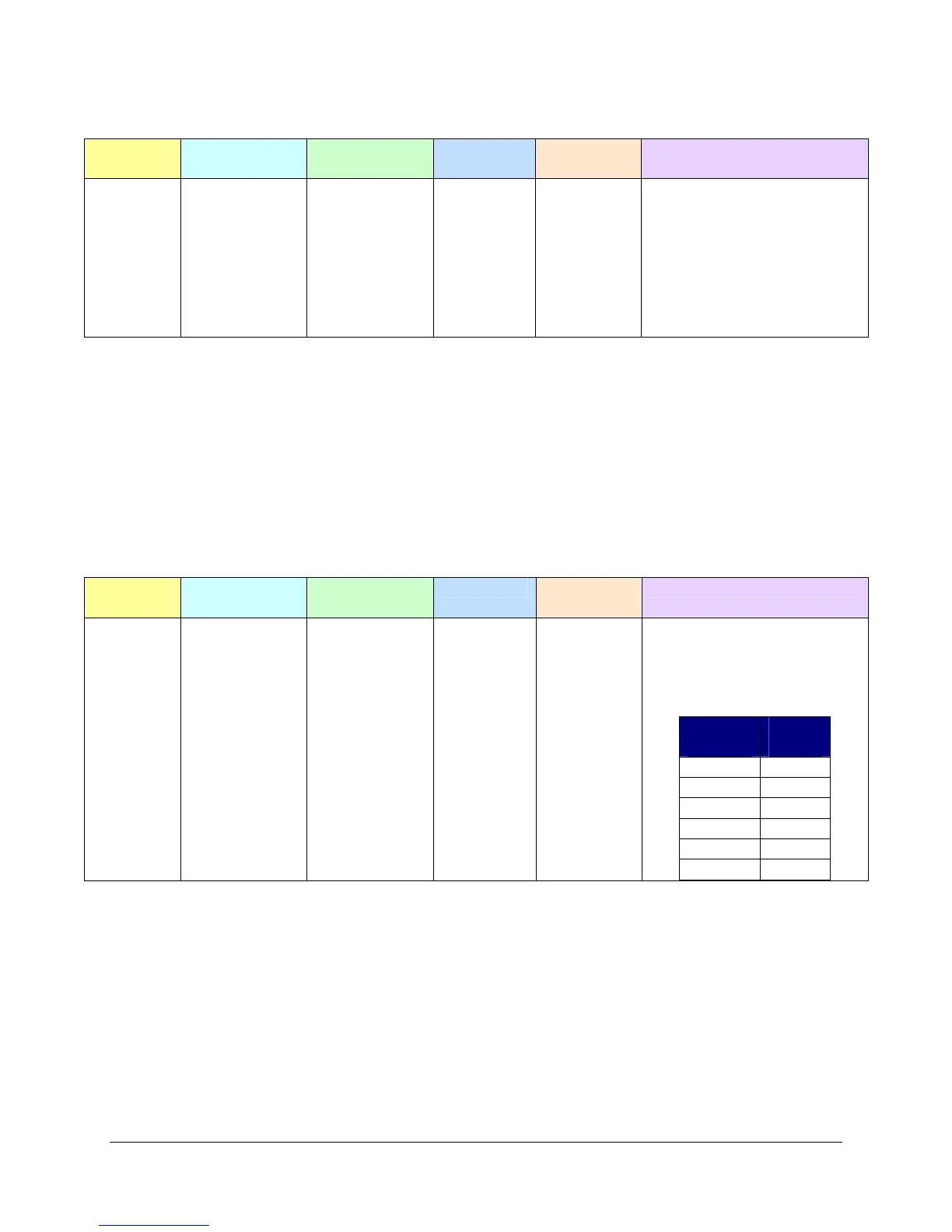
7.4.6.9 Assign a Limit Event Condition to a Channel(s)
Length
Command
Group
Command
Code
Card Mask Channel
Mask
Parameters
0x0008 0x06 0x0011 Used Used
Bytes 8-9:
Channel Limit Index
The 16-bit index of channel
limit
Bytes 10-11:
Global Limit Index
The 16-bit index of the limit
event.
This command allows you to associate a defined limit condition with a channel.
Note that if a Normal or Range type limit is active, a channel may only have one limit condition assigned.
So the channel’s limit index of 0 may be assigned to any of the 50 allowable limit conditions (see Set
Limit Event Condition Command).
For Incremental limits, a channel may be associated with up to 50 limit conditions. (i.e. channel limit
indexes 0 through 49 may be assigned to any of the 50 definable limit conditions). However, these limits
must be assigned sequentially (i.e. no channel limit indexes may be skipped).
7.4.6.10 Set Default Filter Command
Length
Command
Group
Command
Code
Card Mask Channel
Mask
Parameters
0x000A 0x06 0x0012
No Query
Used Used
Bytes 8-11:
32-bit scan rate in
samples/second. Valid values
are:
Radix
10
Radix
2
2000 2048
1000 1024
500 512
200 256
100 128
10 64
This function sets the default filter based on the scan rate. Generally this scan rate should match the one
entered with the Set Scan Rate command. It is possible to have aliasing due to your recording rate being
very different then your scan rate. (i.e. Your scan rate may be 2000 scans/sec, but, with a recording skip
count set, your recording rate may be 100 scans/sec.) To minimize the risk of aliasing you may find it
useful, when selecting a filter, to select a scan rate closer to your recording rate.


 To Next Page