Vishay Micro-Measurements System 7000 Programmer’s Reference Manual
Page 37 of 142
Start
Set up scanning, filtering,
and recording parameters for
all cards
Issue “Arm” command to all
scanners
Issue “StartScanning“
Command to all scanners
Synchronized
Scanning?
Issue “StartNetworkScanners”
command to Master
Scanning
Issue “Arm” command to all
scanners
No
Issue
“SynchronizeNetworkScanners”
command to Master
Issue “StartScanning“ Command to
all scanners
Yes
Issue “ConfigureNetworkScanners”
command and
“VerifySynchCableStatus” for all
scanners
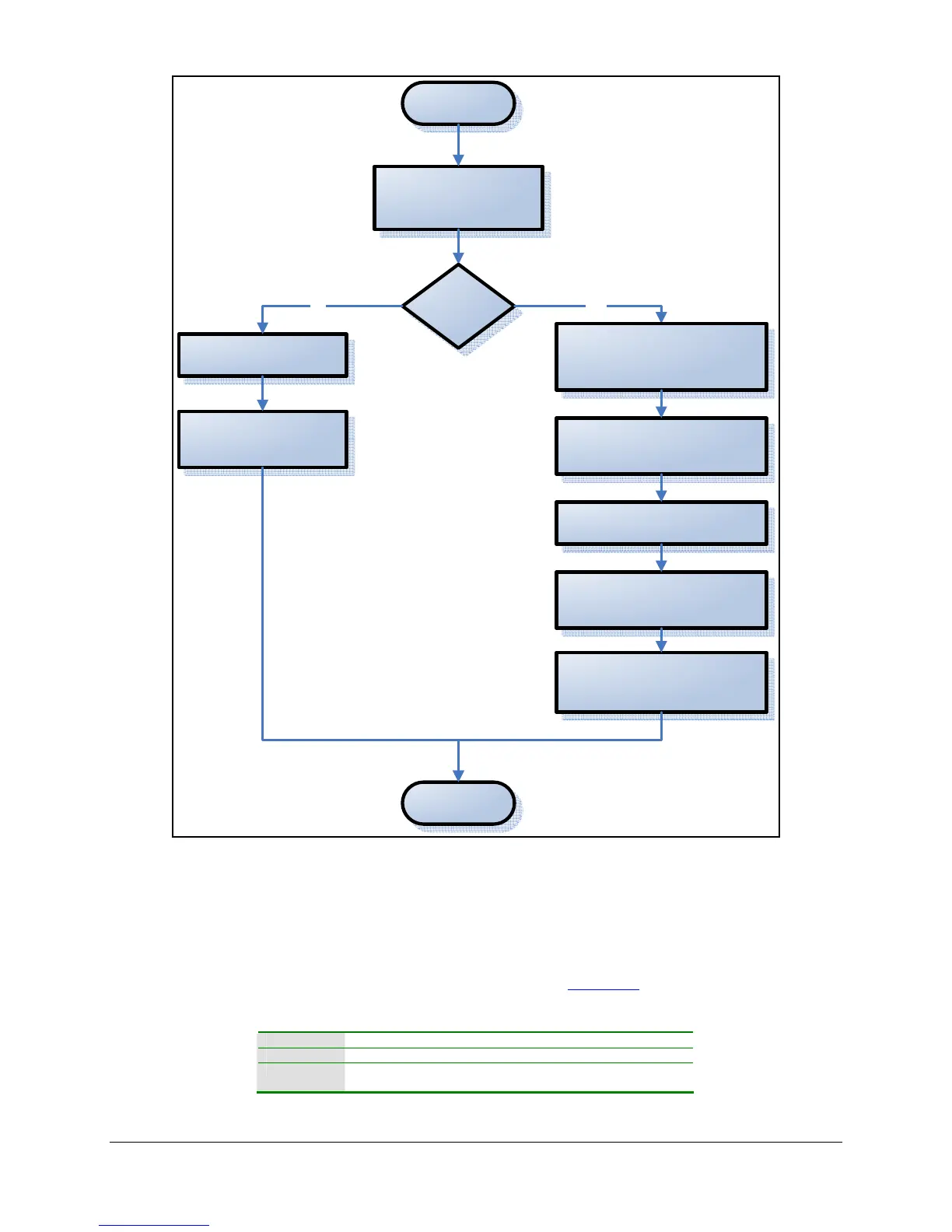
Figure 6 – Flow Diagram for Configuring Synchronized Scanners
3.13 Starting and Stopping Manual Recording
If your system is configured to perform manual recording (see the Recording section), you may
programmatically start and stop manual recording.
LabVIEW Control Manual Recording VI
Active X ControlManualRecording method
Low-level Start Manual Recording command
Stop Manual Recording command



 To Next Page