Vishay Micro-Measurements System 7000 Programmer’s Reference Manual
Page 48 of 142
DateTimeStamp= The date and time scanning started in
“MM/DD/YYYY HH:MM:SS” format.
Yes
Number of Scans
Recorded=
The number of scans recorded during a scan
session.
Yes
Table 21
Because this is a legacy feature, the commands to set the user-definable fields are available only in the
low-level format. The exception is the command to set the Box Number (ID).
3.15 Acquiring Real-time (Online) Data
The System 7000 has the ability to broadcast real-time (online) data via the UDP data port. This data is
broadcast while the System 7000 is actively scanning.
3.15.1 Configuring the Real-time (Online) Data Transmission
You may configure which channels are to be included in the real-time data and at what rate the data is
transmitted.
Channel Mask –a channel mask for each card defines which channels on the card are to be
included in the real-time data broadcast.
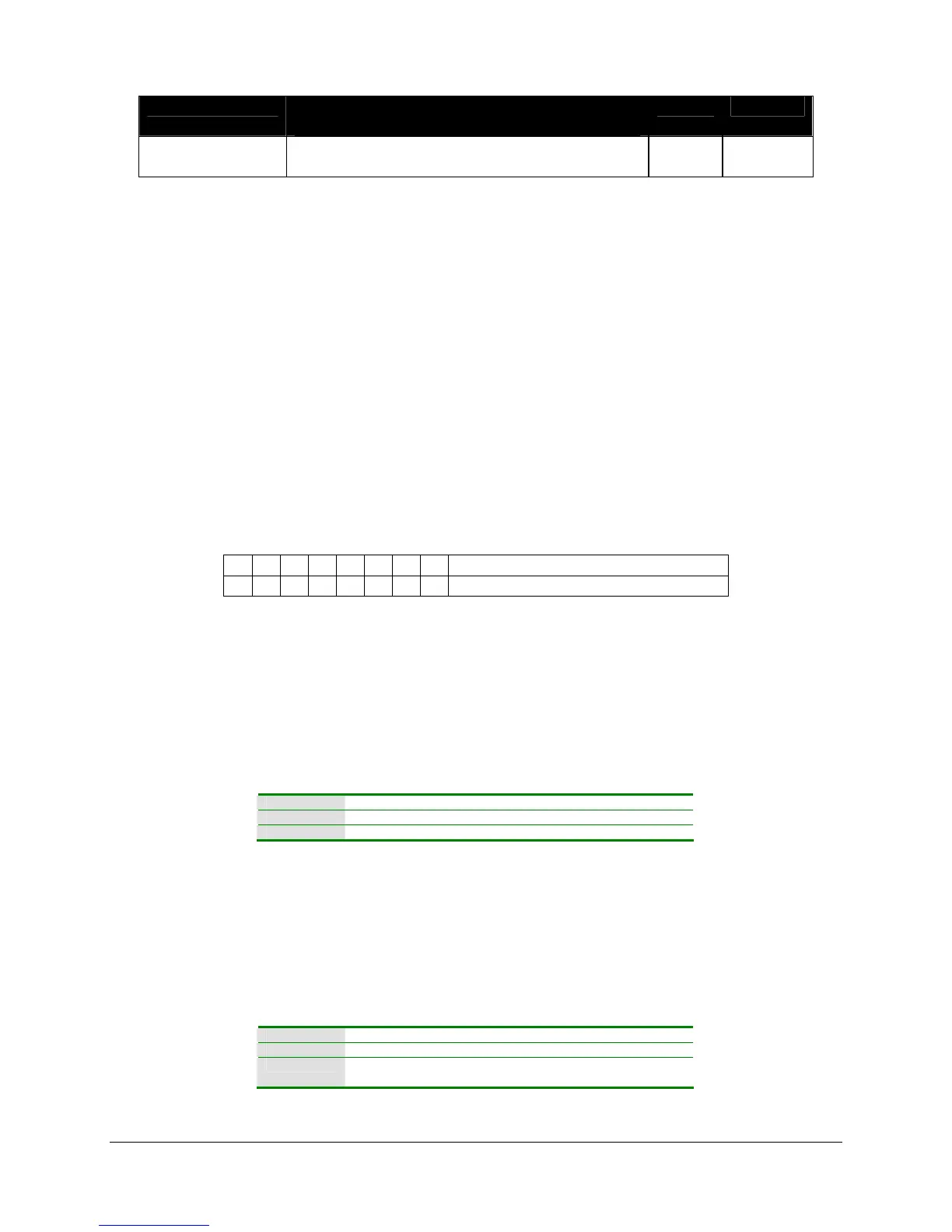
7 6 5 4 3 2 1 0 Bit
8 7 6 5 4 3 2 1 Channel (0=disable, 1=enable)
This mask is bitmapped, so for example, if you would like the system to broadcast data from the
first and fifth channels of a card. Your mask should be 0x11 (0b00010001). Note the ActiveX
automation interface uses a different method for selecting the channels.
Skip Count - This value defines the number of scans to skip between each transmission.
Skipping scans will effectively lower the transmission rate. (For example, if you are scanning at
1000 scans per second and set your skip count to 100 scans you will be broadcasting online data
at a rate of 10 scans per second.) A skip rate of 0 means don't skip any scans.
LabVIEW Configure Online Data VI
Active X ConfigureOnlineDataTransfer method
Low-level Configure Online Data command
Programming Note: A System 7000 is capable of generating a significant amount of data traffic.
It is recommended that you use the skip count to reduce the amount of traffic.
3.15.2 Controlling the Real-time (Online) Data Transmission
If you have configured the System 7000 scanner to broadcast real-time data, you may start and stop the
broadcast programmatically.
LabVIEW Control Online Data Transfer VI
Active X ControlOnlineDataTransfer method
Low-level Start Online Data Transfer command
Stop Online Data Transfer command



 To Next Page