10
SN – Shows the unit serial number.
S. Port – Indicates the current RS-232 serial port protocol. The protocol and serial port functionality can be selected by
the administrator to match the right interface with external equipment or electronic systems.
USB – Indicates the current USB serial communication protocol. This protocol can be selected by the administrator to
match the right PC interface for monitoring and control.
Radio – Displays the selected paging radio used by the system. From the System Setup Menu, the user can select the
internal or external radio that is being used for the system wireless paging activities.
RX – Displays the current receive frequency of the system radio. For example: 452.8625 MHz
TX – Displays the current transmit frequency of the system radio. For example: 462.7500 MHz
Phone – Shows the status of the system phone line interface. If integrated and functional the status will be INST,
otherwise it will be N.A.
SMS Modem – Shows the status of the system LTE modem interface for text messaging. If integrated and functional the
status will be INST, otherwise it will be N.A.
WiFi – Shows the status of the system Wi-Fi network interface. If integrated and functional the status will be INST,
otherwise it will be N.A.
GPS RX – Shows the status of the system GPS receiver. If integrated and functional the status will be INST, otherwise it
will be N.A.
ALARMS – Indicates the status of the system’s seven alarm inputs. When any of the alarm inputs are active, its status
indication will change from ‘0’ to ‘1’. This field can help with diagnostic and testing of the alarm inputs
functionality.
VER – Shows the unit firmware version.
The user can use the [F9] button to refresh the screen and alarm inputs status or hit the [ESC] key to return to the Main
Paging Screen.
System Setup Menu
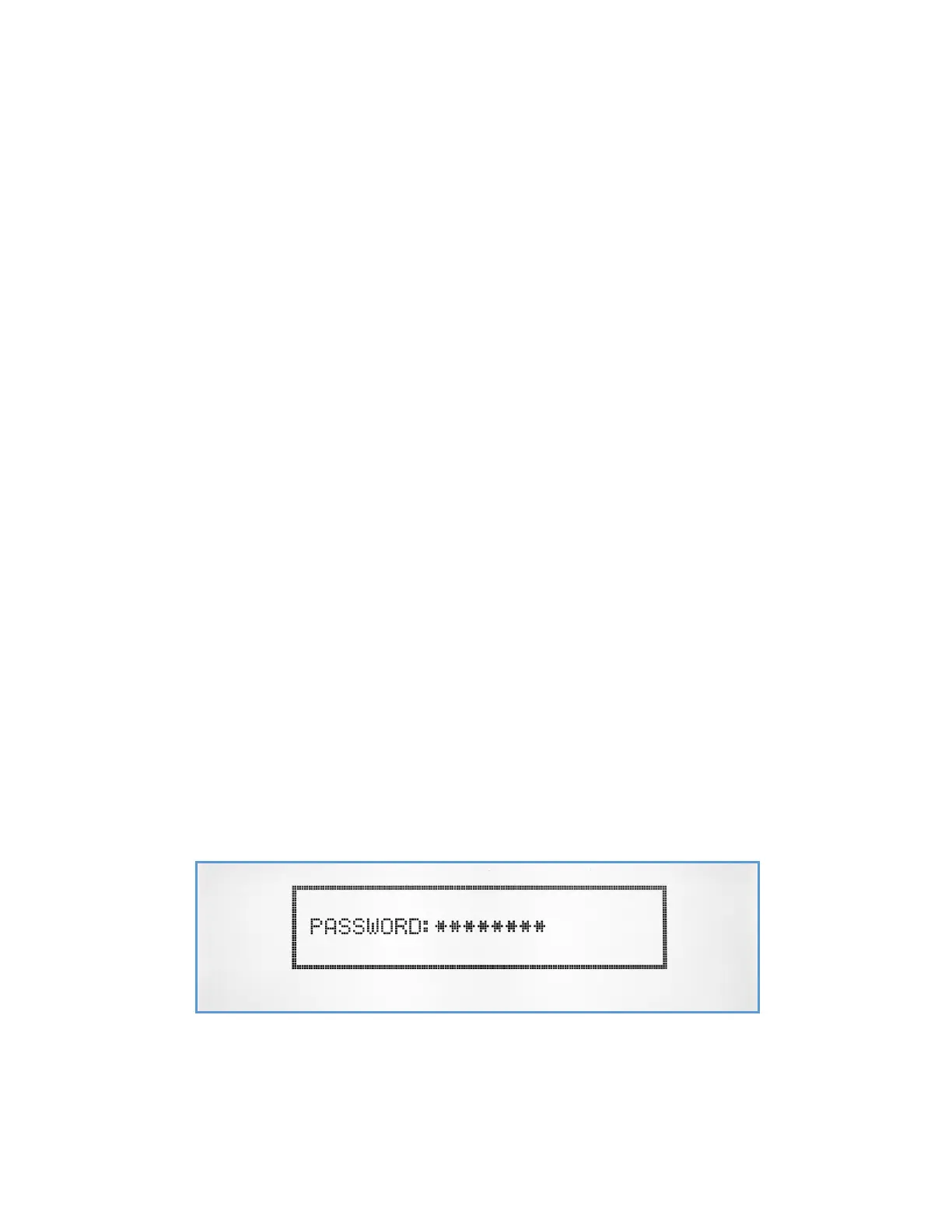
Accessing the System Setup Menu, requires an administrator level access and entering a password. This password can be
changed or disabled from the System Configuration menu. By default, the user will be asked to enter a password. The
factory default password is ‘PASSWORD’.
After entering the right password, the System Setup Menu will be displayed.



 To Next Page