22
Use the Left/Right arrow keys to navigate between the fields. Use [F5] to save any changes, [F9] to delete the event (if
editing an existing event) and hit the [ESC] key to exit the screen back to the previous menu.
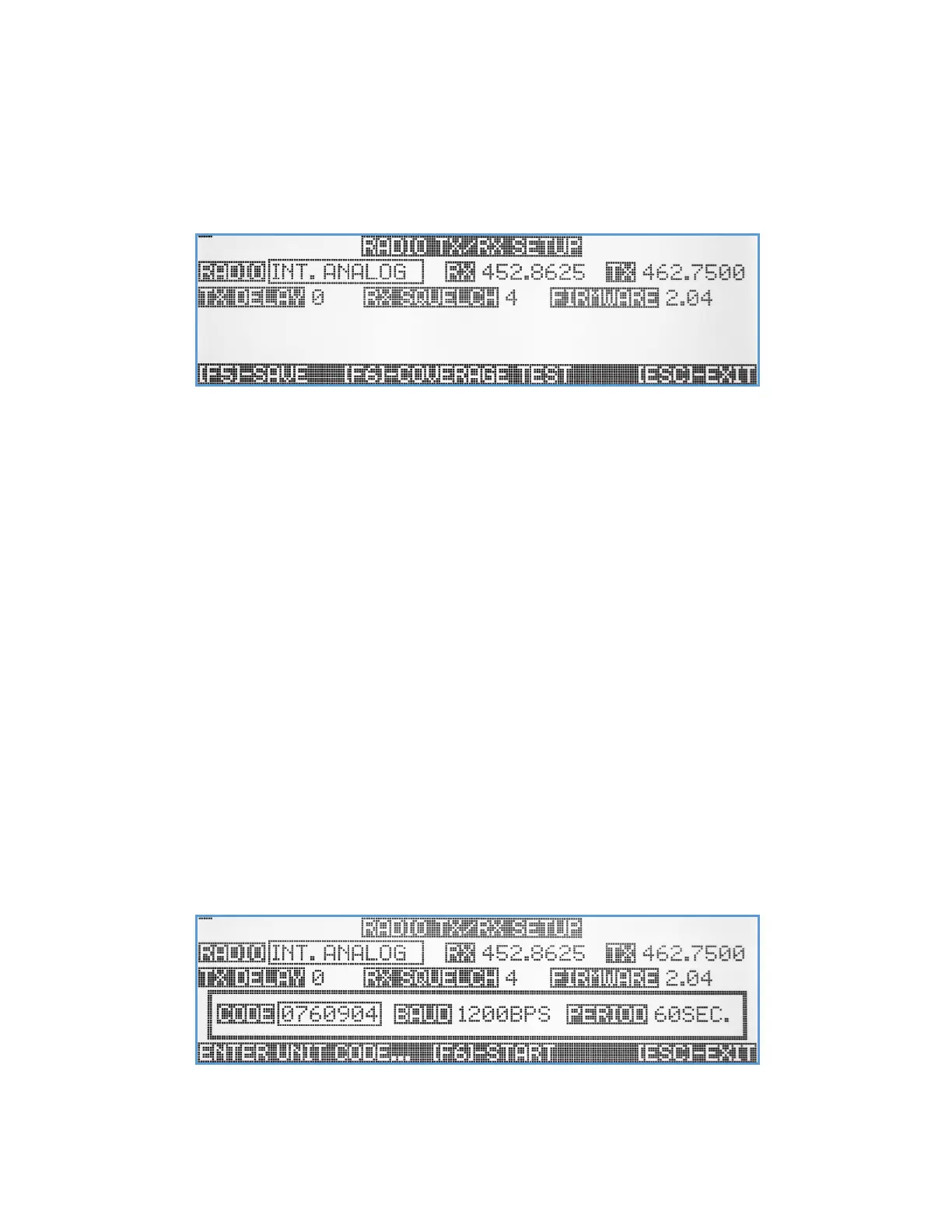
Radio TX/RX Setup
The Radio TX/RX Setup submenu lets the user select the type of radio the VS4820 base station will use for its paging
activities.
Radio – Use the Up/Down arrow keys to select the preferred available radio. External Analog or External Digital should
be selected when using a medium or high-power external paging transmitter such the Visiplex VS101xx series.
Internal Analog (default) or Internal Digital transmitter options should be selected when utilizing the VS4820
internal low-power transmitter.
RX – If internal transmitter or external digital transmitter been selected, the RX field will display the designated receive
frequency of the VS4820.
TX - If internal transmitter or external digital transmitter been selected, the TX field will display the designated transmit
frequency of the VS4820.
TX Delay – An option to add delay before the transmitter starts to send data (useful when using RF repeaters for a very
large area coverage). Use Up/Down arrows to select the number of seconds (0-9), where no delay (0) is the
default value.
RX Squelch – When using the RX channel to monitor paging activities, this field value can set up the squelch level to
minimize reception of weak signals and RF noise. Use the Up/Down arrow keys to select a value from 0 (no
squelch) to 9. Value of 4 is the default value.
Firmware – Display the firmware version of the selected radio transmitter.
[F6] – Coverage Test. When there is a need to check the RF reception limits of the VS4820 paging base station. Using a
portable receiver such as VP4 pager, the user can set up the system to send a test message every certain
amount of seconds and verify reception of the message in different site locations to ensure system transmitter
RF coverage. The user can set the pager code/capcode, baud rate and time between test page transmissions.
Use the Left/Right arrow keys to navigate between the fields. Use [F5] to save any changes and hit the [ESC] key to exit
the screen back to the previous menu.



 To Next Page