24
Setup Screen Password – Use this menu item to change the Setup Menu access password. Use the [Del] key to delete
the current password, or type to edit it. If this password field is being left empty, no password will be required
to access the System Setup Menu from the Main Paging Screen (default password is PASSWORD).
Paging Screen Password - Use this menu item to change the Main Paging Screen access password. Use the [Del] key to
delete the current password, or type to edit it. If this password field is being left empty, no password will be
required to use the Main Paging Screen (default no password).
Password Entry Timeout – An elapsed timer feature for the System Setup Menu and Main Paging Screen passwords.
After the assigned timeout, the user will need to enter the password again. Timeout can be set from 000
(disabled) to 240 minutes. This safety feature is useful to ‘lock up’ the VS4820 keyboard when the unit is being
left unattended for a period.
Phone Access Pin – A 3-digit pin number for more secure phone access. If the VS4820 unit is equipped with telephone
interface, users could call in to activate system events. If this pin number is enabled, calling users will need to
enter the pin number before being able to select and activate events. Valid pin numbers are 000 (disabled) to
999.
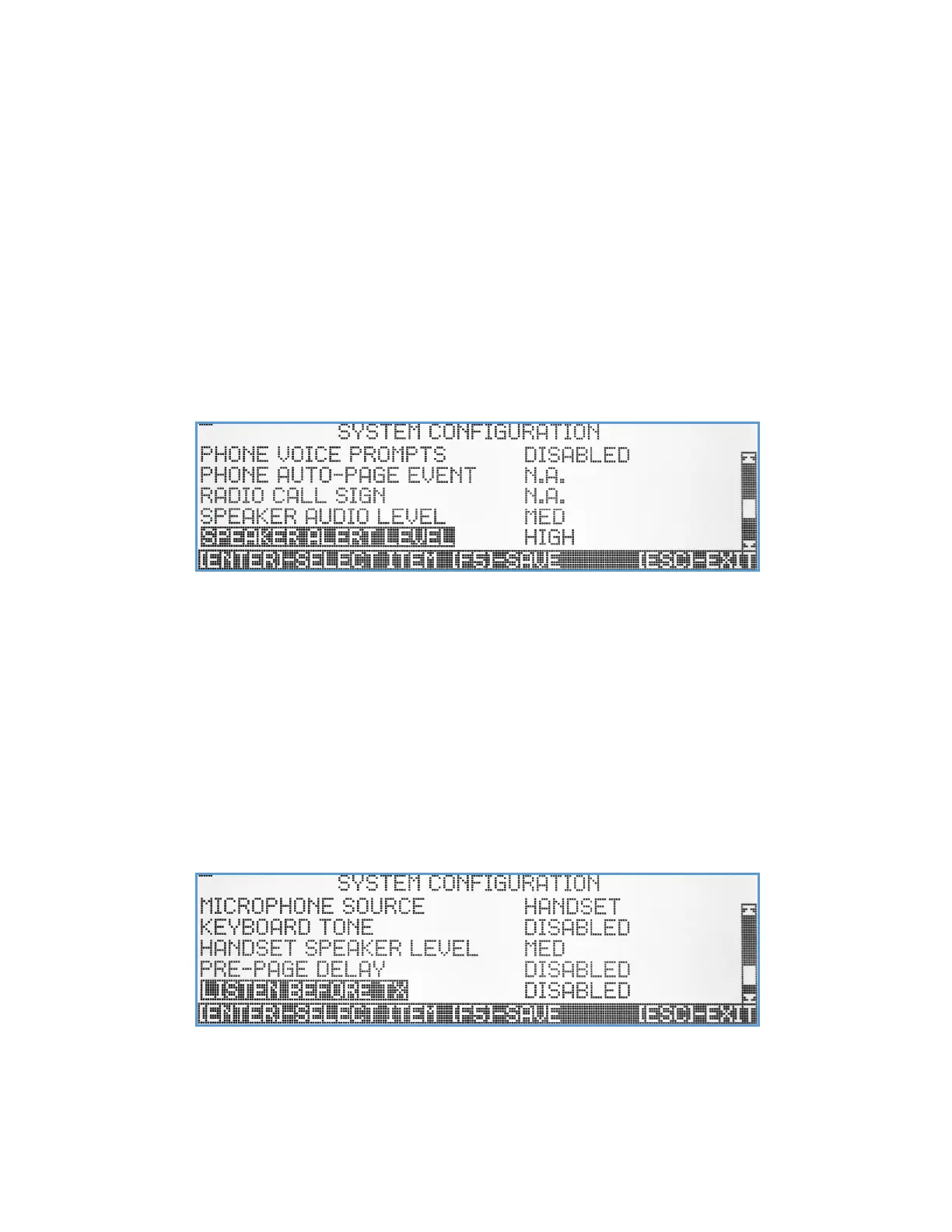
Phone Voice Prompts – Select if the telephone interface will communicate with callers using voice prompts or short
tones to speed up the call.
Phone Auto Page Event – A feature that will trigger a pre-defined event when incoming ring is detected by the
telephone interface. The user can enter a 3-digit event number or ‘000’ to disable this feature (default mode).
Radio Call Sign – Every FCC license to operate a radio comes assigned call sign. If needed, the user can type here the call
sign and the VS4820 transmitter will broadcast it every hour.
Speaker Audio Level – Set up the default Vs4820 built-in speaker level. The level can later be changed using the volume
control key [F7] & [F8]. The speaker audio level can be set to Mute, Low, Medium, High, and Maximum.
Speaker Alert Level – Set up the default Vs4820 built-in speaker alert level for incoming intercom calls. The speaker alert
level can be set to Mute, Low, Medium, High and Maximum.
Microphone Source – Set up the microphone source for the Vs4820. The user can select from Internal (using the unit
built-in microphone), Handset (when handset option is available), Desktop (when desktop microphone option
is available) or External to use 2-way radio microphone.



 To Next Page