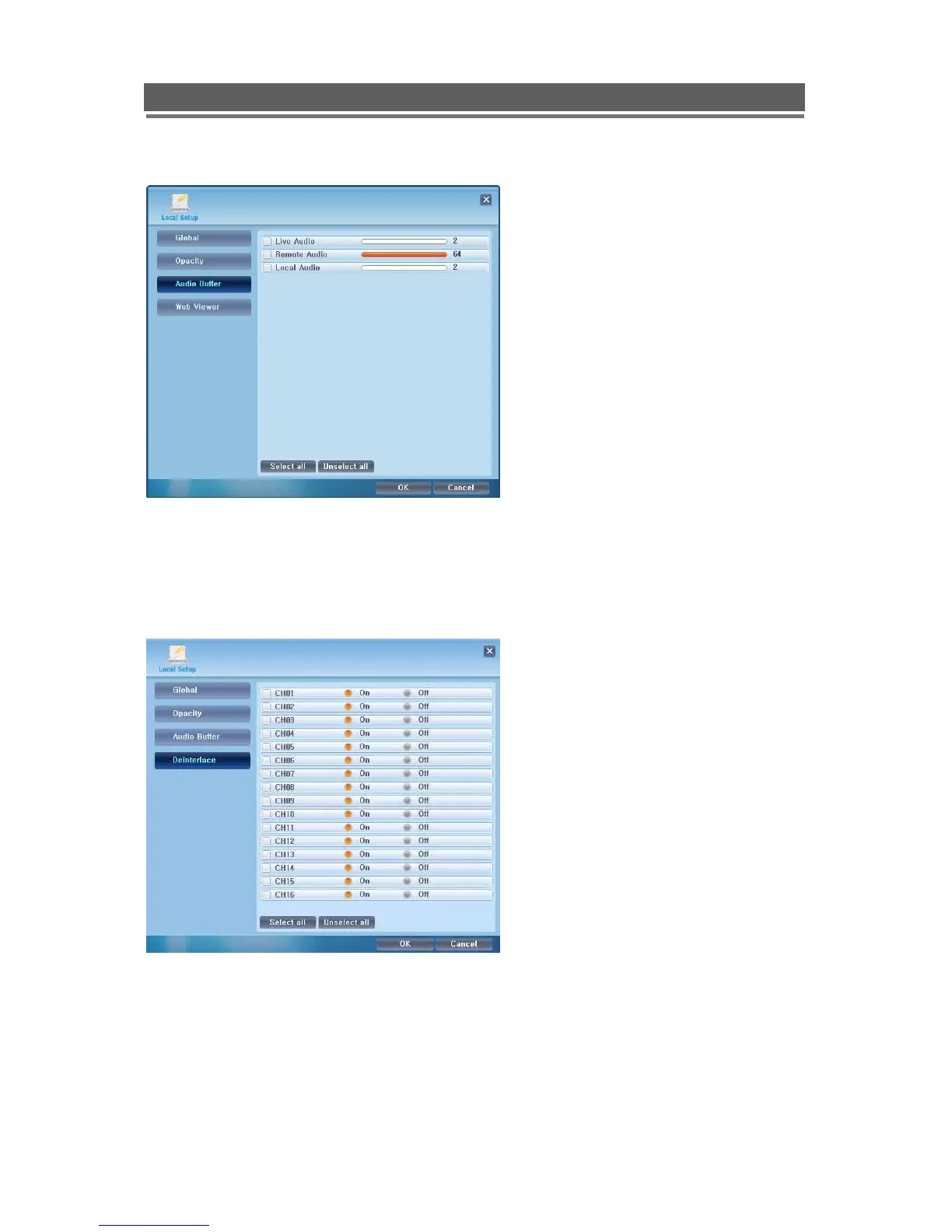
Audio Buffer settings are there to adjust the
audio over the network, this will compensate for
different network speeds ( LANs, WANs etc).
This can only be adjusted if the LIVE video is
switched off.
Adjust each variable to achieve best quality
video for Network bandwidth available, this is
best done through trial and error.
The Deinterlacing function should be
switched to ON for cameras recorded in D1
resolution, this removes the picture judder
seen when viewing still images of D1
recordings.



 To Next Page