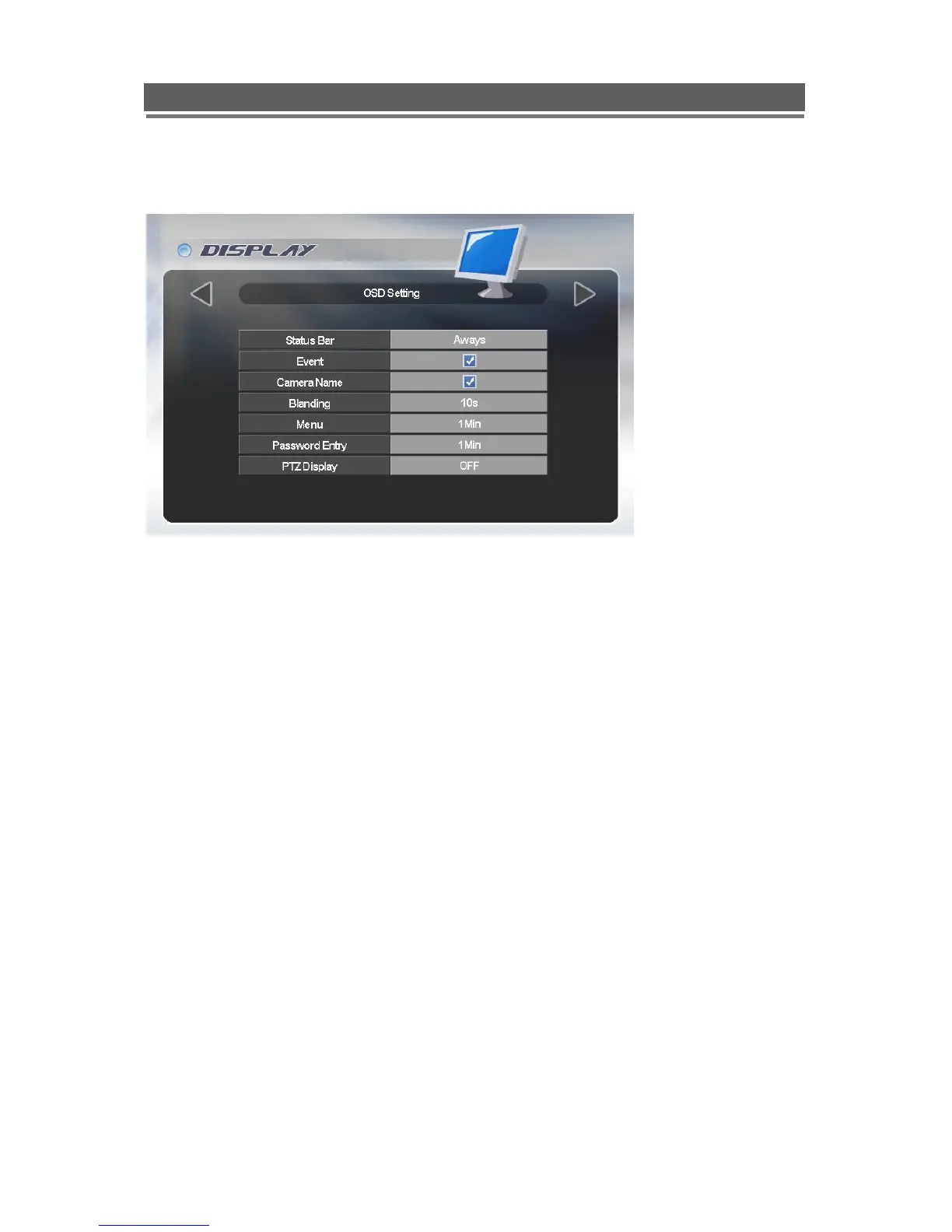
OSD Setting
On Screen Display Setting: Selecting information to be displayed on screen along with the
video.
Status Bar
The display bar at the bottom of the screen can be set to be permanently on or to disappear
after a preset period of time.
Event Display
Icons such as recording mode, motion detection can be displays or not (On /Off)
Camera Names
The camera title can be displayed or not (On/Off)
Blending
The opacity of the menus and Status bar can be set between 0 and 6, 0 is solid, 6 being very
opaque.
Menu
The menu display can be set to time out after either 1 or 5 minutes.
Password Entry
The password entry display can be set to time out after 1 or 5 minutes.
PTZ display
When in telemetry mode the on screen telemetry display can be set to be Always on or to
disappear after a set period of inactivity 5 or 10 second or Off.



 To Next Page