Play back down loaded files
Open the viewer software but do not connect to a unit, click the cancel button to remove the
log on box.
Next click on the Local search button the normal search box will appear, use the
same method to search the files on the PC and Play back.
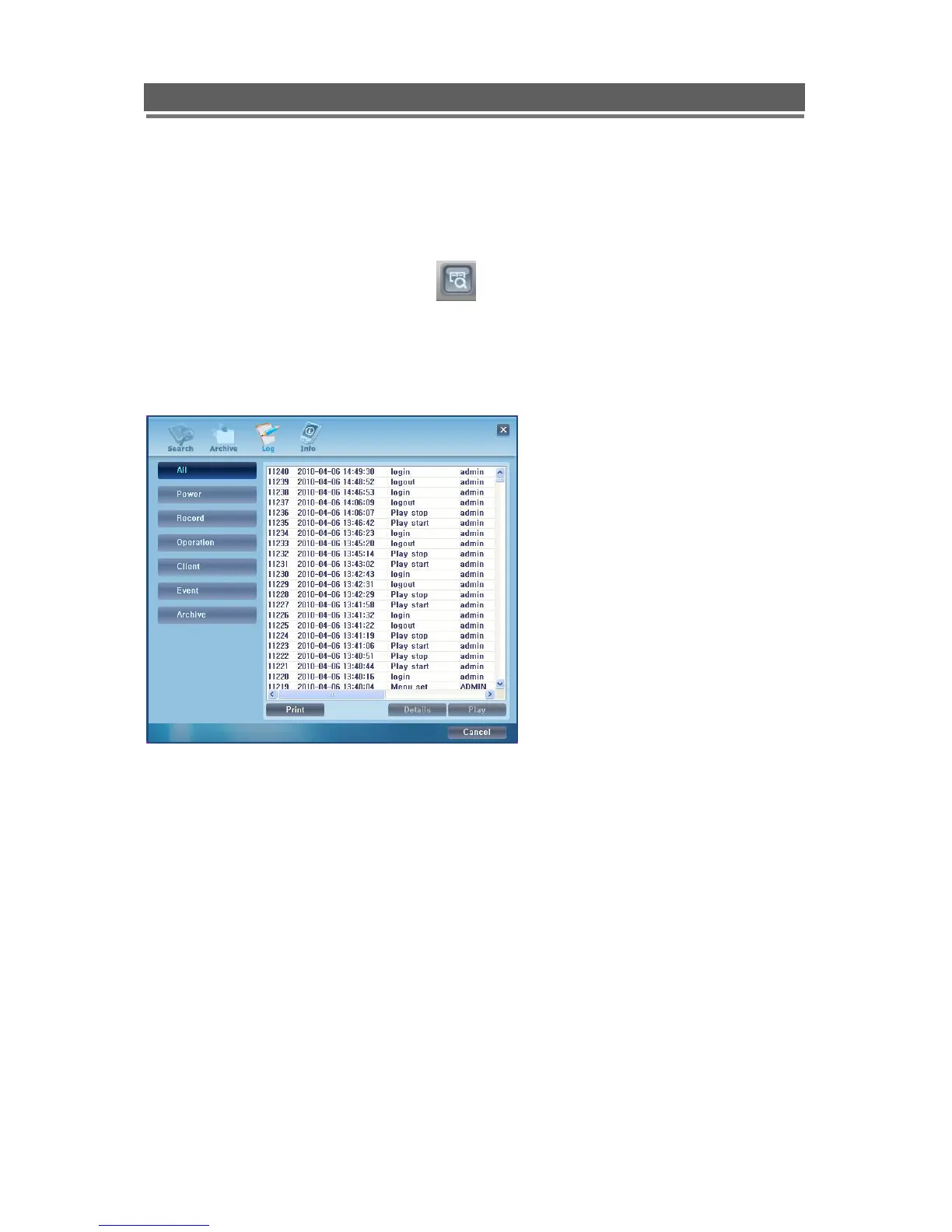
Remote Log
The Log file can either be viewed or printed. The recorded Event can be played, by selecting
it and clicking on Play.
The log list can be viewed as a whole or filtered by the following types:
Power: Power on, Power off,
Record: Rec fail, Rec start, Rec stop, Rec error, Rec full
Operation: Play start, Play stop, HDD format, Menu set
Client: R_Login, R_Logout, R_Logfail, R_Play, R_Transfer, R_Rec on, R_Rec off,
R_Upgrade
Event: Alarm, Motion, Audio, Video loss, Email fail.



 To Next Page